


Thunderbird not saving all Recent Destinations

I recently updated Thunderbird to Nebula v139.0 and now my "Recent Destinations" list is not saving all my folders in its list after moving / copying emails to the destination folder I selected. It seems that the "Recent Destinations" list is only saving (or maybe just displaying) folders with names beginning with "A" - "N". If I move an email to a folder with its name beginning with "O" - "Z", the email will be moved to the appropriate / selected folder, but the folder (destination) name will NOT appear in the "Recent Destinations" list.
所有回复 (7)
I am unable to reproduce this.
1. What add-ons do you have installed? 2. Does the problem go away in Help > Troubleshoot Mode?
I only have the "BitDefender Toolbar" Add-On - which I've had for years.
Recently, Thunderbird was updated to Version 139.0.1 and this problem still exists. Only it is more apparent that there is no limitation to the recent folder names beginning with ANY prticular letter. No recent folder named, for moving / copying an email to, is being shown in the "Recent Designations" list.
I tried using Troubleshooting Mode and it DID add the recent folder name to the "Recent Designations" list and then I saw the folder name in 'regular mode'. But still unable to add any new (used) folder names in regular mode.

blkalish said
I only have the "BitDefender Toolbar" Add-On - which I've had for years. Recently, Thunderbird was updated to Version 139.0.1 and this problem still exists. Only it is more apparent that there is no limitation to the recent folder names beginning with ANY prticular letter. No recent folder named, for moving / copying an email to, is being shown in the "Recent Designations" list. I tried using Troubleshooting Mode and it DID add the recent folder name to the "Recent Designations" list and then I saw the folder name in 'regular mode'. But still unable to add any new (used) folder names in regular mode.
See what happens in regular mode if you disable BitDefender Toolbar.
I tried disabling Bitdefender Toolbar. Moved an email to a folder (destination) and the folder did NOT appear in the "Recent Destinations" list.
blkalish said
I tried disabling Bitdefender Toolbar. Moved an email to a folder (destination) and the folder did NOT appear in the "Recent Destinations" list.
Have you made any modifications using CSS or using a theme (built-n or 3rd party)?
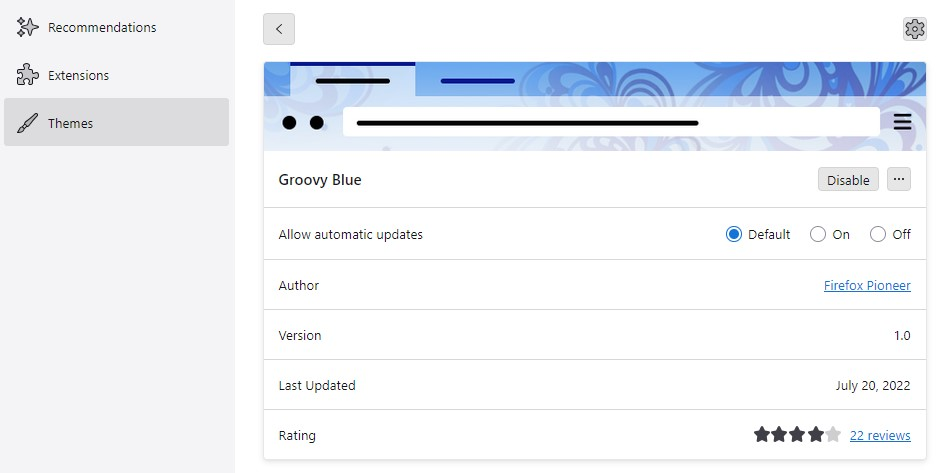
No modifications. Not familiar with CSS. Using a theme - "Groovy Blue". Been using it for years.
¯\_(ツ)_/¯ You could report it as a possible bug (https://bugzilla.mozilla.org/enter_bug.cgi/).