


No password autofill on Firefox for Android (Samsung Galaxy S23)

Hi, I have Firefox for Android running on my Samsung Galaxy S23 and the windows version on my PC. Both are logged in to the same Firefox account and are syncing fine. On my PC, the password manager is working as expected and autofilling website passwords.
However, on my phone, I can't seem to get the autofill to work. I have been needing to go into the password manager and copy the password every time. It will ask to save the password and the password manager has everything stored as expected. Tried various things like logging in and logging out but nothing has fixed it. I did notice that Samsung Pass often pops up during the website login process and was wondering if this could be the reason Firefox password manager is not working for autofill.
Your help would be much appreciated. Thanks!
由NoahSUMO于修改
所有回复 (5)
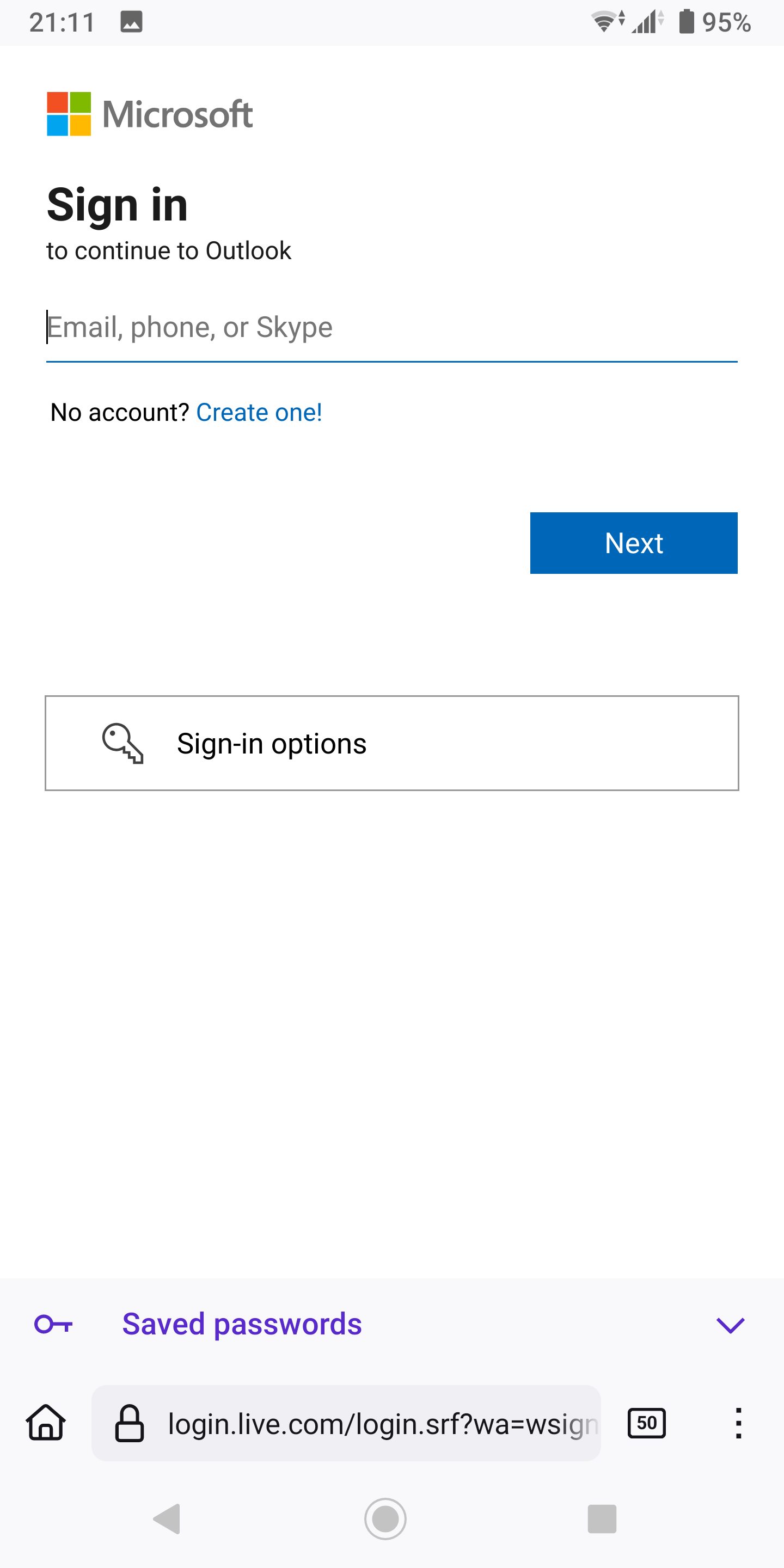
Here's what it looks like on my Xperia XZ3 running Android 10. See screenshot You see the saved password prompt at the bottom. I'll go check my other phone running Android 15 and post another pic.
由jonzn4SUSE于修改
I have the same issue with on a Google Pixel 6 Pro running Android 15 (BP1A.250505.005) with Firefox version: 139.0.4 (Build #2016095887), hg-3825afc77e5b+ GV: 139.0.4-20250609112858 AS: 139.0.1
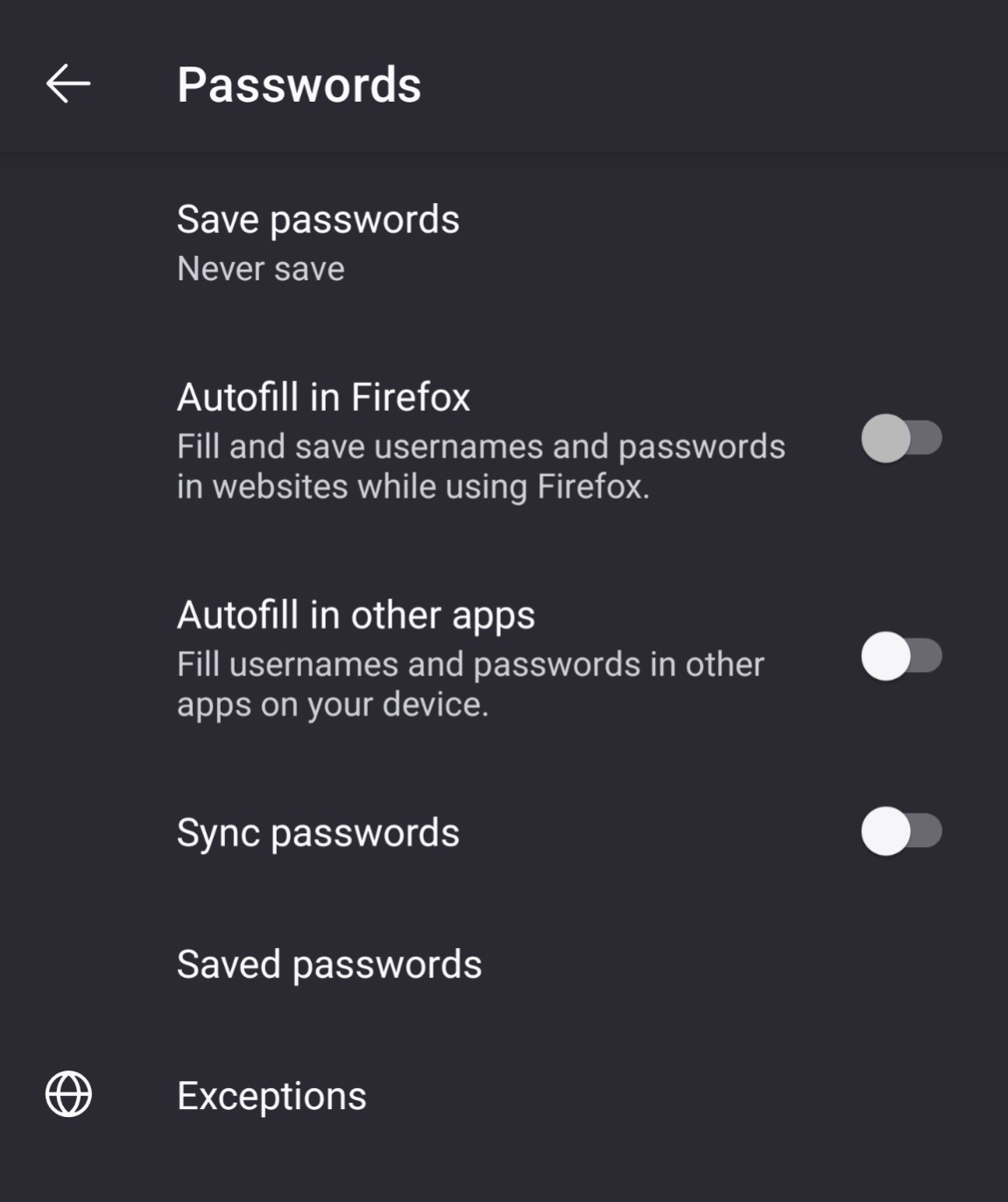
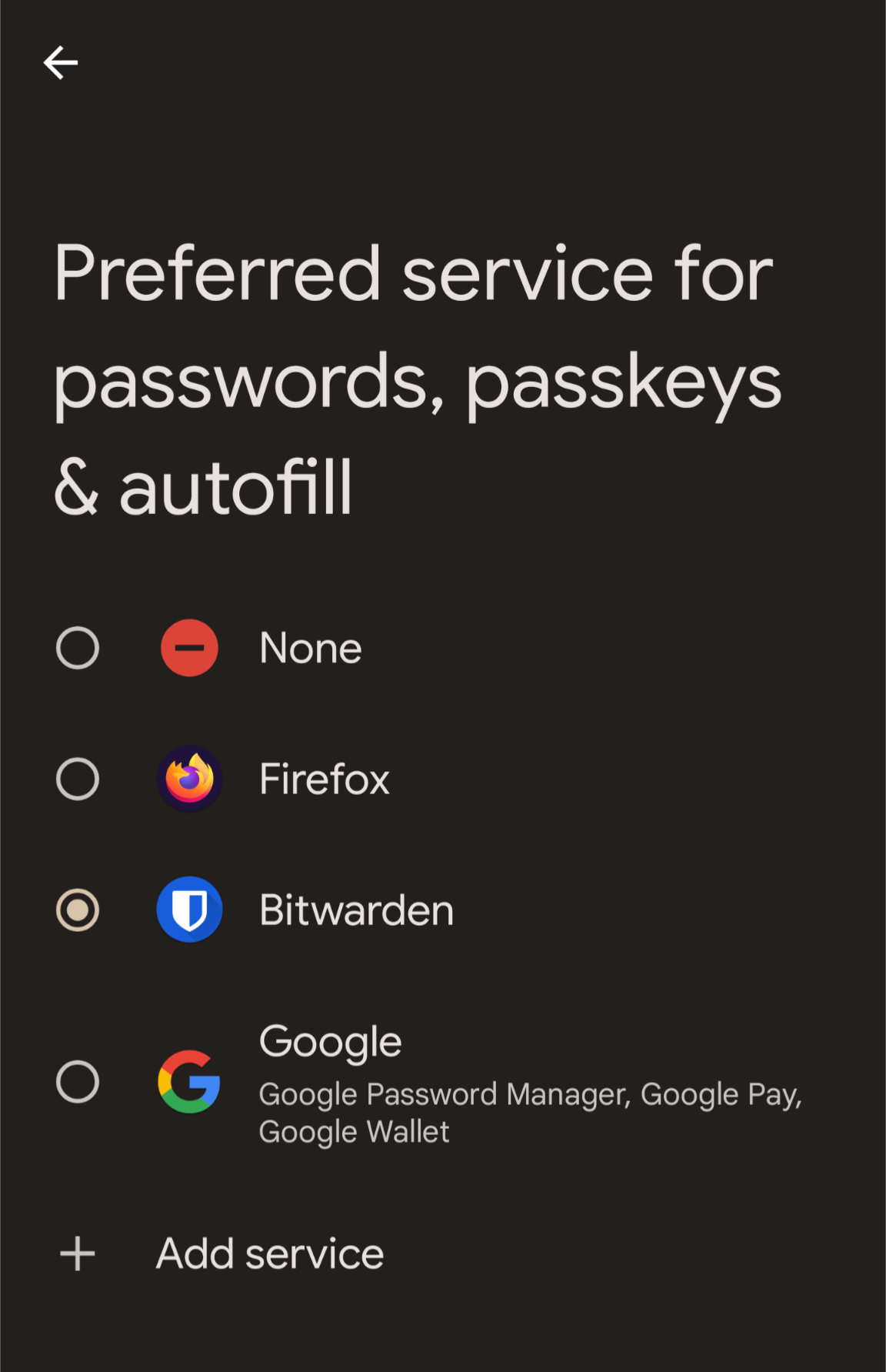
Selecting anything other than Firefox results in the "Autofill in other apps" toggle remaining off. This is extremely inconvenient for users who have an external password manager app.
I have same problem its very frustrating.

I have had the same problem for years (on 2 phones). Was always annoyed by the "Saved Passwords" window that would pop up on my old MotoG since I'd set up autofill. I thought it must be part of that phone's system, but it's still appearing on my new Samsung Galaxy so I'm afraid it's a Firefox thing. I can't figure out how to use it -- if I click on the password it shows, nothing happens. Can anyone help?
Yeah, it is strange...the password manager that pops up at a logon page will work properly on only 2-3 websites. The rest of websites I visit just get a saved login and password selection that is not correct for that particular website. So, I have to do copy paste out of the Firefox password manager as the standard process. Not great...I do with they would fix this. Everything works great for saved passwords on the desktop version of Firefox so it is a bummer the mobile version can't match the experience.