


Can't keep pinned tabs

Firefox will not longer close without also closing my pinned tabs which pretty much defeats the purpose of pinning tabs for later and makes it much harder to keep track of things. I didn't notice the first time and lost my pinned tabs that had been there for months, I immediately put them back but now everytime I try exiting firefox it informs me i'm about to close however many tabs are open + the pinned tabs. Does anyone know how to solve the problem/what might be causing it.
所有回复 (2)

You have verify what you have Firefox doing when you close the browser. Pinned tabs are a must for me and they are always there when I reopen my browsers. see screenshots Uncheck Browsing and Download history.
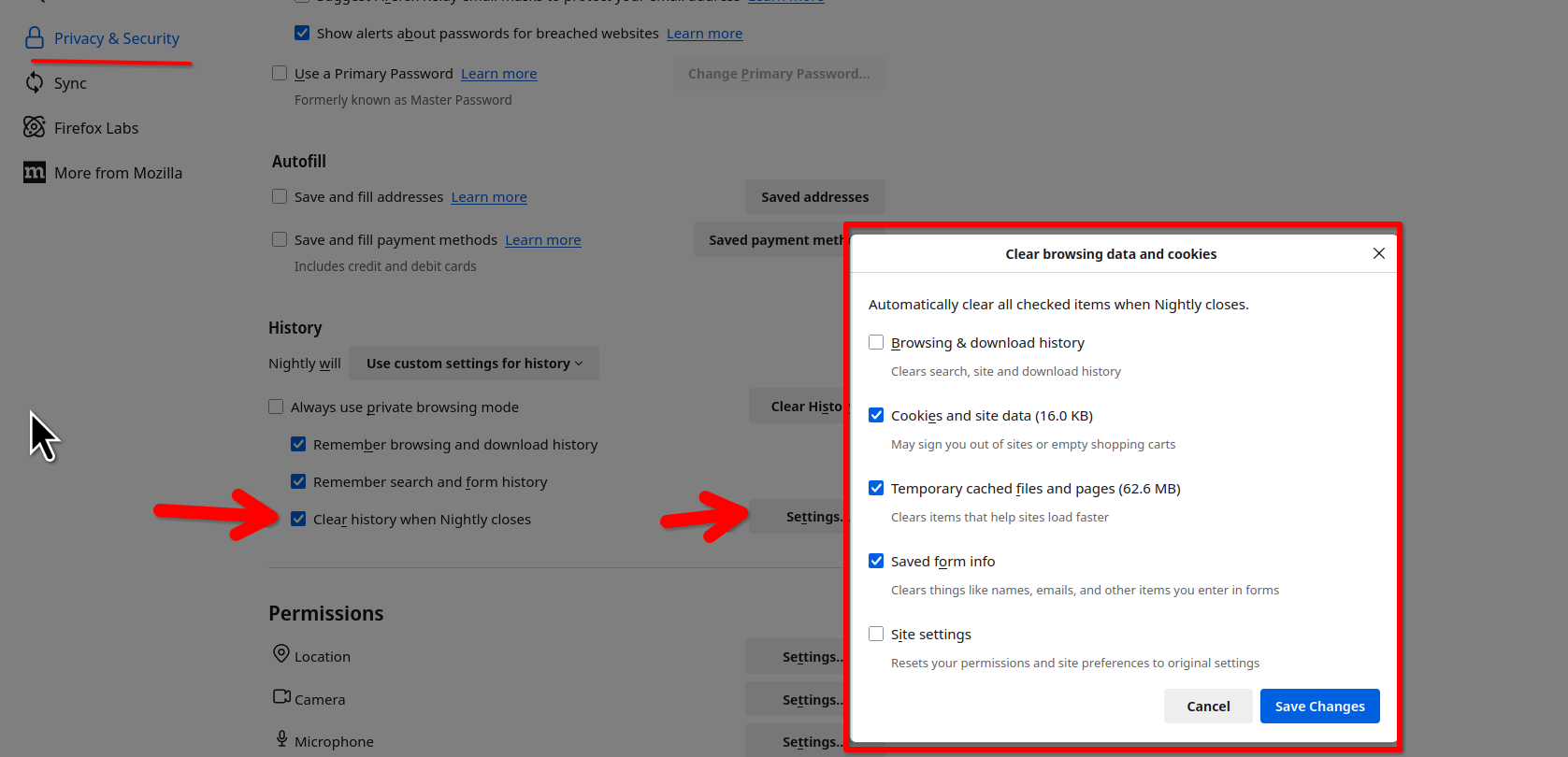
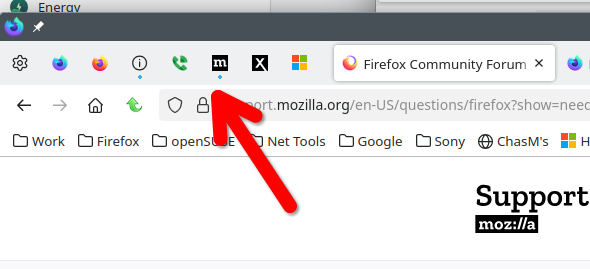
由jonzn4SUSE于修改

its a fact that ff is losing pinned tabs when the user does not take care on specific ways of closing windows order. this should be possible to be implemented better. in a way that pinned tabs can't be lost.