Shortcut key for AI Chatbot sidebar?

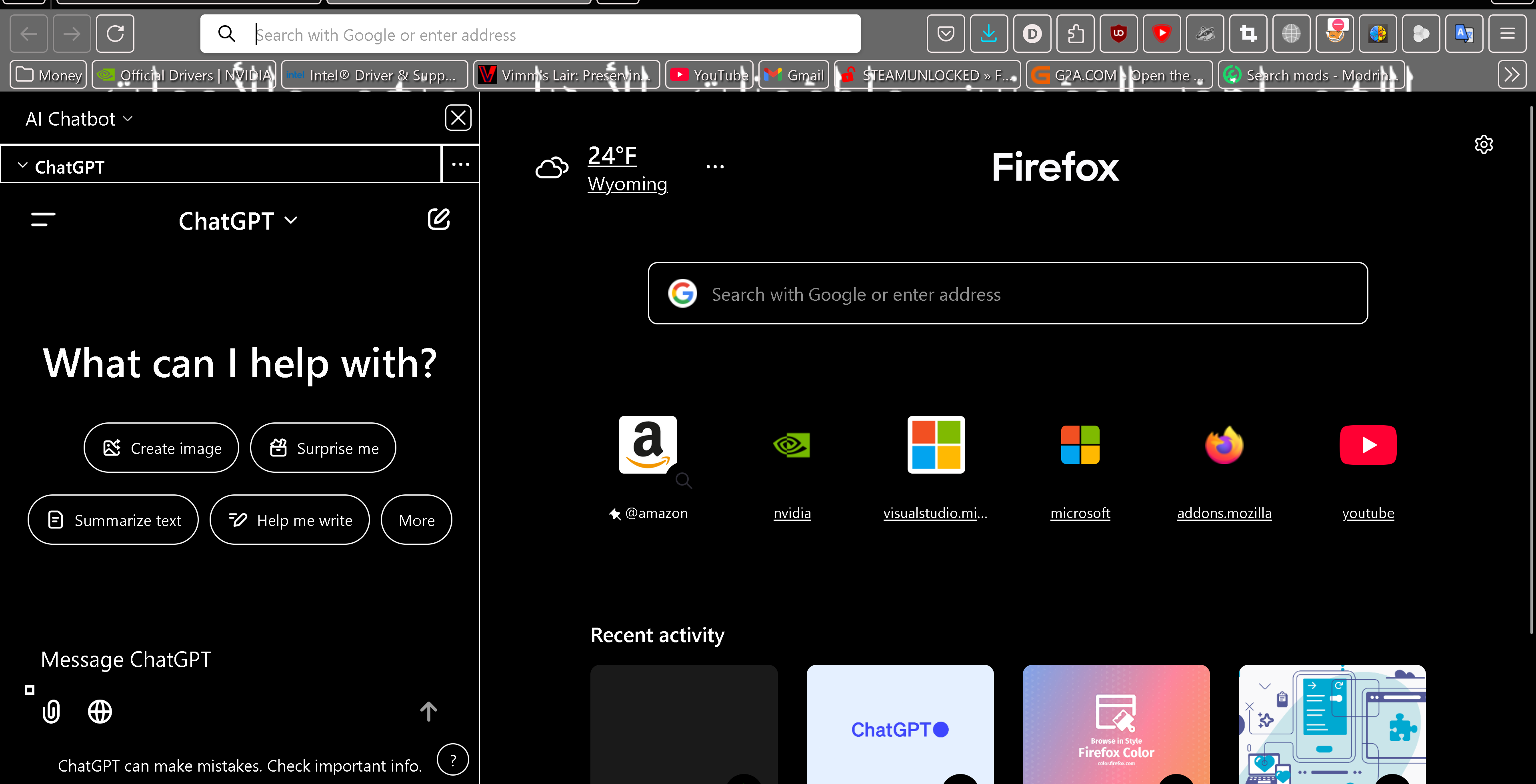
Can you tell me the key(s) to open the AI Chatbot sidebar under Firefox Labs? (or implement one if you haven't) every time i hit the X to close it (as it takes up a lot of space) there is no easy way (that i can find) to reopen it without clicking through a bunch of stuff. Thanks!
被采纳的解决方案
dripsalot616, a hotkey for the AI side panel is on the radar of the developers.
There are discussions on Bugzilla of ctrl+alt+Z being used for the new side panel, and ctrl+alt+X being used for the AI side panel (for some operating systems, at least).
Not sure if either will work in your edition of Firefox, or whether these specific combos will end up being used in the regular edition.
定位到答案原位置 👍 3所有回复 (2)

选择的解决方案
dripsalot616, a hotkey for the AI side panel is on the radar of the developers.
There are discussions on Bugzilla of ctrl+alt+Z being used for the new side panel, and ctrl+alt+X being used for the AI side panel (for some operating systems, at least).
Not sure if either will work in your edition of Firefox, or whether these specific combos will end up being used in the regular edition.
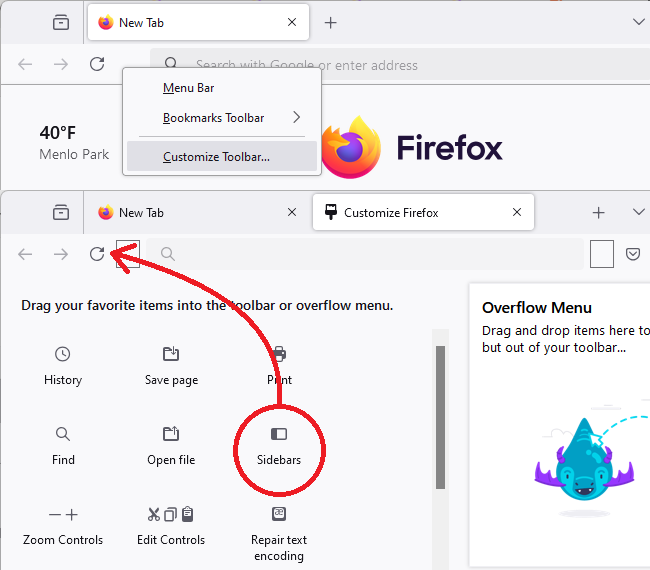
For quicker access, you can add the Sidebars button to your toolbar. Using the Customize panel: Customize Firefox controls, buttons and toolbars. Should look more or less like the attached.