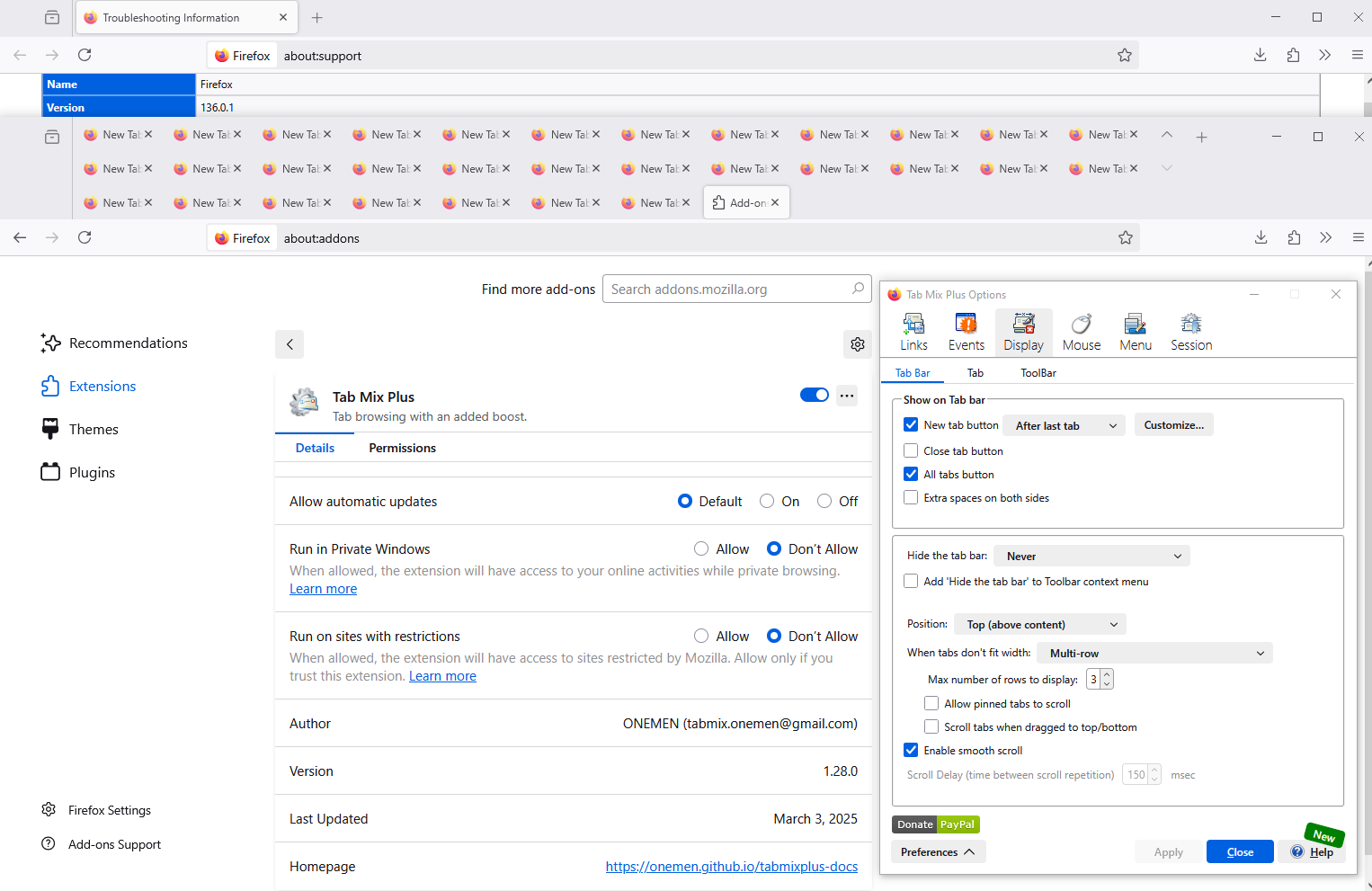
New version (131.0- 64bit) not allowing multi-row option

A couple of years back there was an extension called Tab Mix that allowed users to have multiple rows of tabs to allow more to be visible at a time. A major revision to Firefox rendered it useless. Another user figured out how to allow multiple rows of tabs (https://www.youtube.com/watch?v=oVlLVySe5OI) which worked perfectly until version 131.0-64bit came out. Whatever was changed in it made the hack quit working. I really liked being able to see multiple rows of tabs because I tend to keep a lot open. I'm hoping that can be fixed with the next revision or two or that one of you has a different work-around.
所有回复 (3)
Hi, we won't keep backward compatibility forever. You have to replace your css file with that from https://github.com/MrOtherGuy/firefox-csshacks/tree/master/chrome . His version works with 131.

Couldn't you just make a setting for this, so there would be no need for "hacks"?
Hello
About Tab Mix Plus https://connect.mozilla.org/t5/discussions/why-has-ff-131-0-broken-multi-rows-again/m-p/73050/highlight/true#M27981 Firefox 131 https://connect.mozilla.org/t5/discussions/why-has-ff-131-0-broken-multi-rows-again/m-p/88726/highlight/true#M34241 Firefox 135
Firefox 136 below