


Tabs in Android

Hi,
I would like to be able to switch from tab to tab in 'Firefox Android'. The tabs are not listed next to the two dots ':' Can someone help me with this? This would be much appreciated, as I enjoy 'Mozilla Firefox' very much. Thank you.
被采纳的解决方案
Wait! I just closed a couple of tabs and now the number is showing next to the ':'.
定位到答案原位置 👍 0所有回复 (18)
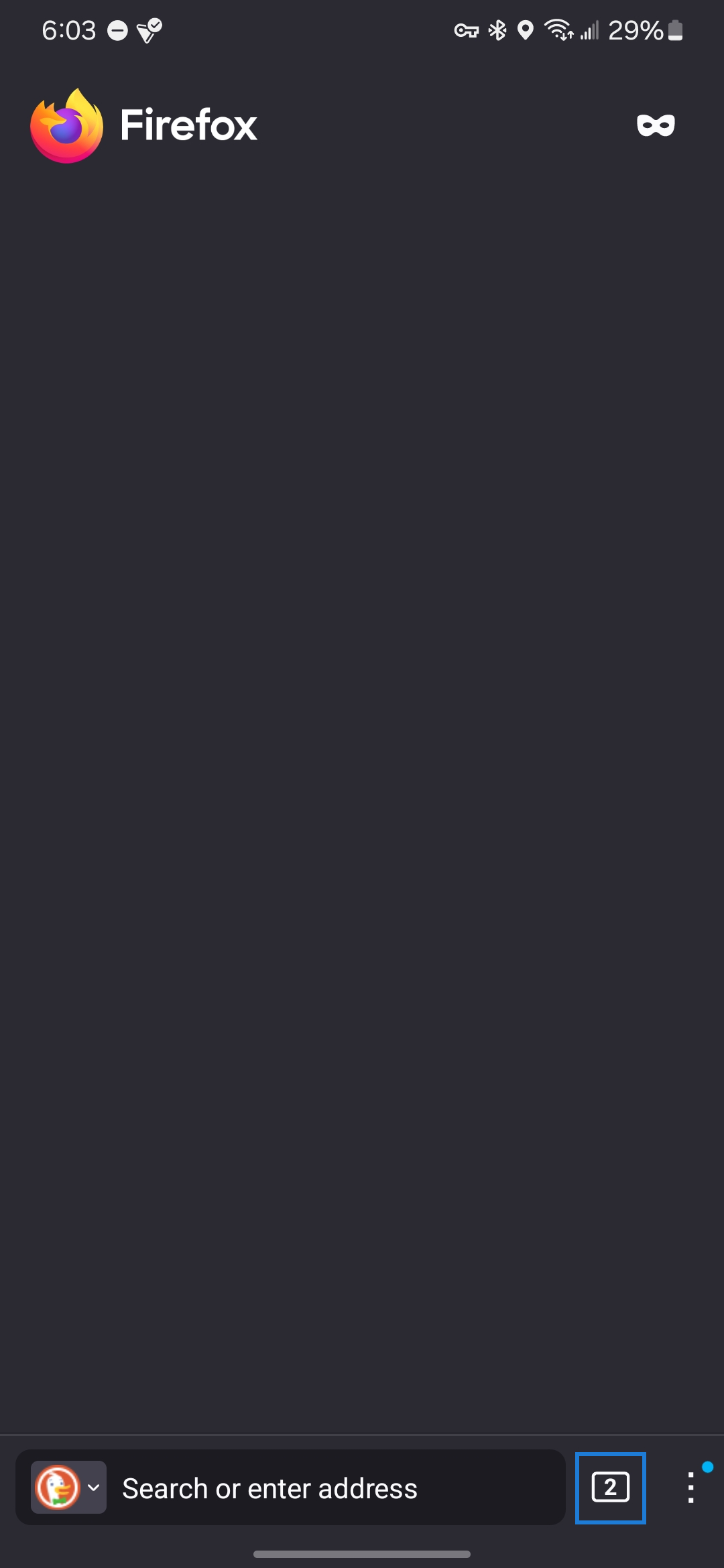
Tabs are stored in the box with a number in it right next to your search bar.
Khalid said
Tabs are stored in the box with a number in it right next to your search bar.
Can you join a screenshot please

Sure thing.
Khalid said
Sure thing.
Thank you for your screenshot. As you can see in the screenshot I provided when I replied to you there are no tab numbers. Here I will attach it again.

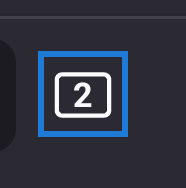
I have displayed what you need to click to access your tabs below:

Khalid said
I have displayed what you need to click to access your tabs below:
Thank you: what do I do next?
Khalid said
I have displayed what you need to click to access your tabs below:
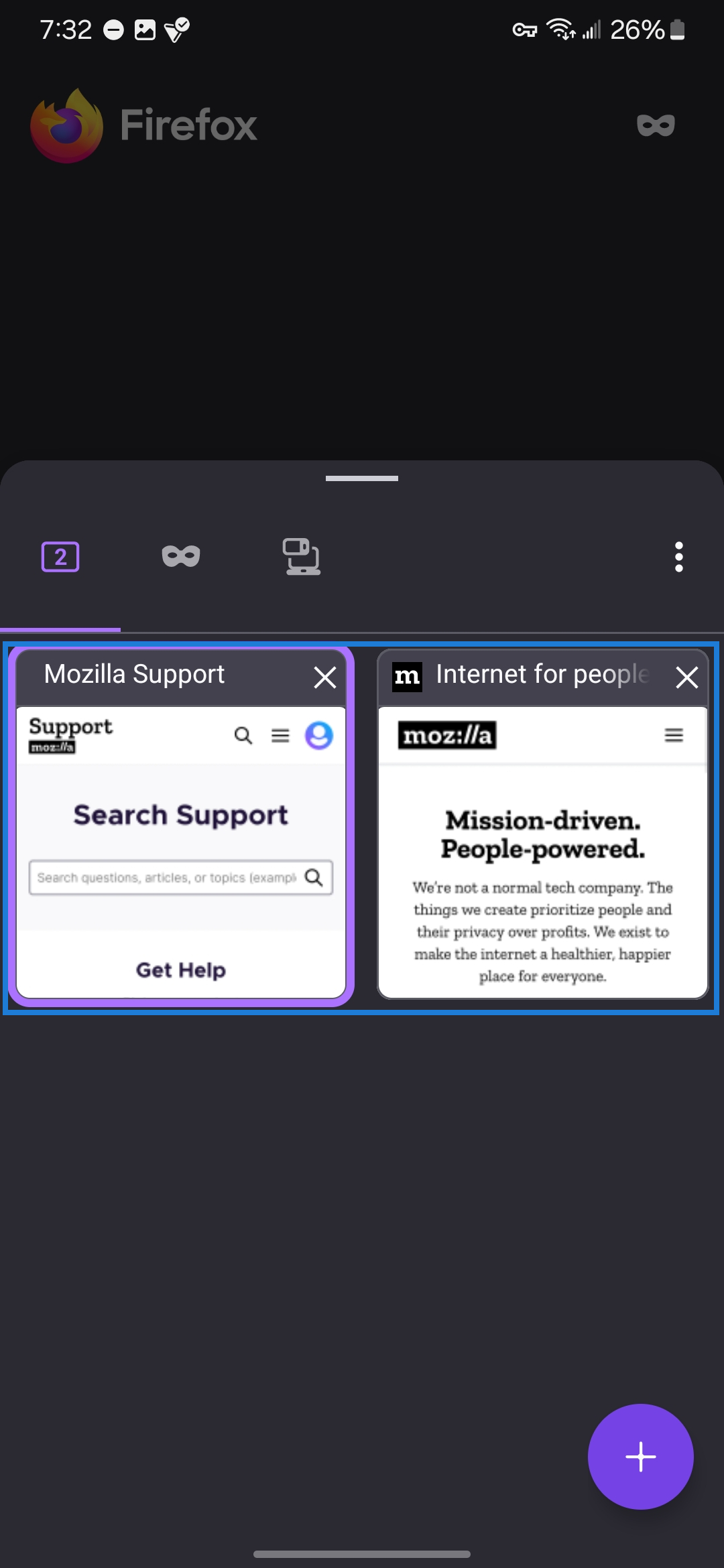
What do I click on to see the tabs the way it is configured for you please?
There you go. If i misunderstood what you where asking for, please let me know.


Khalid said
There you go. If i misunderstood what you where asking for, please let me know.
How do I get to this display please? Screenshot attached.
Khalid said
There you go. If i misunderstood what you where asking for, please let me know.
I understand. I click on the glasses icon and I see all my tabs. I was wondering why they are not numbered in my case.
Can you provide a screenshot of what you see when you click the tab button?
Khalid said
Can you provide a screenshot of what you see when you click the tab button?
I see all my tabs. But it doesn't indicate how many I have. But it's alright, thank you so much for your help, now I know how to access my other tabs!
Hey DTS, If you provide a screenshot of what you see when you click the tab button, i can help you get the number by it!
选择的解决方案
Wait! I just closed a couple of tabs and now the number is showing next to the ':'.
Khalid said
Hey DTS, If you provide a screenshot of what you see when you click the tab button, i can help you get the number by it!
Thank you very much for your help!
Note that you can easily switch tabs by swiping left/right over the address bar where you see the tab count.
cor-el said
Note that you can easily switch tabs by swiping left/right over the address bar where you see the tab count.
Thank you! I didn't know! I just tried it and it works perfectly!
Thank you for using Mozilla Support. You can close the thread by clicking the three dots, then "Chose solution" on the one that solved your problem.