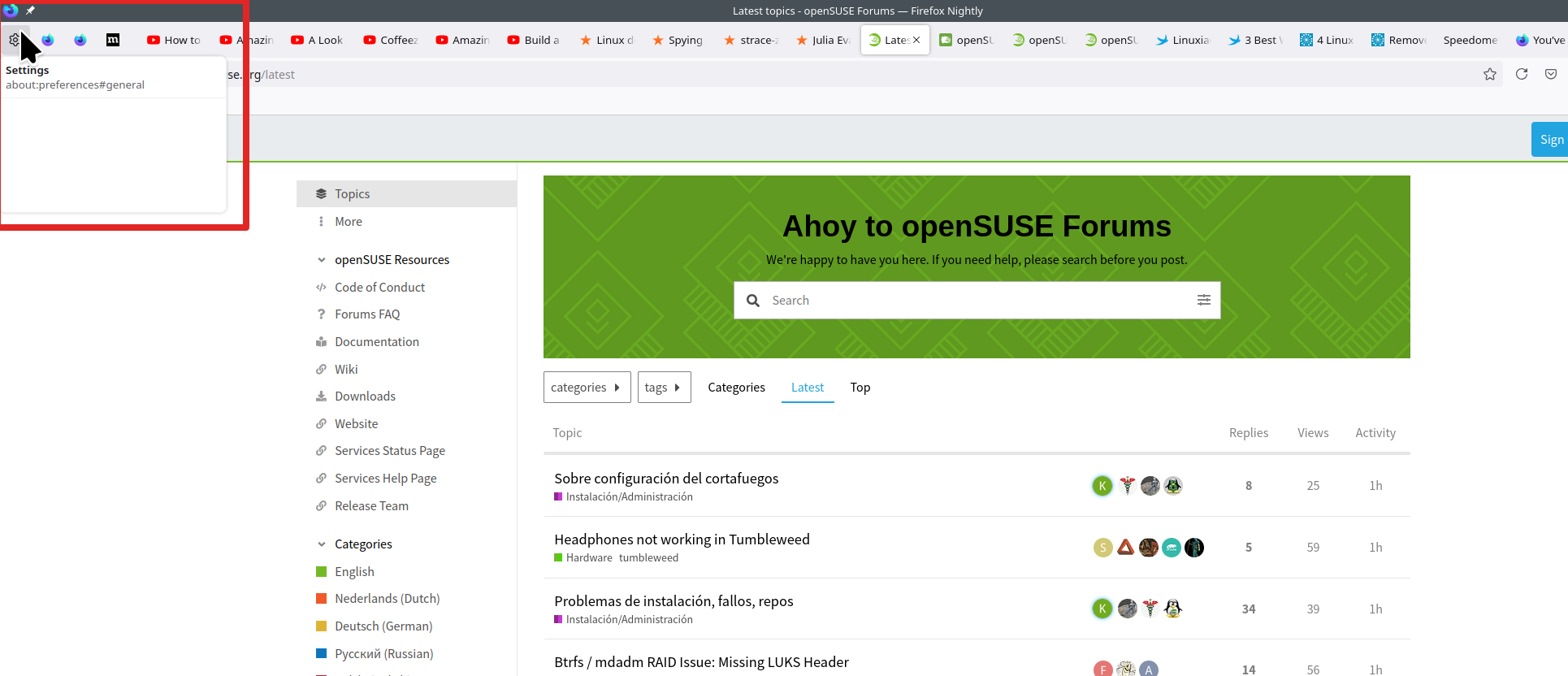
Showing empty box when hover tabs

Hi, so I've "Show an image preview when you hover on a tab" setting under Tabs section "Off". Preview is not showing but instead there is am empty box like on attached image. I couldn't find any other option to turn that off also.
I'm using latest firefox nightly release.
所有回复 (1)

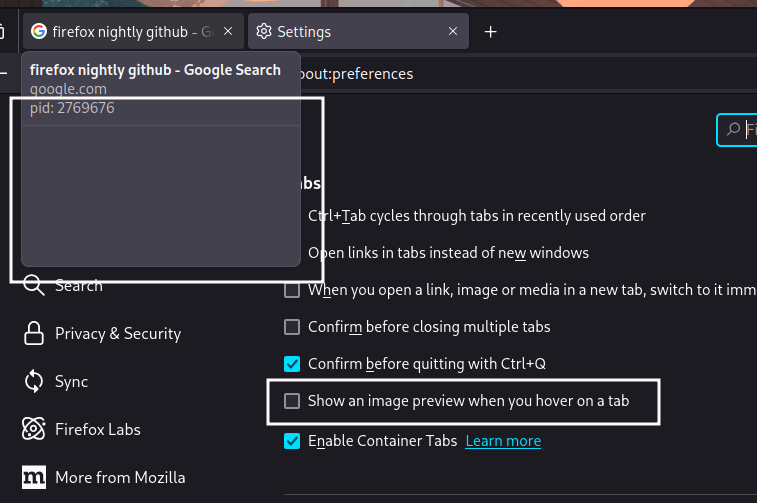
What OS? What Desktop? X11 or Wayland? I can replicate the issue. see screenshot Post this question here. https://chat.mozilla.org/#/room/#nightly:mozilla.org
Operating System: openSUSE Tumbleweed 20240808
KDE Plasma Version: 6.1.4
KDE Frameworks Version: 6.4.0
Qt Version: 6.7.2
Kernel Version: 6.10.3-1-default (64-bit)
Graphics Platform: X11
Processors: 16 × AMD Ryzen 7 5825U with Radeon Graphics
Memory: 62.1 GiB of RAM
Graphics Processor: AMD Radeon Graphics
Manufacturer: HP
Product Name: HP ProBook 455 15.6 inch G9 Notebook PC