


FireFox Android spellchecker status
I really like FireFox mobile, but the amount of misspelled words is starting to become an actual problem for me.
I use a Samsung S8 with Android 9 and whatever predictive text functions it has are turned off because I find them beyond grating and it's just not how I check for spelling errors.
The reasoning to this function being ommitted was (last time someone asked the question) due to space.
Why can't this be an official plugin that people can add?
I'm supporting FireFox entirely for ethical reasons (the only non-chromium browser that still cares about privacy) but I just can't type like this anymore.
Will something be done about this function missing?
所有回复 (5)
Hi
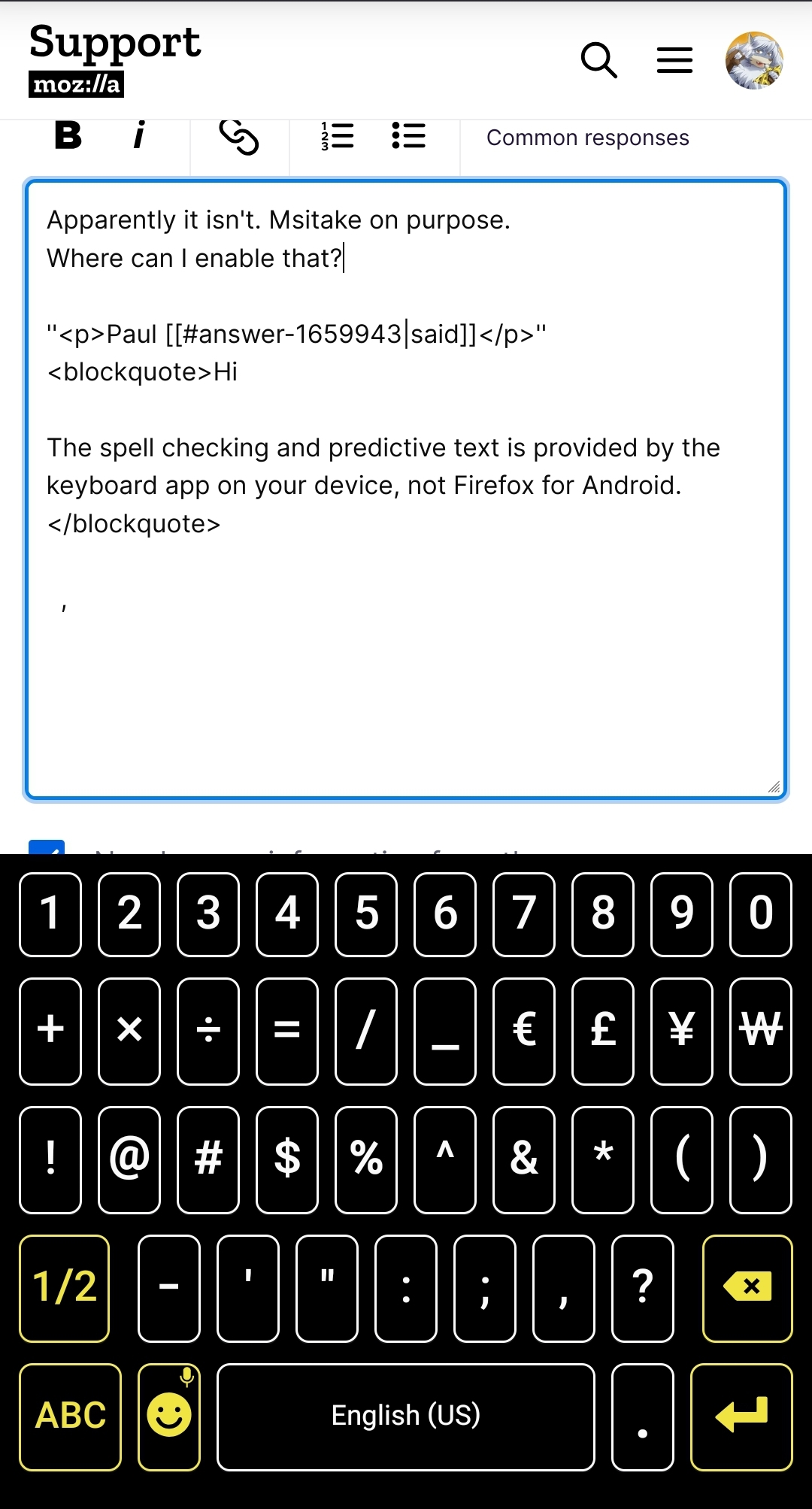
The spell checking and predictive text is provided by the keyboard app on your device, not Firefox for Android.
Apparently it isn't. Where exactly can I enable that?
I don't want predictive text cause I can't type like that, plus the keyboard is taking up more than enough space on my screen.

It sounds like you're experiencing my frustrations with Firefox Mobile's lack of a built-in spell checker. I'm also using Firefox for ethical reasons, as it's the only non-Chromium browser that prioritizes privacy. Here are a few suggestions and some background on the issue:
Current Workarounds
Third-Party Keyboards: You can install third-party keyboards from the Google Play Store that offer robust spell-checking and predictive text features. Some popular options include:
- Gboard: Google Keyboard with excellent spell-checking and predictive text.
- SwiftKey: Known for its accurate predictions and customizability.
Extensions: While Firefox Mobile supports some extensions, there's currently no official spell-check extension available. However, this could change in future updates.
Requesting Features Mozilla often considers user feedback when developing new features. Here’s how you can make your voice heard:
Use Bugzilla: File a feature request on Bugzilla. This is the official platform where developers track issues and new feature requests.
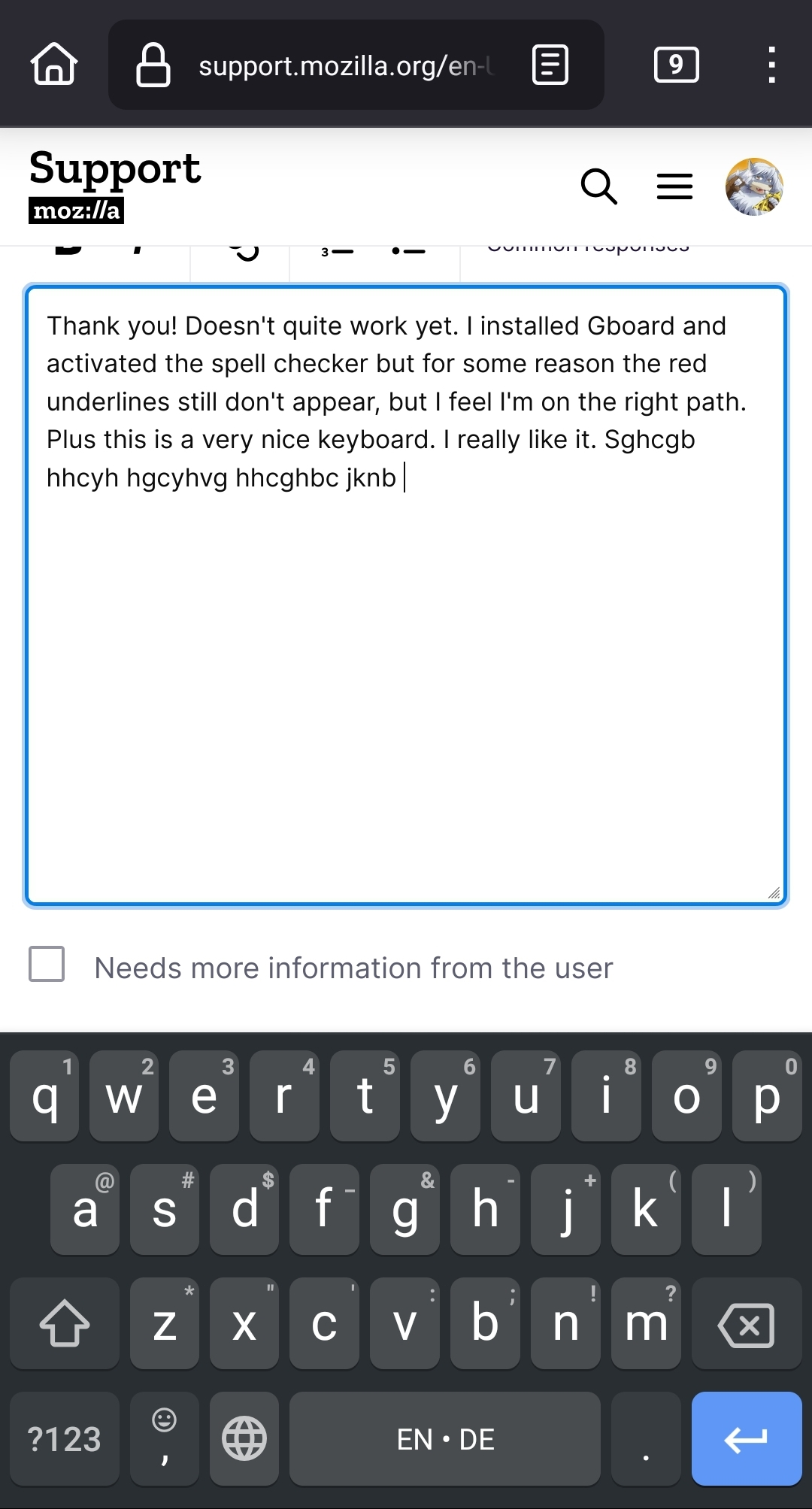
Thank you! Gboard is a really really nice keyboard. I like it. Now, doesn't quite work yet. I installed Gboard and activated the spell checker but for some reason the red underlines still don't appear, but I feel I'm on the right path.
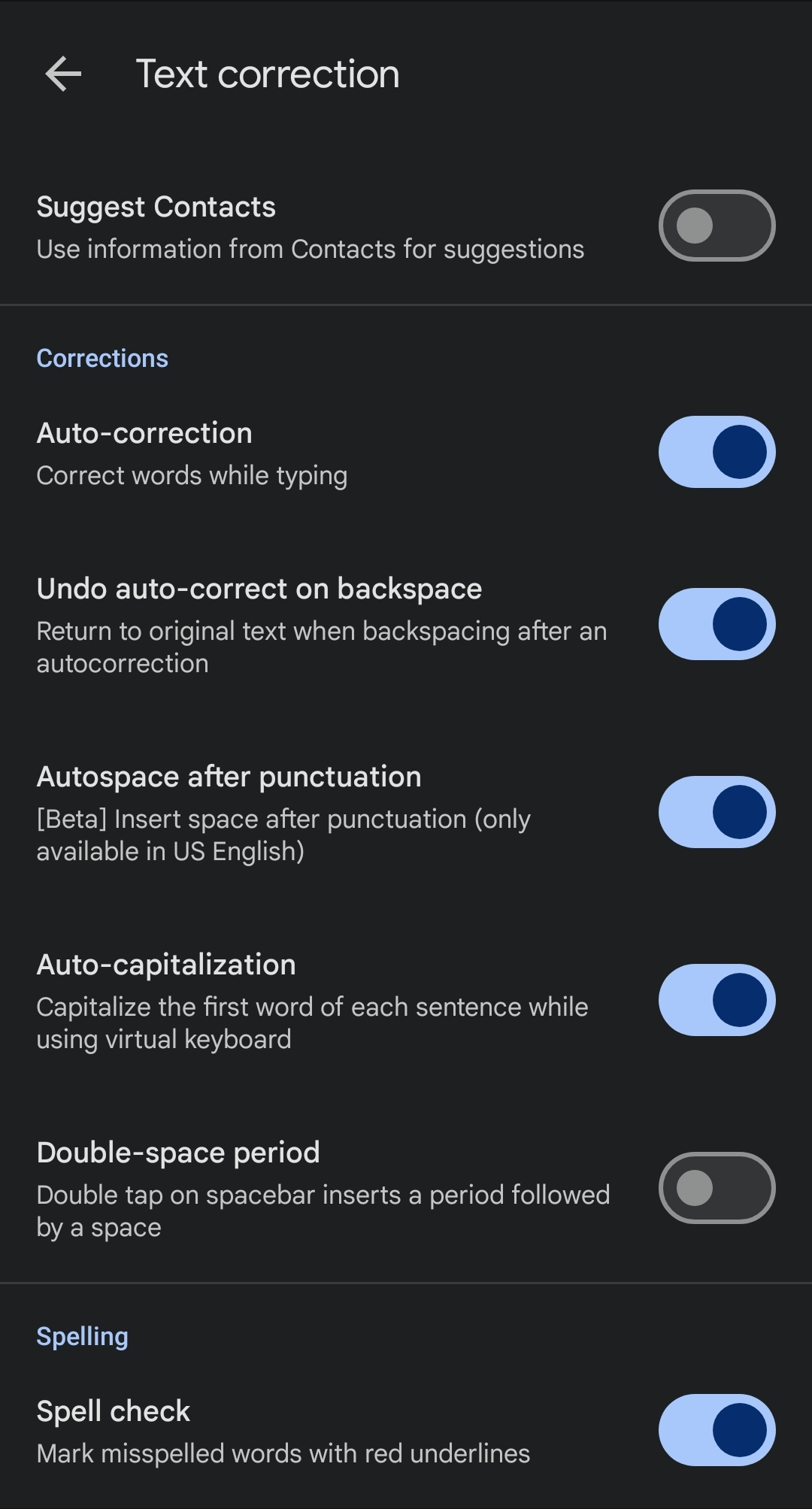
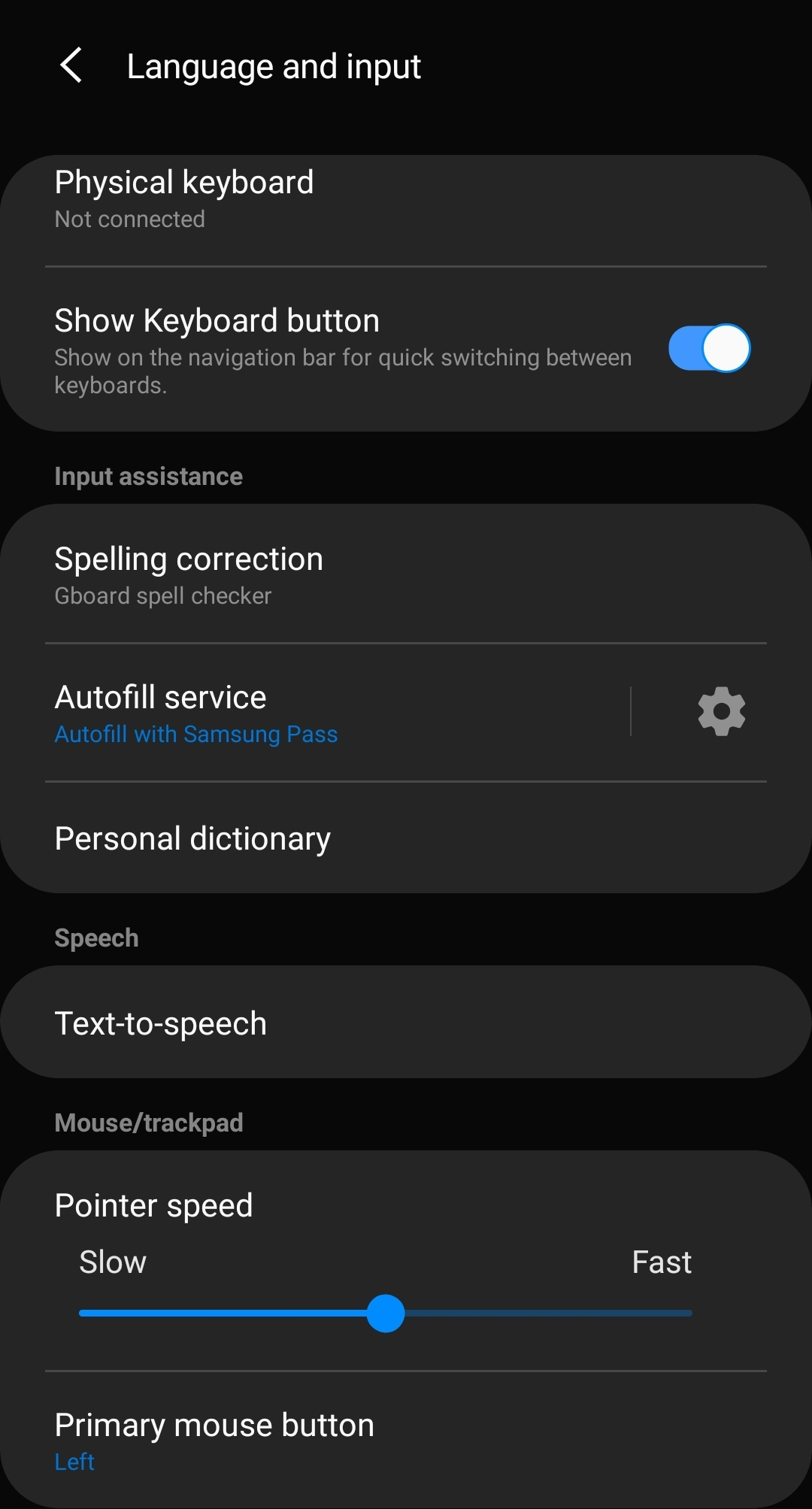
The more that you use Gboard to "train" it, the better it will get for you. I have only ever used Gboard on Android and I find that it works really well.