


TAB SAVING FROM PREVIOUS BROWSING SESSIONS

Hi, recently I noticed that my Firefox have ceased to save tabs from previous sessions, as it usually did. Can you help me figure it out? Thanks
所有回复 (7)
Hi, sorry to hear about that. If you check the History menu, can you find missing tabs under either of these:
- Restore Previous Session
- Recently Closed Windows
Does your Firefox save browsing history? If Firefox is set to delete browsing history, it also will delete "session history" (open tab) files.
As of 07/06/2024, there is no options:
    Restore Previous Session
   Recently Closed Windows
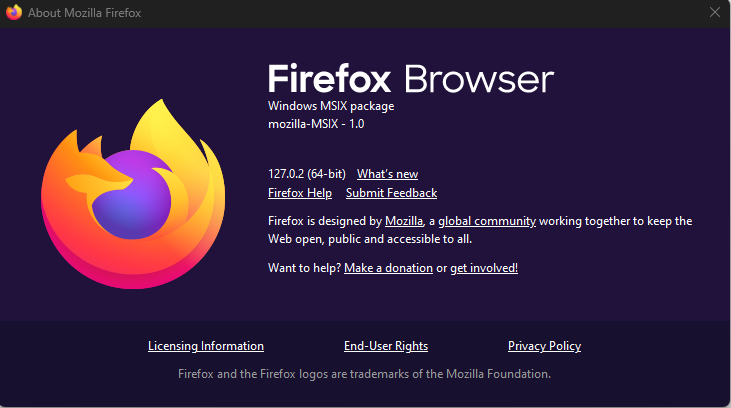
In answer to your question on the option to save "save browsing history"... NOT(!) present in 127.0.2!
Kevin said
As of 07/06/2024, there is no options: Restore Previous Session Recently Closed Windows In answer to your question on the option to save "save browsing history"... NOT(!) present in 127.0.2!
Hi Kevin, let's continue with your thread here: https://support.mozilla.org/questions/1451640
Thanks, but the downloaded file, how do I attach it to firefox?
I found out how... Thanks for the info.
I have a new system today (7/31/24), the old (Lenovo LOQ) system died Monday afternoon, it failed to find the network at my treatment clinic, and I had to replace it. Now, the last time the laptop ran was the night before (7-28-24). So, expected the restore function to return Sunday' session in its entirety!!!=WTF Nothing was restored. What really blows, the content of the previous SSD was copied over to my new Lenovo LOQ! Hell, I watched it for over 5.5 hours. I'm SNAP'D over again by Firefox, crap, I use it strictly for streaming... I'm buggered, and I am not a butt buddy. So, the suggestion to 'get' the about:sync while an expert one, I am not an expert in that app... I had to get an MS 'by' product (Breezip) to read the .xpi file! I was able to extract the read.me file. This *desktop-only* addon shows information about your Sync account, including showing all server data for your account. It is designed primarily for Sync developers, or advanced users who would like insights into their Sync data.
Once installed, type `about:sync` into the URL bar.
[Pull requests are welcome](https://github.com/mozilla-extensions/aboutsync) I hope You Tube can help me w/finding the reason for Firefox' failure to reload the Sunday session! I'll use the history option, but that's a poor way to go about retrieving my tabs for Sunday!
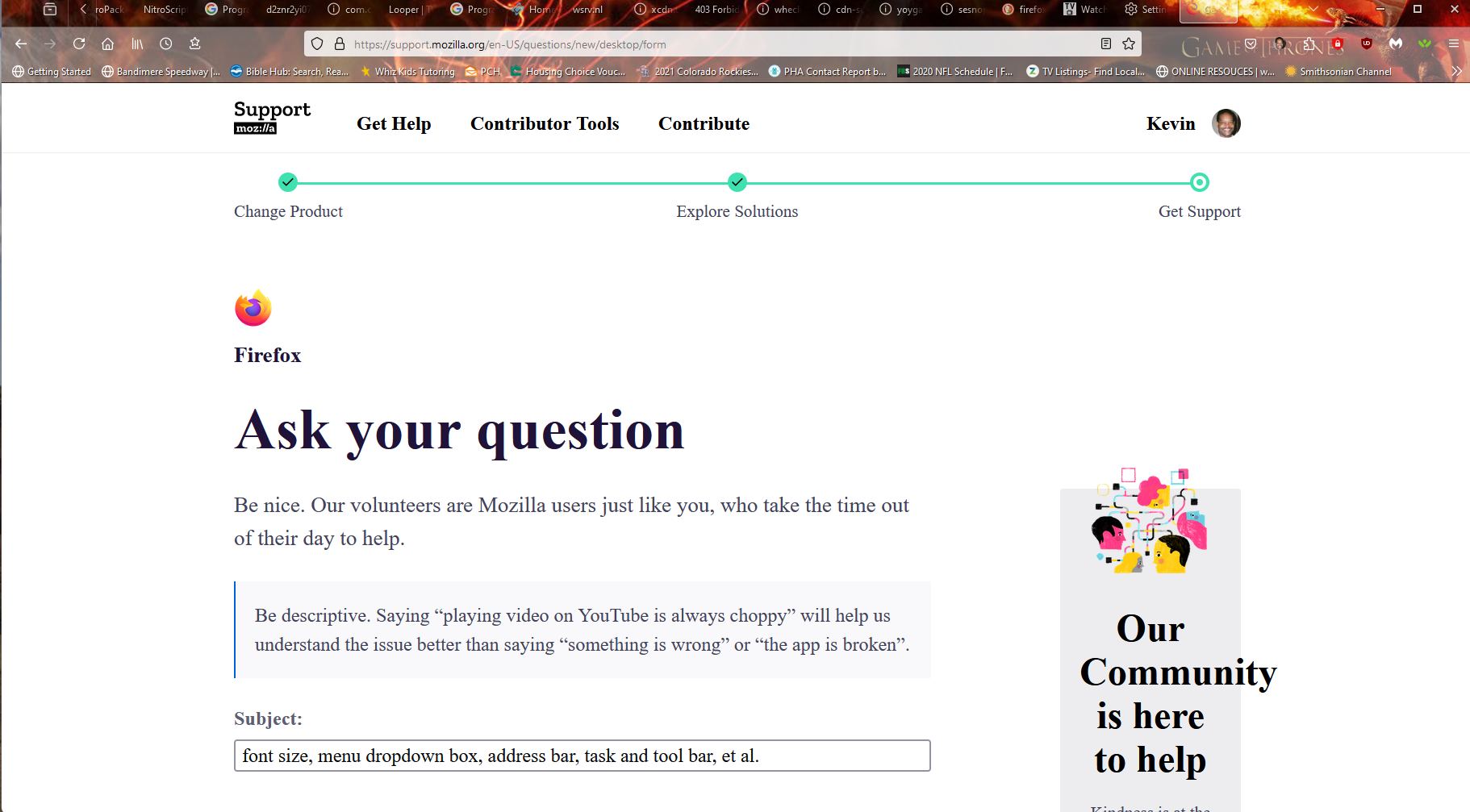
Hi Kevin, your latest reply was placed in the queue for link moderation. However, you probably should start a new question. https://support.mozilla.org/questions/new/desktop/form
Using the About Sync extension
(1) In Firefox, install the extension from:
https://addons.mozilla.org/firefox/addon/about-sync/
(2) After installation, in Firefox, type or paste about:sync in the address bar and press Enter to load it. The page shows each category of data currently found in the Sync cloud.
Anything useful under tabs?
The other issues will be easier to address in your new question.