


Thunderbird Supernova not showing ANY emails!

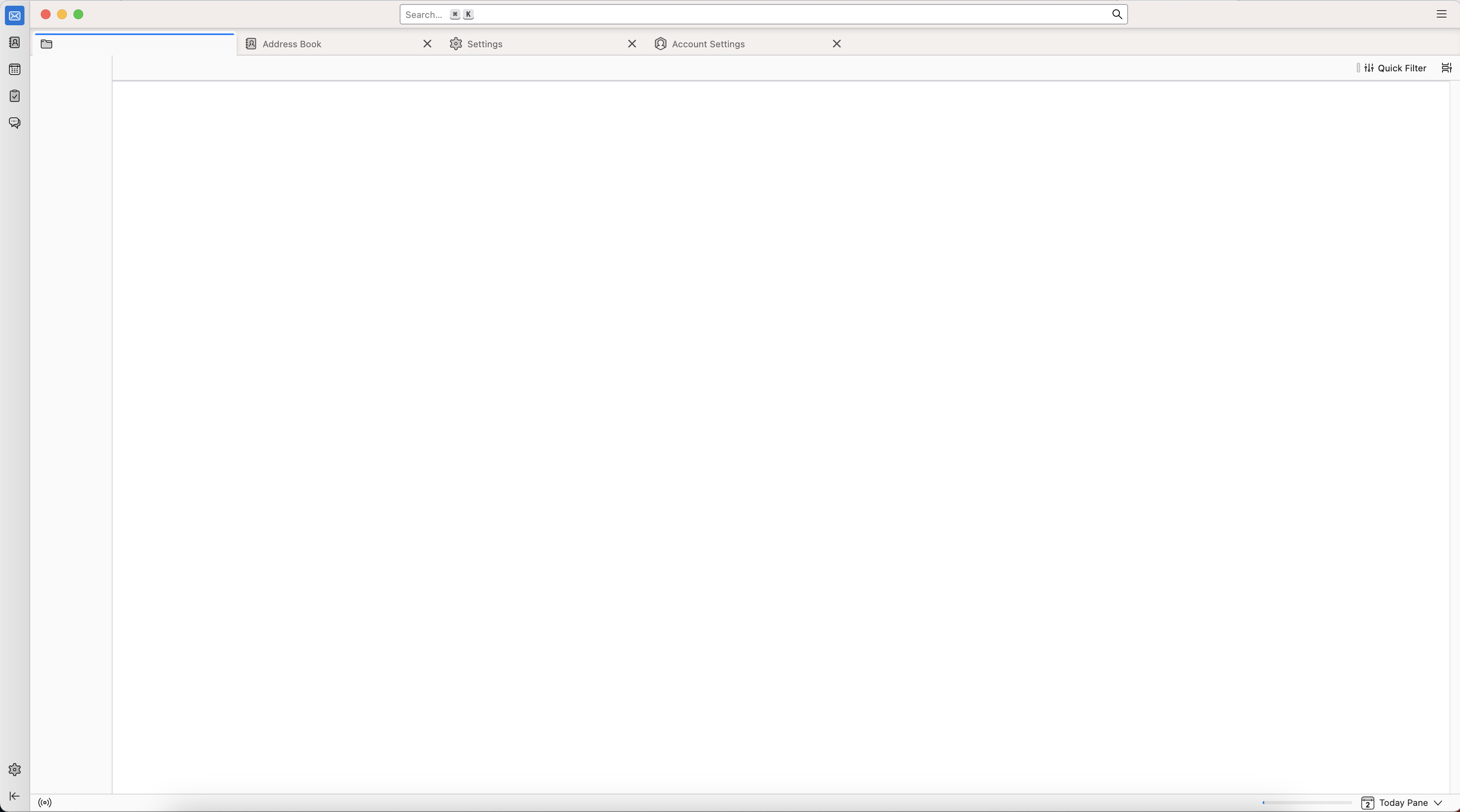
I use an up-to-date MacOS, I updated to Supernova and my emails won't show. I can see I have new emails, I can see emails when I search for them, but I can't open them and I can't see messages in any of the folders, in both of the email accounts I use on Thunderbird.
- My mail server is RiseUp. - I did restart Thunderbird with all add-ons deactivated
Please help! Much appreciated!
所有回复 (3)
But you see folders on the left, correct?
Please post a screen shot. And, please check Tools > Developer > Error console - do a screen capture of warnings and errors immediately after launching Thunderbird.

I have the same problem. Here's a screenshot.
Please open the Error Console - command + shift + J.
Do you see anything there that mentions JavaScript, webBrowser or about3Pane.js?