

话题已存档。
如果需要帮助请提出新问题。

已存档
Event reminder popups not working...

Some event reminder popups aren't being displayed. There's no apparent reason as to which reminder popups will work properly, although the problem seems to occur mostly with event reminders dated in the future or with reminders that use a custom reminder date/time (e.g. 16 days prior to the event). If I can't depend on the reminder popups then the calendar feature is useless to me.
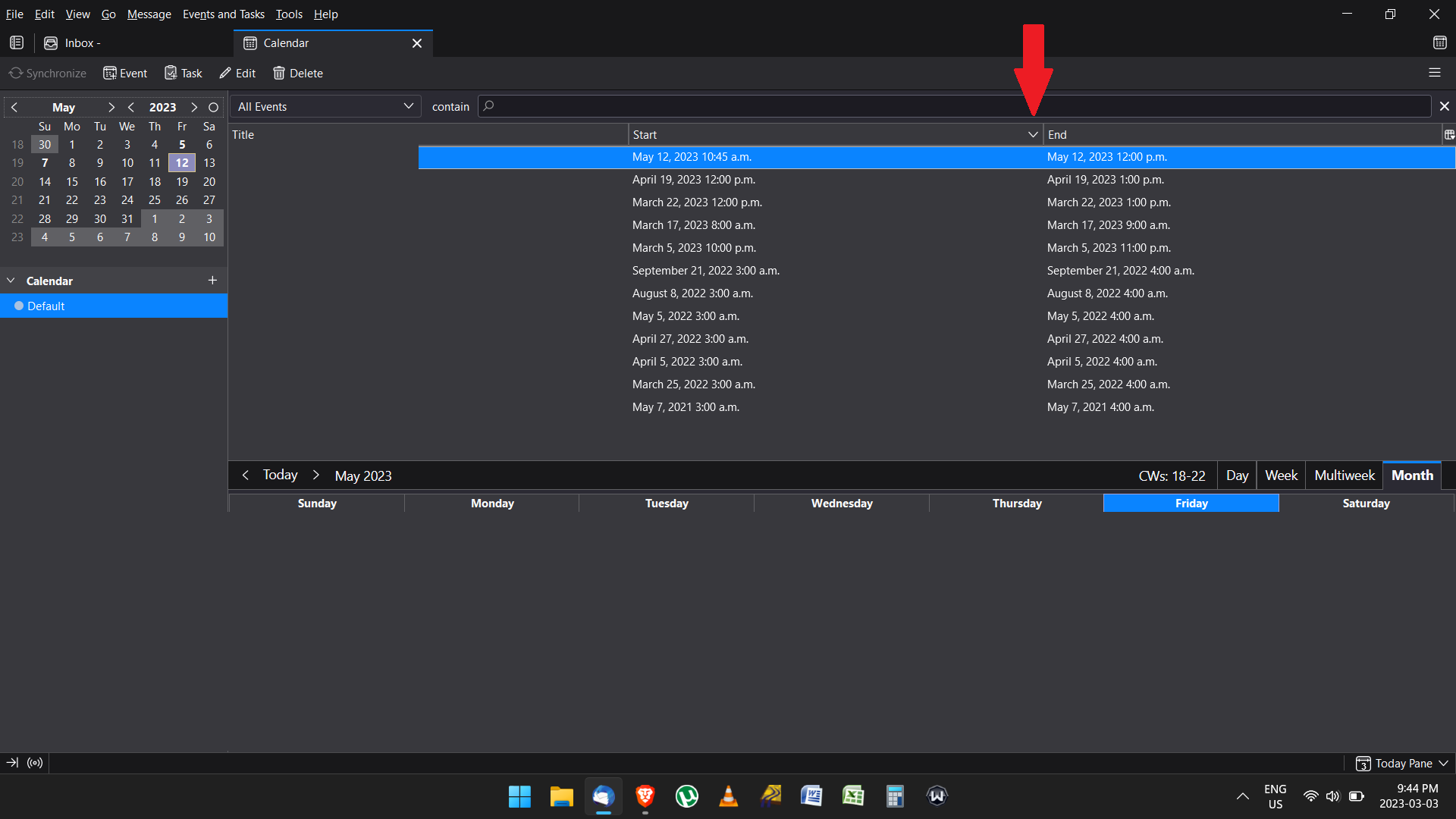
Also, another slight annoyance is that the events cannot be sort by date, it refuses to sort them in chronological order. FYI...sort by name works.
Some event reminder popups aren't being displayed. There's no apparent reason as to which reminder popups will work properly, although the problem seems to occur mostly with event reminders dated in the future or with reminders that use a custom reminder date/time (e.g. 16 days prior to the event). If I can't depend on the reminder popups then the calendar feature is useless to me.
Also, another slight annoyance is that the events cannot be sort by date, it refuses to sort them in chronological order. FYI...sort by name works.
所有回复 (1)

Show reminders over other programs or apps Select File > Options > Advanced. In the Reminders section, check the box marked Show reminders on top of other windows. Click OK.
Regards,
Will