


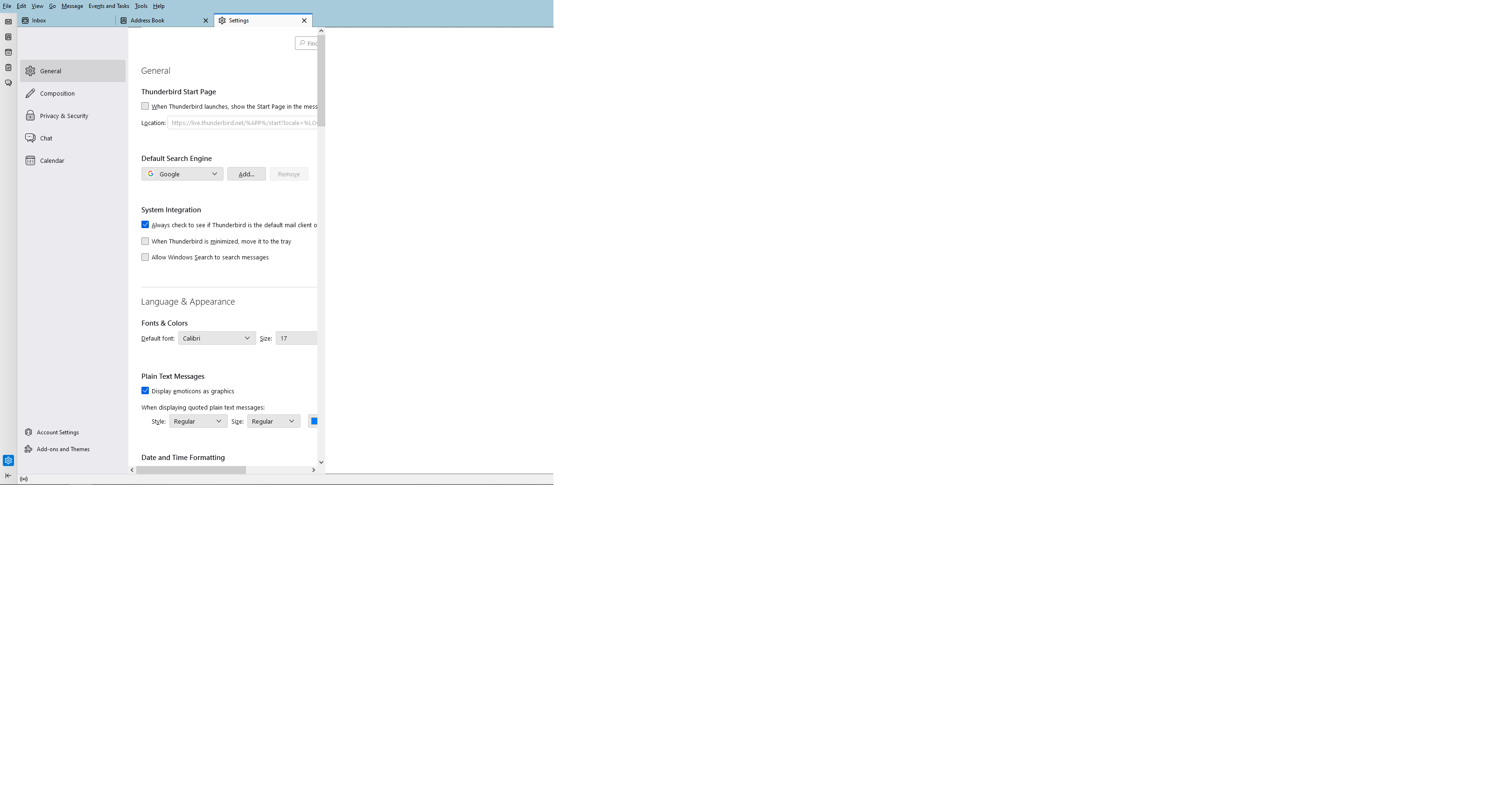
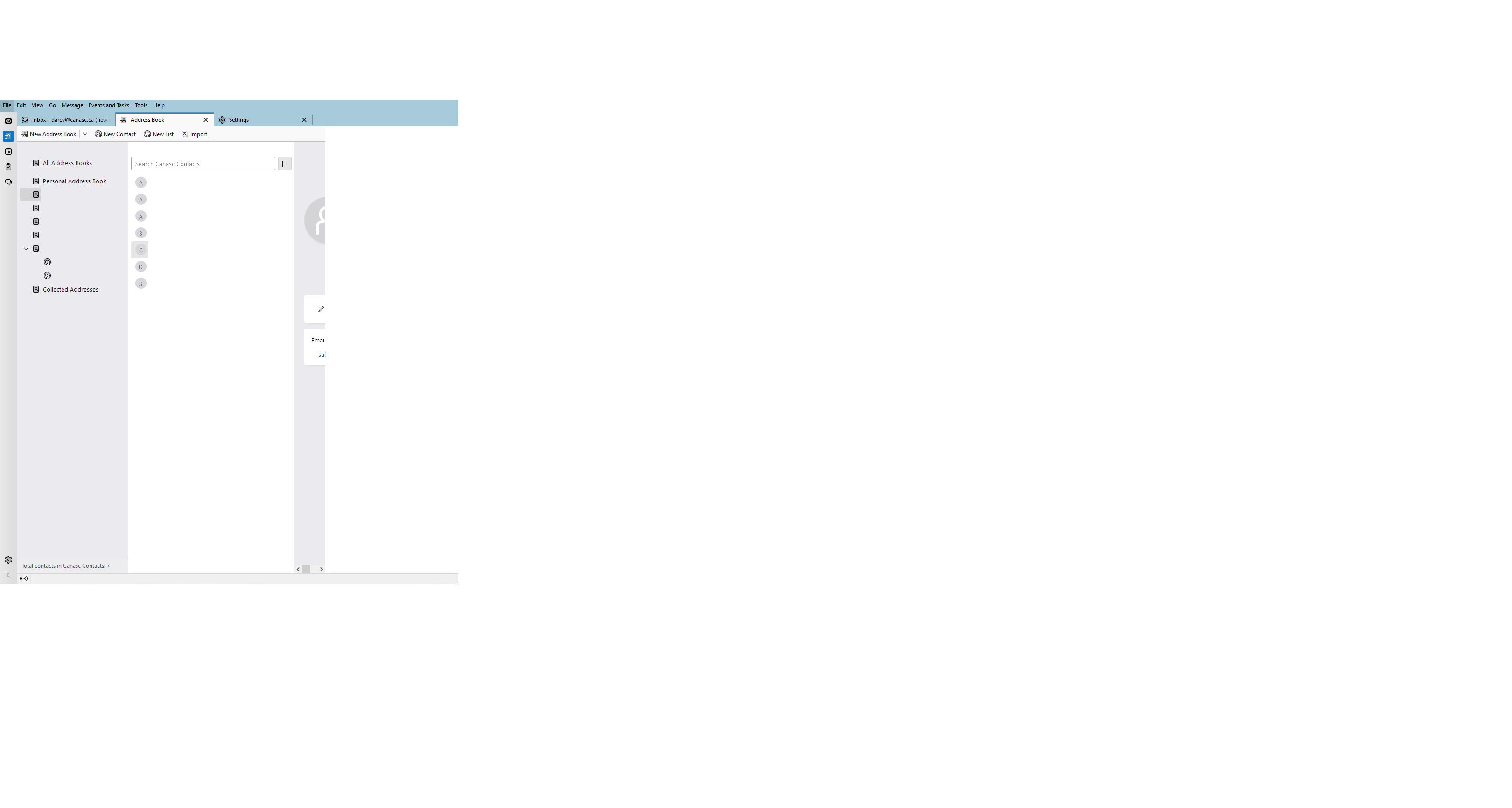
Unable to see entirety of settings or contacts screens even when screen is maximized

When I attempt to to into either the settings page or the contacts page, they will only appear in about 1/3 of the full screen making it impossible to see the remainder of the information on that screen. It is impossible to edit a contacts information on the screen. I have the screen set to maximized, and no Add-ons installed.
I have attached a couple of screen shots to show what it is doing
Currently using Thunderbird 102.7.2, but this issue has been ongoing for sometime
Thank you
被采纳的解决方案
It looks like you're using the default theme, but are there any other extensions, language packs of dictionaries enabled in Tools/Add-ons & Themes? The list of things that are disabled in safe mode is shown in the mozillazine article. Do you use any userChrome.css files?
定位到答案原位置 👍 0所有回复 (10)
Does it look correct in safe/troubleshoot mode (hold Shift when launching TB)?
Yes it does look correct in troubleshoot mode
Launch in safe mode, check 'Reset toolbars & controls', 'Make changes & restart'. Does it look correct now in normal mode?
No, resetting the toolbars and controls did not make any difference
Start in normal mode, disable hardware acceleration in Settings/General, restart TB. If you can't do this due to the graphics issue, there is another way.
Did not make any difference
选择的解决方案
It looks like you're using the default theme, but are there any other extensions, language packs of dictionaries enabled in Tools/Add-ons & Themes? The list of things that are disabled in safe mode is shown in the mozillazine article. Do you use any userChrome.css files?
The only add-on that I use is the Signature Switch (which is currently disabled) Yes, I do use a userChrome.css file (I actually forgot about it)
Close TB, rename the file to userChrome.css.bak, restart TB, report on result.
Yes, removing that file did fix it I was using a userContent.css file to limit long line length in an email.
I will worry about the line lengths later.
Thank you for your assistance