


Dropbox and GoogleDocs

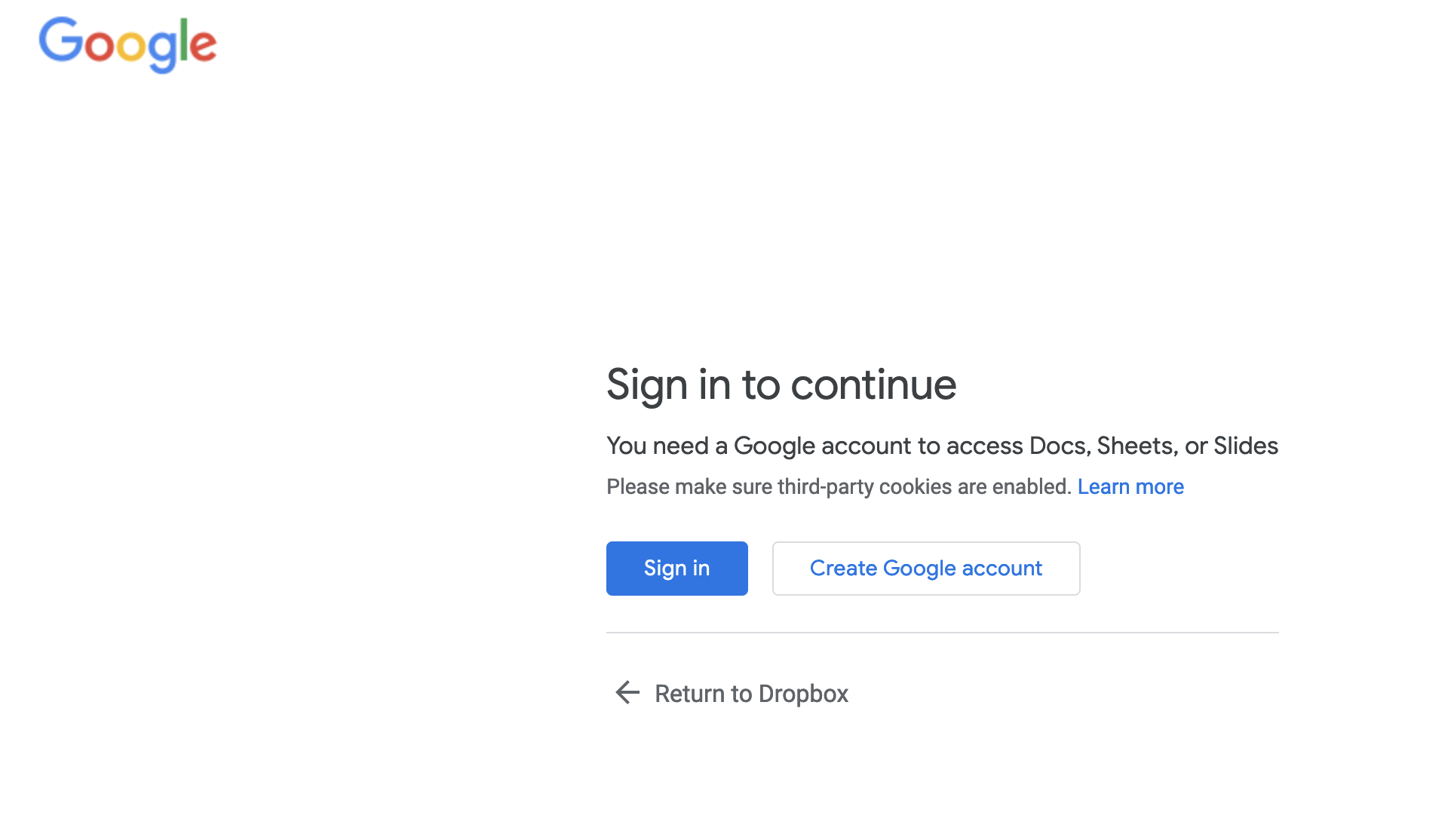
Dropbox has a feature for creating and saving GoogleDocs within Dropbox folders. This feature can be accessed via the Dropbox website interface (e.g. "Create->Document->Google Docs". This works well when using Chrome and Safari browsers, but I cannot get it to work with Firefox. When I create or try to edit an existing GoogleDoc via the Dropbox website, I am prompted to sign into my Google account, however clicking "Sign in" only refreshes the page, so the Google Doc cannot be loaded.
I have tried the following fixes: - Turned off "Enhanced tracking protection" for dropbox.com (via the shield icon to the left of the address bar). - Allow all cookies and trackers (Firefox preferences -> Enhanced tracking protection -> unchecked cookies and tracking). - Allowed cookies and site data from dropbox.com and google.com (Firefox preferences -> Cookies and Site Data -> Manage Exceptions).
Advice would be welcome, thank you!
所有回复 (2)

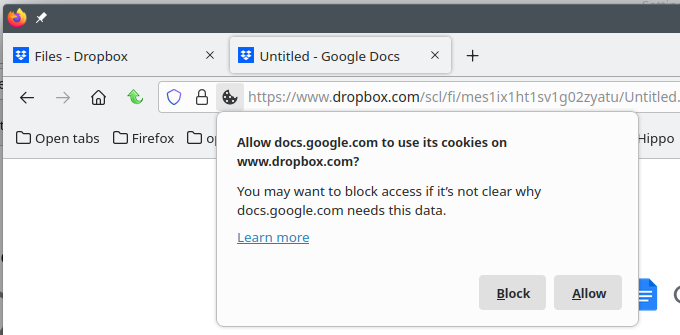
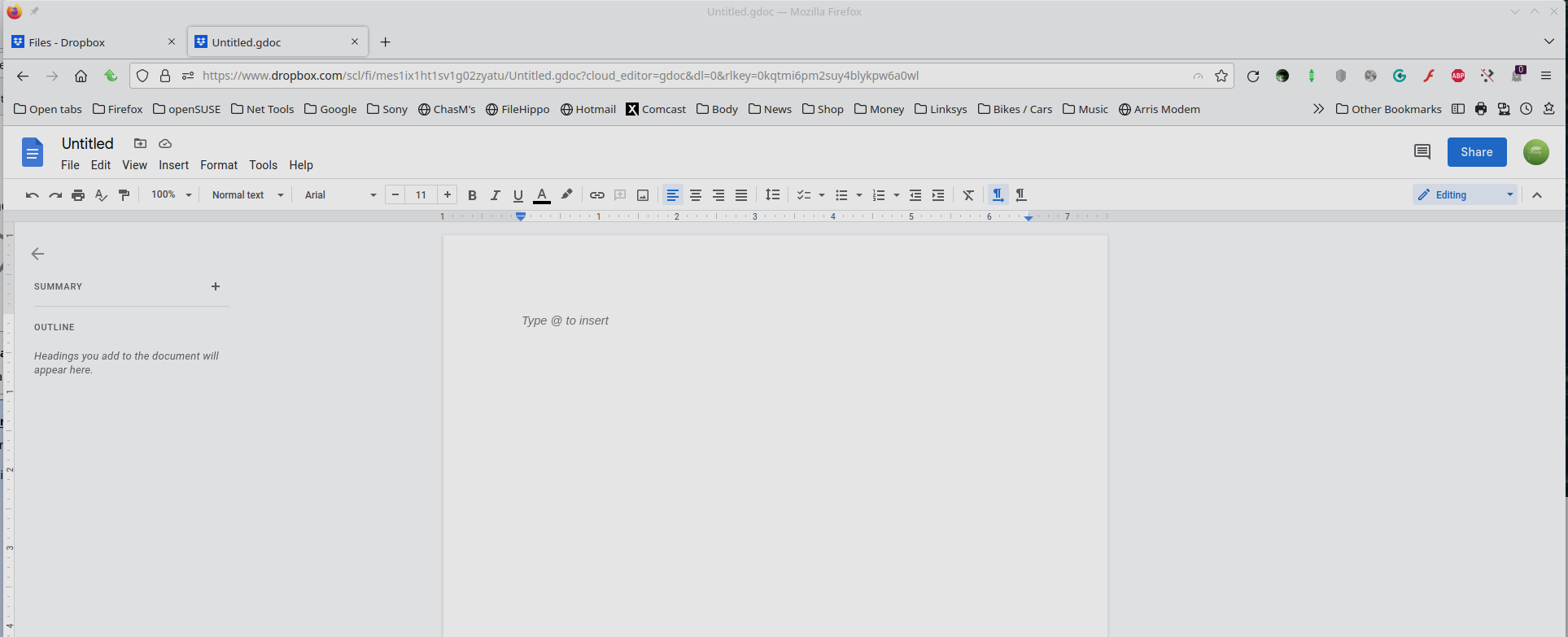
What do you have set in Privacy & Security? see screenshots I had to change my Privacy settings from my usual block all 3rd party to Strict to allow 3rd party and cross-site( because we using 3rd party and going across sites) cookies for it to work. You should get a prompt to allow docs cookies to work on dropbox.

由jonzn4SUSE于修改
I tried adding Exceptions, but the cookies always change.
由jonzn4SUSE于修改