


can't get torrent files to open in my torrent client

Hi
I don't know what's happened to cause this, but for the last few days if I grab a torrent file online, I only get the option to save the file, no option to automatically open in my torrent client.
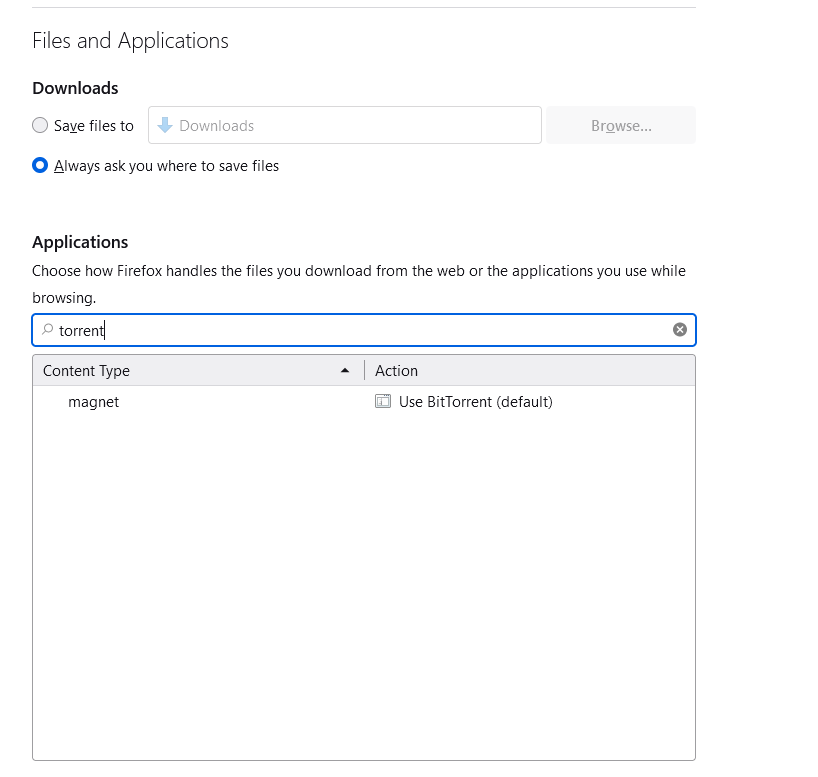
I have been to Firefox general settings, and Applications - "Choose how Firefox handles the files you download from the web or the applications you use while browsing" but .torrent is not listed. When I search "torrent" in the Applications search box, I get only "magnet" as a result, nothing for "torrent" files (see image).
Any advice on how to automatically open .torrent files from the web in my torrent client would be appreciated.

选择的解决方案
This article summarizes the changes made to download behavior in Firefox 98, in case it helps. How file downloads are handled in Firefox
You can also look through these questions tagged v-98download for possible solutions or workarounds.
由AliceWyman于修改
所有回复 (11)

The link below is supposed to provide a solution. What you are referring to is officially a "download action".
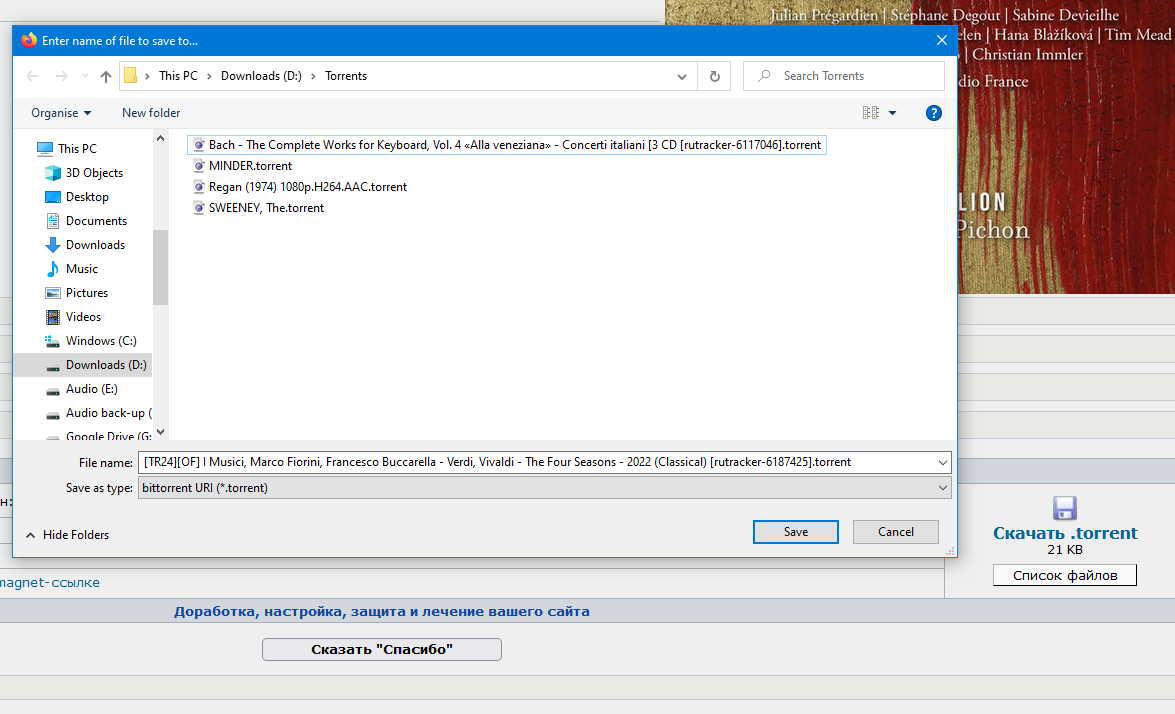
Unfortunately I don't even get the option to open in an application. If I click a torrent link it immediately opens up the "save as" box. See image. I also tried deleting the handlers.json file as recommended in the link, but that has not helped.
由dave54321ac于修改
What happens if you use right-click instead of left-click? Is there an option in the context menu?
I would copy the link and paste it in the torrent client. (I assume that's possible.)
If I right-click I just get various save options and "open in new tab" or "open in new window," "copy link" etc, but nothing for opening in application.
At the moment I'm just saving the torrent file and then opening that file in my torrent client. But it's annoying that I can't just open it straight from the webpage to my torrent client!
选择的解决方案
This article summarizes the changes made to download behavior in Firefox 98, in case it helps. How file downloads are handled in Firefox
You can also look through these questions tagged v-98download for possible solutions or workarounds.
由AliceWyman于修改

I have the same problem since yesterday
I deleted handlers.json and now everything is like before! :)
info7127 said
I deleted handlers.json and now everything is like before! :)
And where did you find this?
Edited:
Found it:
C:\Users\USERNAME\AppData\Roaming\Mozilla\Firefox\Profiles\
Did it make a new handlers.json or? Does firefox works as before after you have deleted this one?
Didn't work for me it just made a new non workign one. :)
由ToddeSwe于修改

Solved it with:
1. Let Firefox download the .torrent file 2. Go to Firefox Downloads manager (Tools -> Downloads or CTRL-SHIFT-Y) 3. Right-click the .torrent file and toggle "Always Open Similar Files"

I had the same problem , the solution from yolijoh482 solved it. thank you
terry21 said
The link below is supposed to provide a solution. What you are referring to is officially a "download action". https://support.mozilla.org/en-US/kb/change-firefox-behavior-when-open-file#w_adding-download-actions
This solved the problem. Thanks Terry21