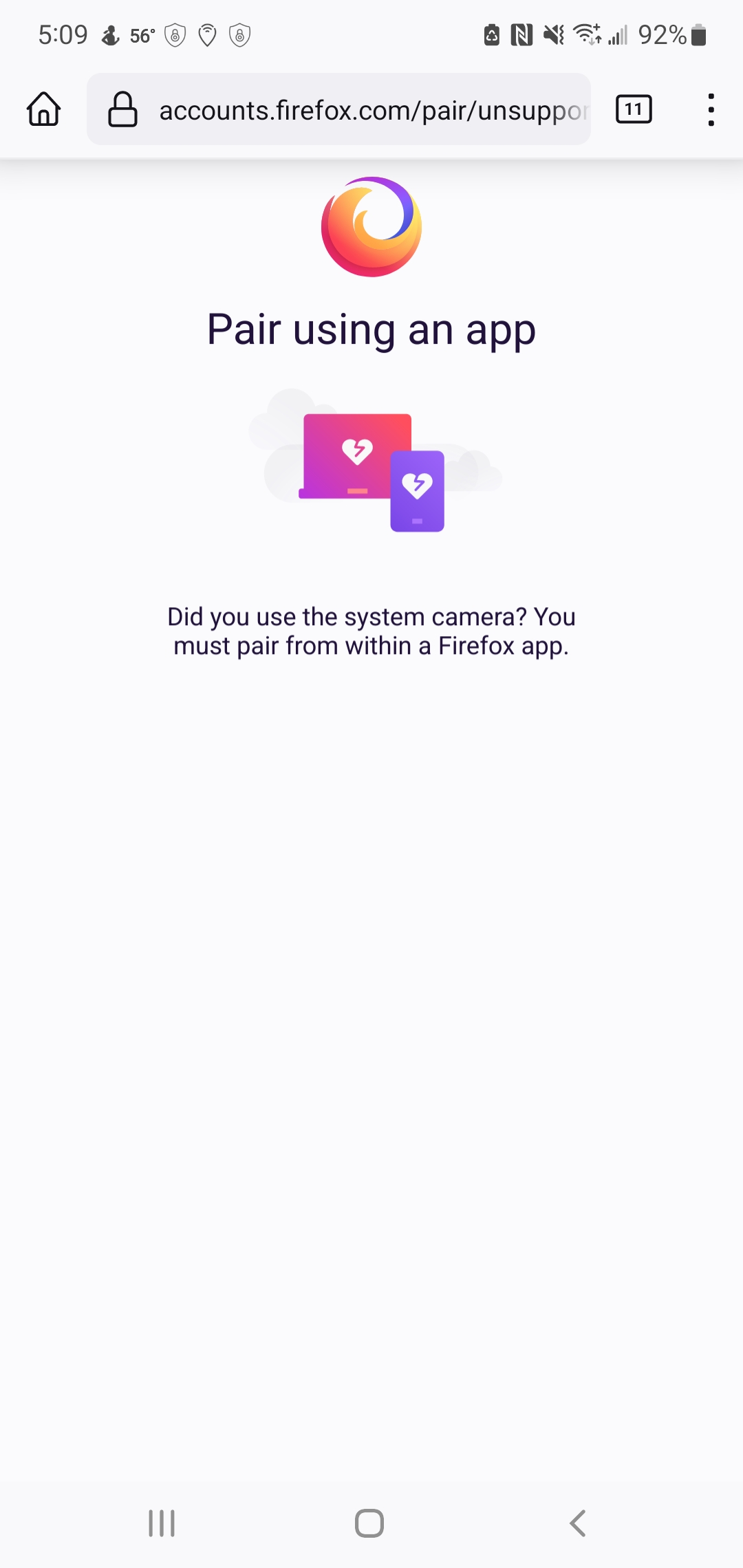
Where to find the "code scanner"?

I just installed Firefox for Android. I'm trying to sync my device for the first time. The app said to open firefox.com/pair on my desktop & take a picture with my camera of the symbol. So I opened firefox.com/pair on my desktop (Windows 10) and it shows a box that says, "Connect to another device {title} Open the code scanner on your Firefox app and show the code when ready. [Show code] {button}"
I looked on my app & can't find a code scanner anywhere. Anyone know where to find it?
所有回复 (2)
Hi
When you open a new tab in Firefox for Android, right next to the search bar is a "Scan" icon.
Tap that (make sure you grant Firefox permission to use your camera) and you will be able to scan the QR code.

The solution by Seburo does not work. Using the scan option on a new tab I'm Firefox for Android on Samsung Note 10 plus N975U results in attached screenshot. OS Android 12. Build information: 100.1.1 (Build #2015877459), d1ad9294e+ AC: 100.0.10, dc6eeb5768 GV: 100.0-20220428192727 AS: 91.1.1