


Firefox showing a different language/characters?

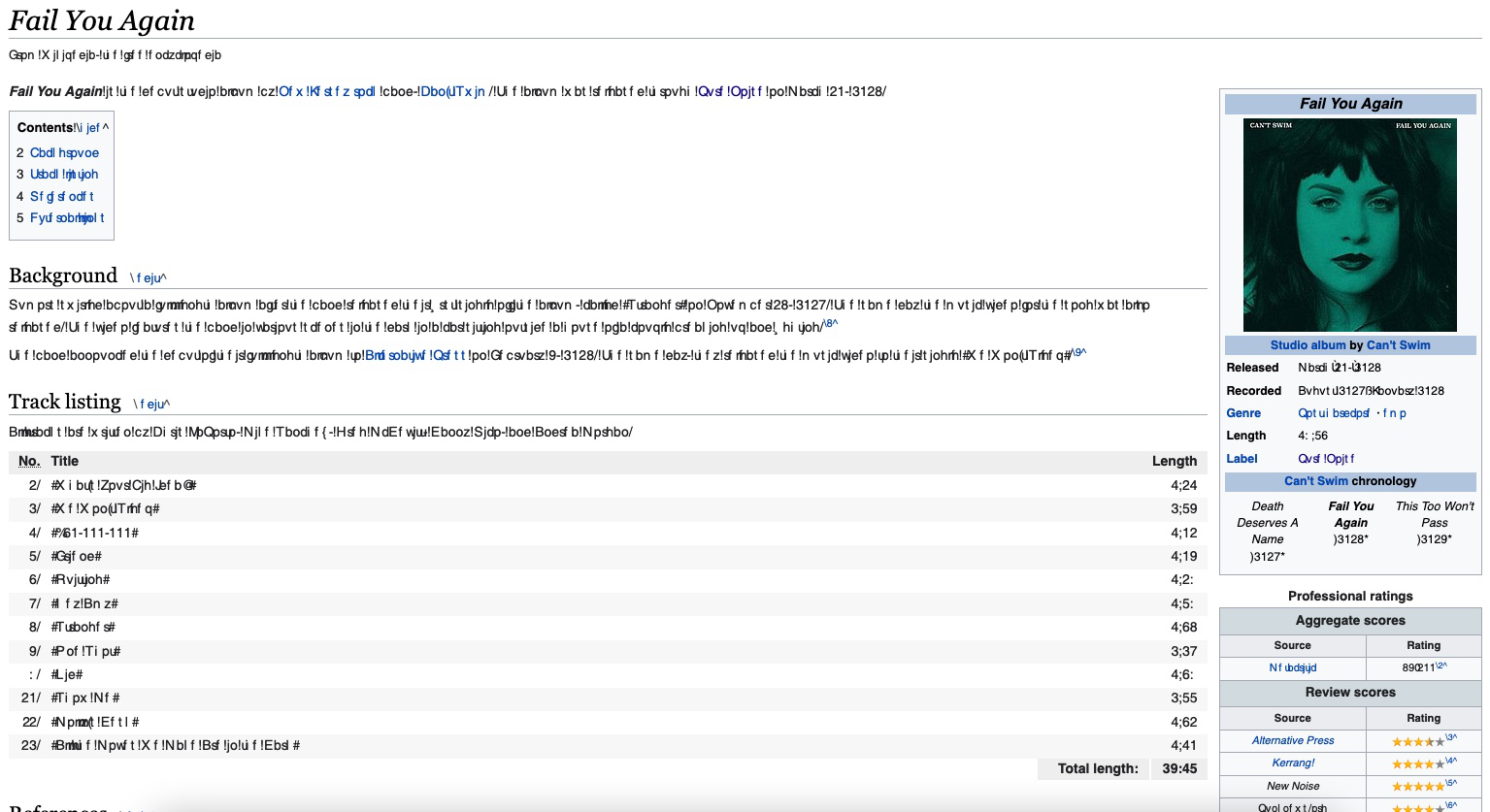
A few weeks I started having a issue where some websites show text/characters other than English. It's not all websites or even the full page and if i copy and paste the text into a text editor it shows up as English.
Wikipedia for example
由ian126于修改
所有回复 (1)
This can be caused by corrupted font that Firefox replaces by another font.
You can check in Font Book for font issues like corrupted and duplicate fonts.
You can right-click and select "Inspect Element" to open the builtin Inspector with this element selected.
You can check in the Rules tab in the right panel in the Inspector what font-family is used for selected text. You can check in the Font tab in the right panel in the Inspector what font is actually used because Firefox might be using a different font than specified by the website.