


Photo becomes a colored square after edit on a variety of platforms
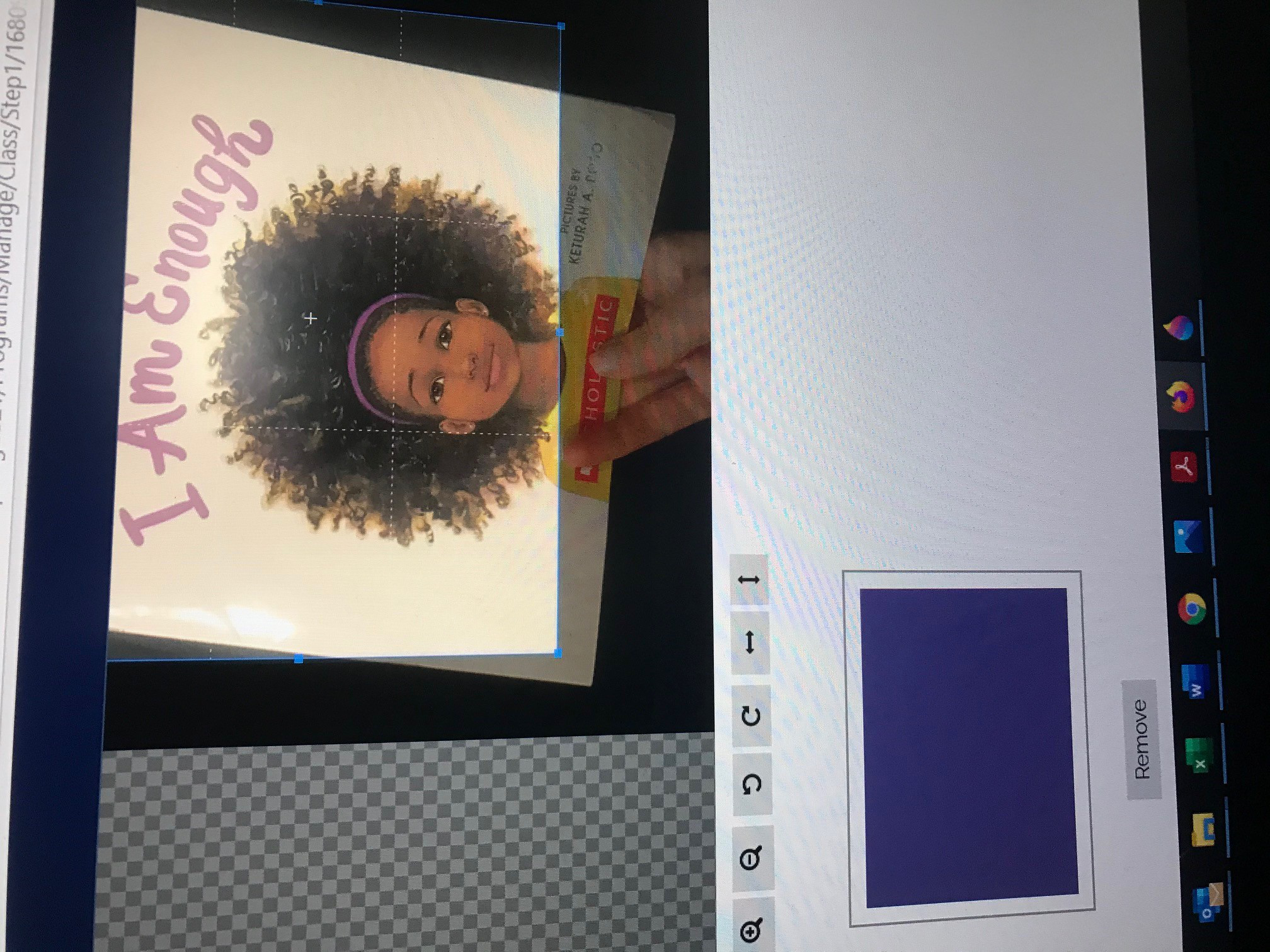
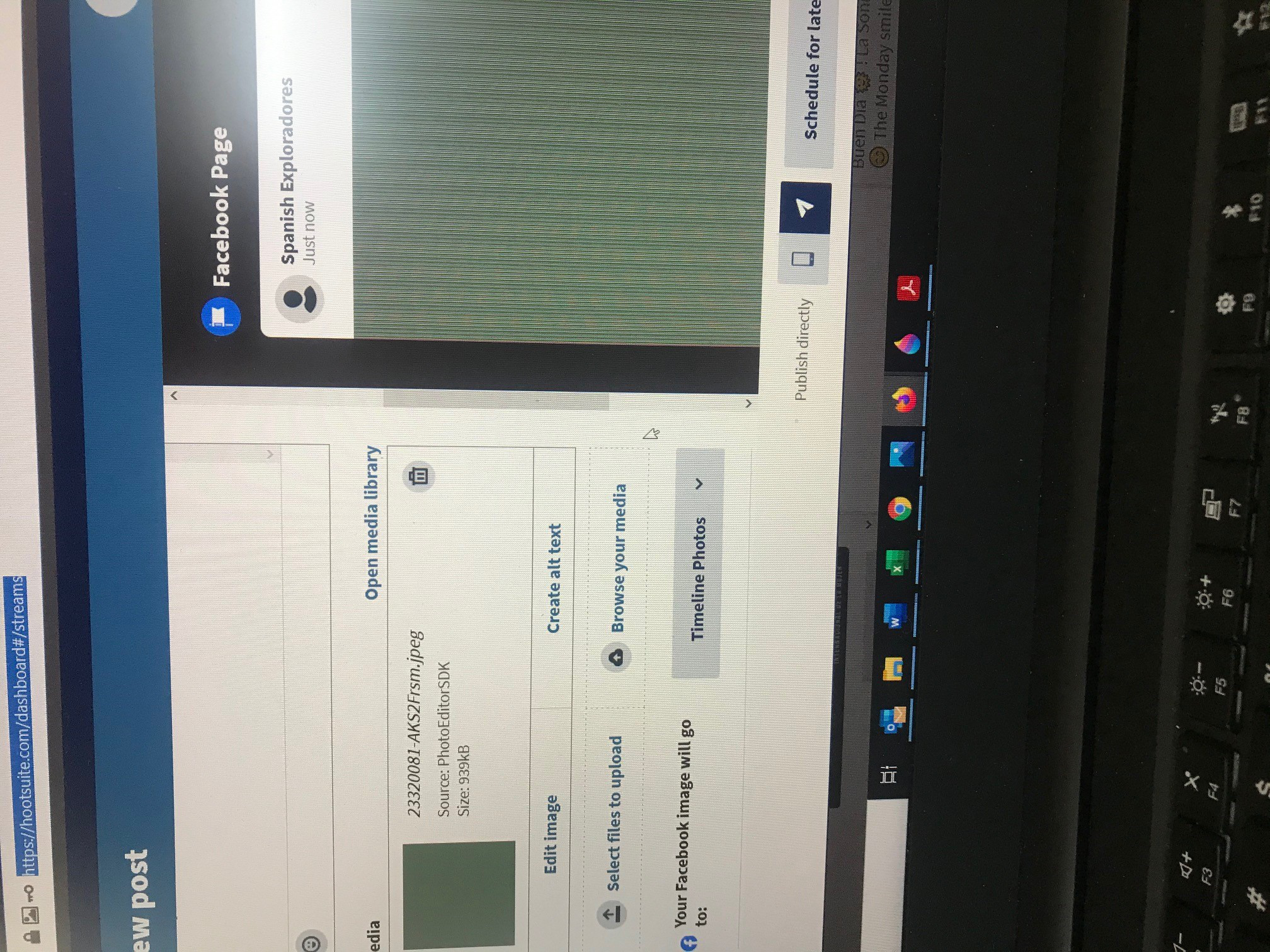
Every software, MailChimp, Hootsuite and a registration software I use allow you to edit and upload photos. In Firefox browser when I use an editor or upload a photo the photos become a colored square with lines. In chrome zero problems. I can edit the photo and upload the photo.
What do I need to turn off in Firefox to fix this problem and get rid of this photo issue?
所有回复 (2)
Sound that your edit creates an image with an obscure image compression format that Firefox doesn't understand. Regular JPG and PNG images should be supported by Firefox.
What format does this edited image report if you check this image ?
Can you post a link to such a not working image ?
Jpeg images. If I edit a photo using MailChimp or Hootsuite the jpeg photo that originally uploaded becomes a colored square as per the pictures I included.
When perform the same task in Chrome, no problem. Definitely a Firefox issue.