


Windows 10 已于2025年10月14日停止支持。如果您正在使用 Windows 10,参见 这篇文章

Windows 10 reached EOS (end of support) on October 14, 2025. If you are on Windows 10, see this article.

搜索 | 用户支持

防范以用户支持为名的诈骗。我们绝对不会要求您拨打电话或发送短信,及提供任何个人信息。请使用“举报滥用”选项报告涉及违规的行为。

详细了解
Solved 已存档

downloading problem

legumious 已回复
Olafjh

When attempting to download a Pdf file on FFA 82.1.1 (Build #2015770923), Browser popup shows file is ready for download

And then.... nothing... As it is shown on my screenshot... The file seems to being downloaded, but not. The folder "Download" stays empty...

With Chrome it works perfectly...

Tried with : https://www.interieur.gouv.fr/content/download/124824/999521/file/30-10-2020-justificatif-de-deplacement-scolaire.pdf?#xtor=AD-326


This issue has been described in this post but not solved. https://support.mozilla.org/fr/questions/1297466?page=1

Please help me : I'm just a new user of FFA (default navigator) and I'm trying to resist to go back to Chrome!

When attempting to download a Pdf file on FFA 82.1.1 (Build #2015770923), Browser popup shows file is ready for download And then.... nothing... As it is shown on my screenshot... The file seems to being downloaded, but not. The folder "Download" stays empty... With Chrome it works perfectly... Tried with : https://www.interieur.gouv.fr/content/download/124824/999521/file/30-10-2020-justificatif-de-deplacement-scolaire.pdf?#xtor=AD-326 This issue has been described in this post but not solved. https://support.mozilla.org/fr/questions/1297466?page=1 Please help me : I'm just a new user of FFA (default navigator) and I'm trying to resist to go back to Chrome!
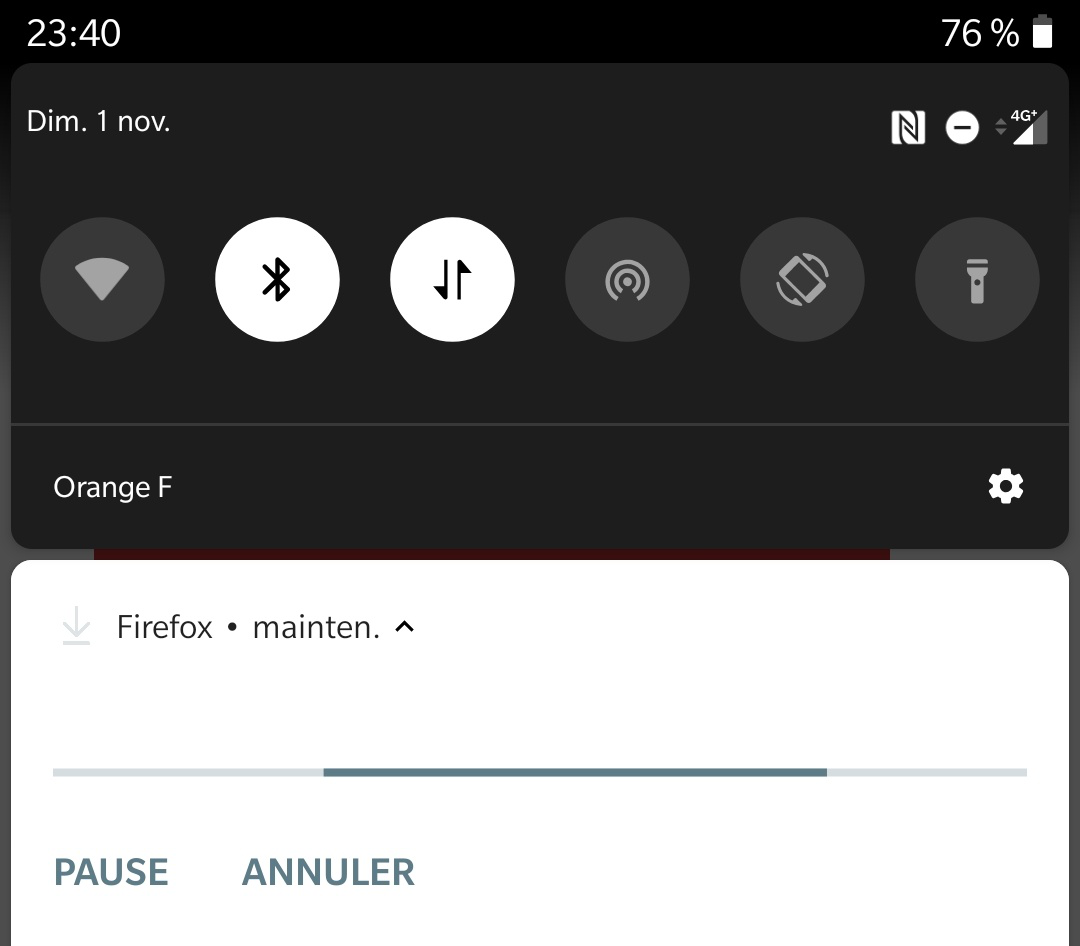
已附加屏幕截图

所有回复 (3)

选择的解决方案

Hi

Thank you for your question.

We are aware of this issue and hope to correct it in the next update due in a couple of weeks time.

Thanks, I'm waiting a next update.

Is there any way to get the correct response posted in the relevant thread linked by olafhj? It seems silly to have the answer hidden away in the thread that doesn't show up in Google, and is the the third topic in Firefox's own search.