


Can't scroll horizontally in Gmail
Hello,
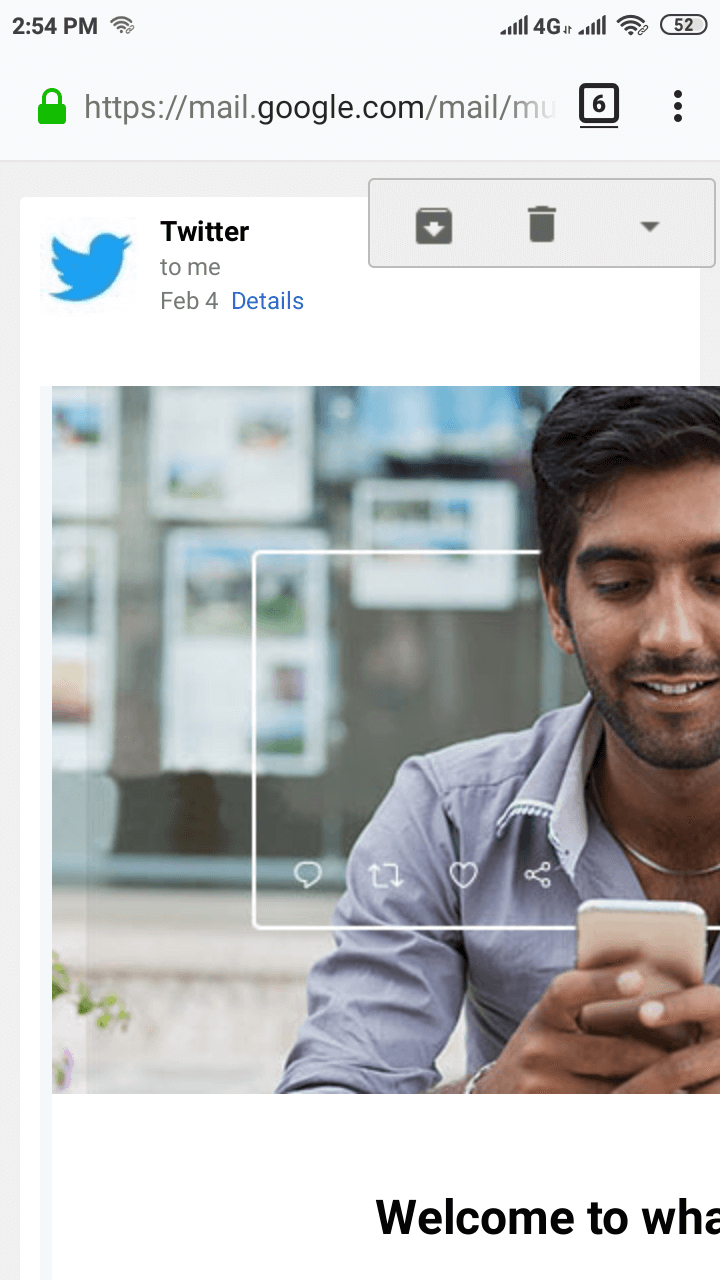
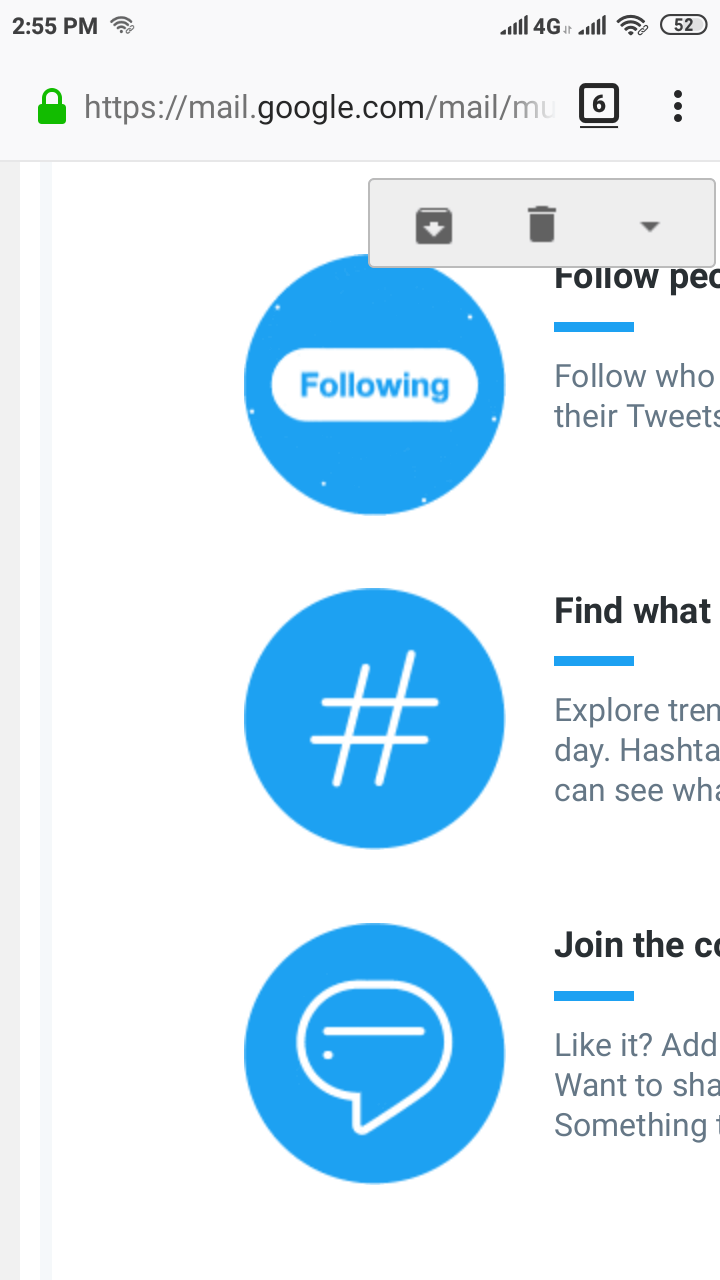
When I open Gmail in the Firefox android app, in the emails where the content is not wrapped/adjusted to fit the screen, I can't scroll horizontally to view the full email content. I can scroll vertically though.
I am attaching two images with this email. The images are from an email I got from Twitter. As you can see, I can see partial content of the email, I am unable to scroll horizontally to see the remaining part of the email.
I am using the latest updated Firefox app.
Please advise.
Thank you.
所有回复 (2)
选择的解决方案
Hi
You may wish to use a dedicated email app for email. While Firefox for Android can be used for email, it will naturally treat some emails as webpages. The dedicated email app on your device will also have better tools for you to answer and manage email on your Android device.
Thank you Seburo, for your reply.
Yes, you are right that I can use a dedicated email app, which I do for my main/primary email IDs I use regularly, and for some secondary email IDs, I prefer to check in browser since they receive emails regularly and I would not like to use a dedicated email app for an email which I have no intention of using regularly.
My main aim was to raise the issue/problem.
Interestingly, the problem has vanished (the same app, without any update!). I can now scroll horizontally. It's surprising but I am glad that the problem is no more.