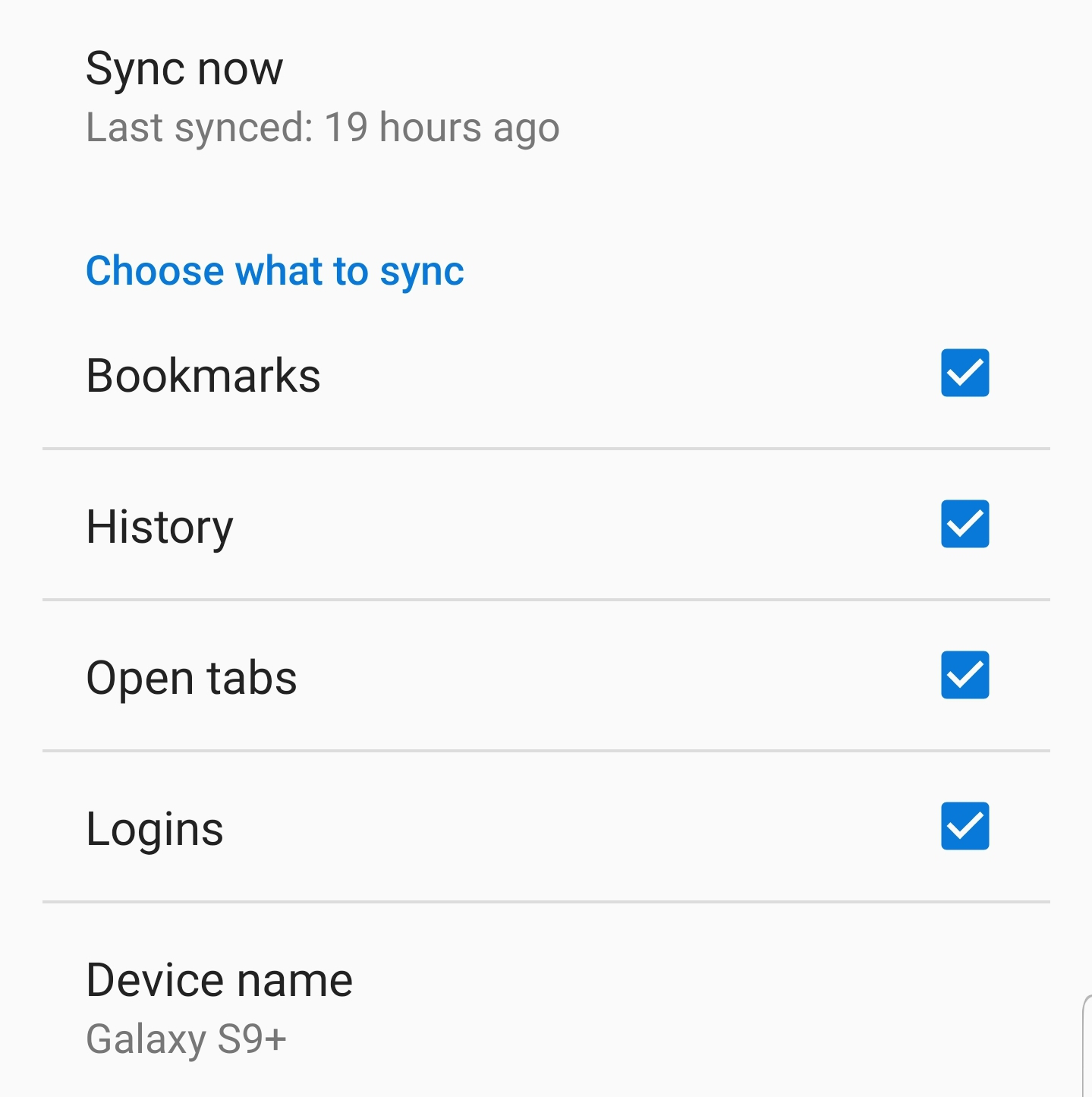
Sync stopped working on Android

I am using Android 9 on my Samsung Galaxy S9+. Firefox has been updated to the most recent version.
Suddenly Sync stopped working on my phone. Works fine on desktop and laptop, but on my phone it does not work at all.
I have disconnected sync, removed all Firefox data, reinstalled Firefox. But without any luck.
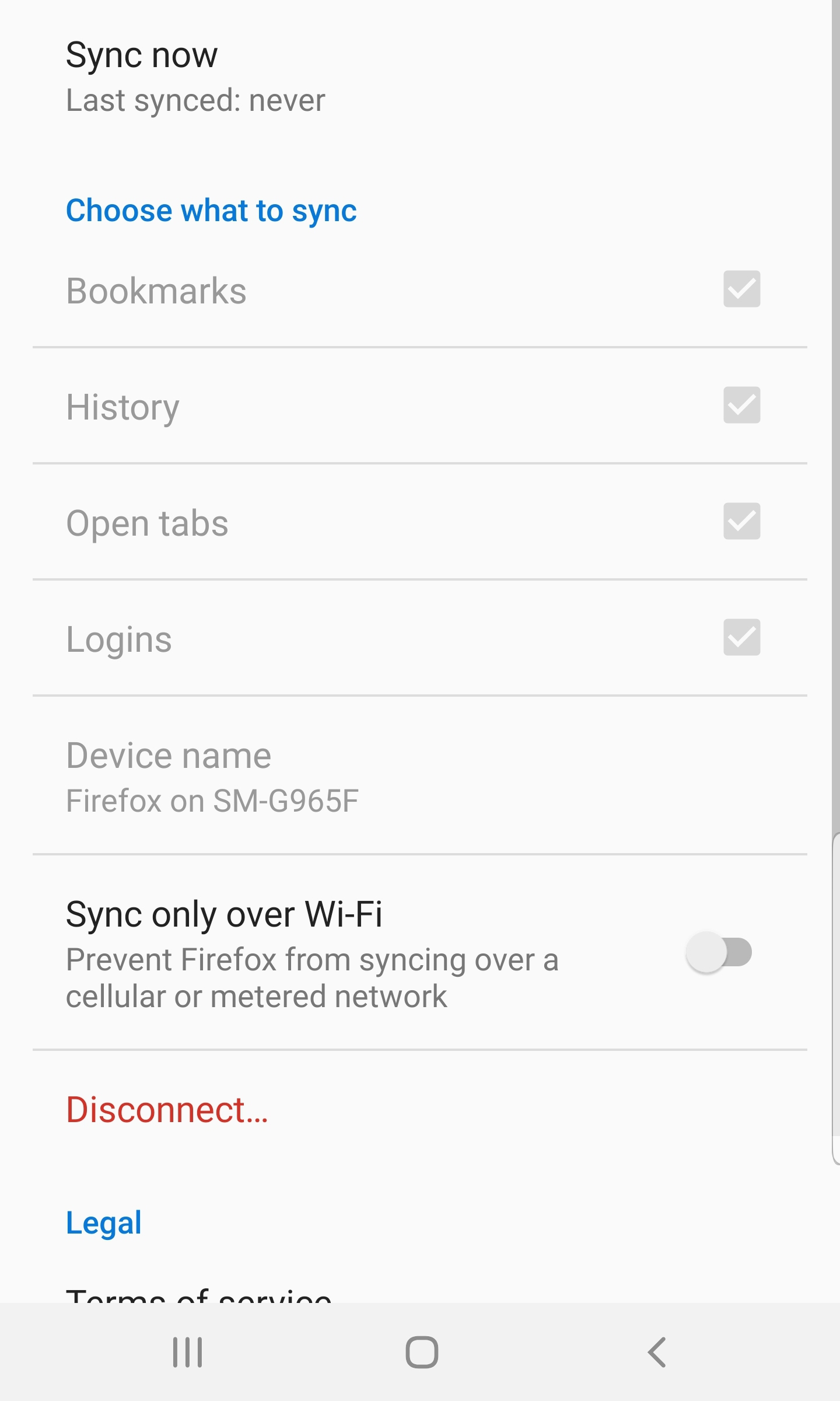
All checkboxes (Bookmarks, History, Open Tabs and Logins) are checked but greyed out. I also cannot change my device name. When I click on 'Sync Now' the Last Synced status keeps saying 'never'.
Have no clue why this does not work anymore.
所有回复 (4)
This is how it looks in settings menu
Did you possibly enabled a power saving mode on your device?
cor-el said
Did you possibly enabled a power saving mode on your device?
No I did not. Power saving is not enabled on my device. All other syncing processes work just fine.
And without changing anything, Sync appears to be working again. No idea what caused the previous error, but it is working again.