

话题已存档。
如果需要帮助请提出新问题。

已解决
已存档
How to change Firefox update channel?
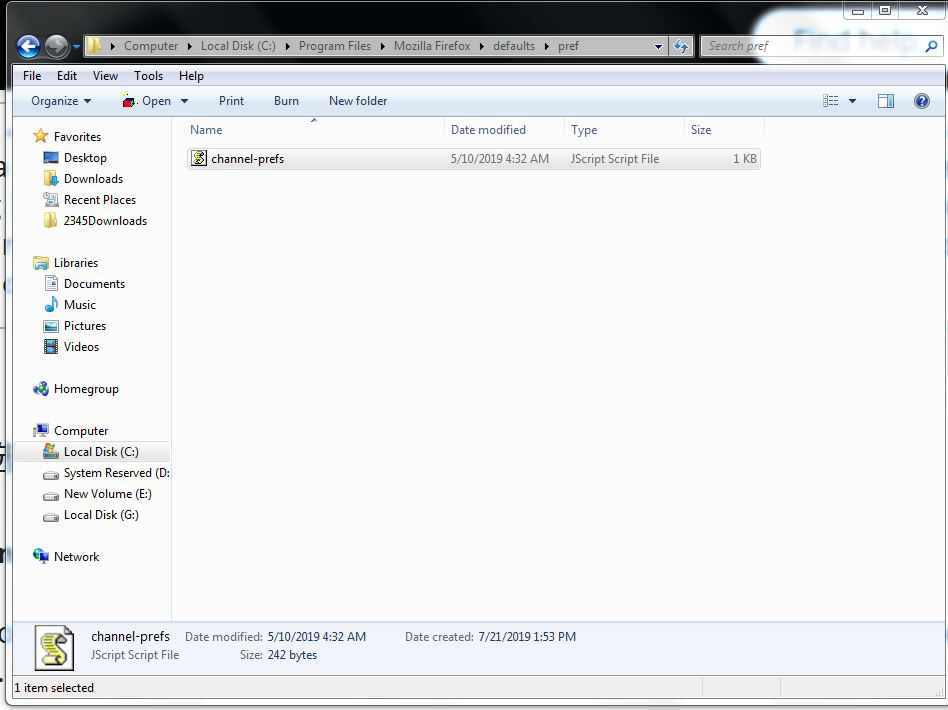
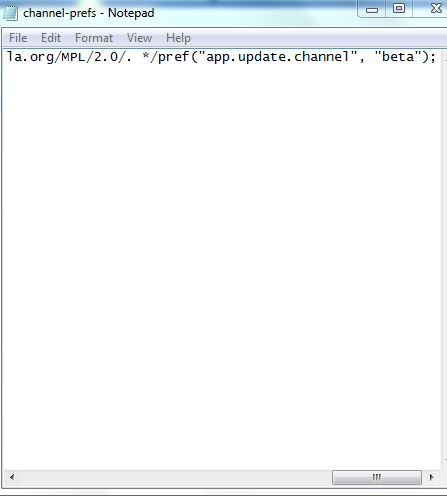
Hi! How to change Firefox update channel? Can I change a value in a channel-prefs file(Mozilla Firefox>defaults>pref>channel-prefs)?How about "app.update.channel"in about:config?Is channel-prefs file same as "app.update.channel" in about:config?What difference between about:config and channel-prefs file(to change Firefox update channel)? If I can't change update channel,what can I do?I don't want to reinstall Firefox! Thanks :-)
Hi! How to change Firefox update channel? Can I change a value in a channel-prefs file(Mozilla Firefox>defaults>pref>channel-prefs)?How about "app.update.channel"in about:config?Is channel-prefs file same as "app.update.channel" in about:config?What difference between about:config and channel-prefs file(to change Firefox update channel)? If I can't change update channel,what can I do?I don't want to reinstall Firefox! Thanks :-)
所有回复 (1)
选择的解决方案
You normally change the update channel by doing a clean install of a full Firefox version.
Changing the channel-pref.js file isn't safe. Also make sure to create a separate profile for each version in case Firefox didn't do this automatically and do not downgrade a profile.