


Sessionrestore Not Working

Yesterday morning my computer crashed.After rebooting and opening Firefox again all I saw was a blank new tab page(first picture).I copied my profile folder before doing anything else.After doing some googling and trying things I saw in forums including copying the contents of the backup to the currently used folder and deleting the sessionstore.jsonlz4 file and renaming a few of the sessionstore-backups folder files and the recovery.jsonlz4 file and using them in it's place all I could get was a blank about:sessionrestore page(the second picture)Is there anything I can do?
所有回复 (15)
Hello Osiris3.0,
Your screenshot shows that you're using "Auto Tab Discard"; would you disable it and see if that will make a difference ?
I must admit that it's a stab in the dark, but might be worth a try ...
Did you check the sessionstore files with this utility?
I did try disabling my add-ons and when I try loading the latest sessionstore files, the one that would have my last session, in that utility it freezes then crashes the tab.
How many tabs are you using?
How large are your sessionstore files ?
You mean how many tabs in general, or just for this task?For loading the sessionstore file in the you utility you linked to I just use 1, but in general I have hundreds across 2 windows.They're not all active ofcourse.I'm only using a few to a small hand full, like 7, or 8, at any given time.
previous.jsonlz4 is 21.5MB
recovery.baklz4 is 21.5MB
upgrade.jsonlz4-20190619235627 is 21.4MB
You had a similar problem about 11 months ago (and again 5 months later) :
Yes, but I believe those were caused by Firefox updates.The problem went away both times when I went back to a previous version of Firefox until another update came out.I tried that again this time and the problem remains.
Note that Firefox 68 will be released in a few days, so there will be another update coming this week.
If rolling it back to the previous version didn't fix it then a new update probably won't either.It seems like a similar problem, but I don't think it is the same problem.Those other times my tabs just wouldn't load after I rebooted my computer like normal.This time something seems to have gone wrong in recovering my session after my computer crashed.
The amount of data in your files is very large -- I tested the Scrounger with .jsonlz4 files in the range of 500KB to 1MB. If the web app cannot handle it, you may need to use Firefox's Browser Console to at least decompress the file to .json. Then there would be the mining of URLs, which would be the next challenge.
Decompression Scripts
Actually the Firefox 66+ script is working in Firefox 52 (and 45) as well as it uses a basic Promise.
The script for 57-65 uses Task.jsm and support for this file was removed in 66+.
I don't know how to use those decompression scripts, but I tried the utility again and this is what I got.
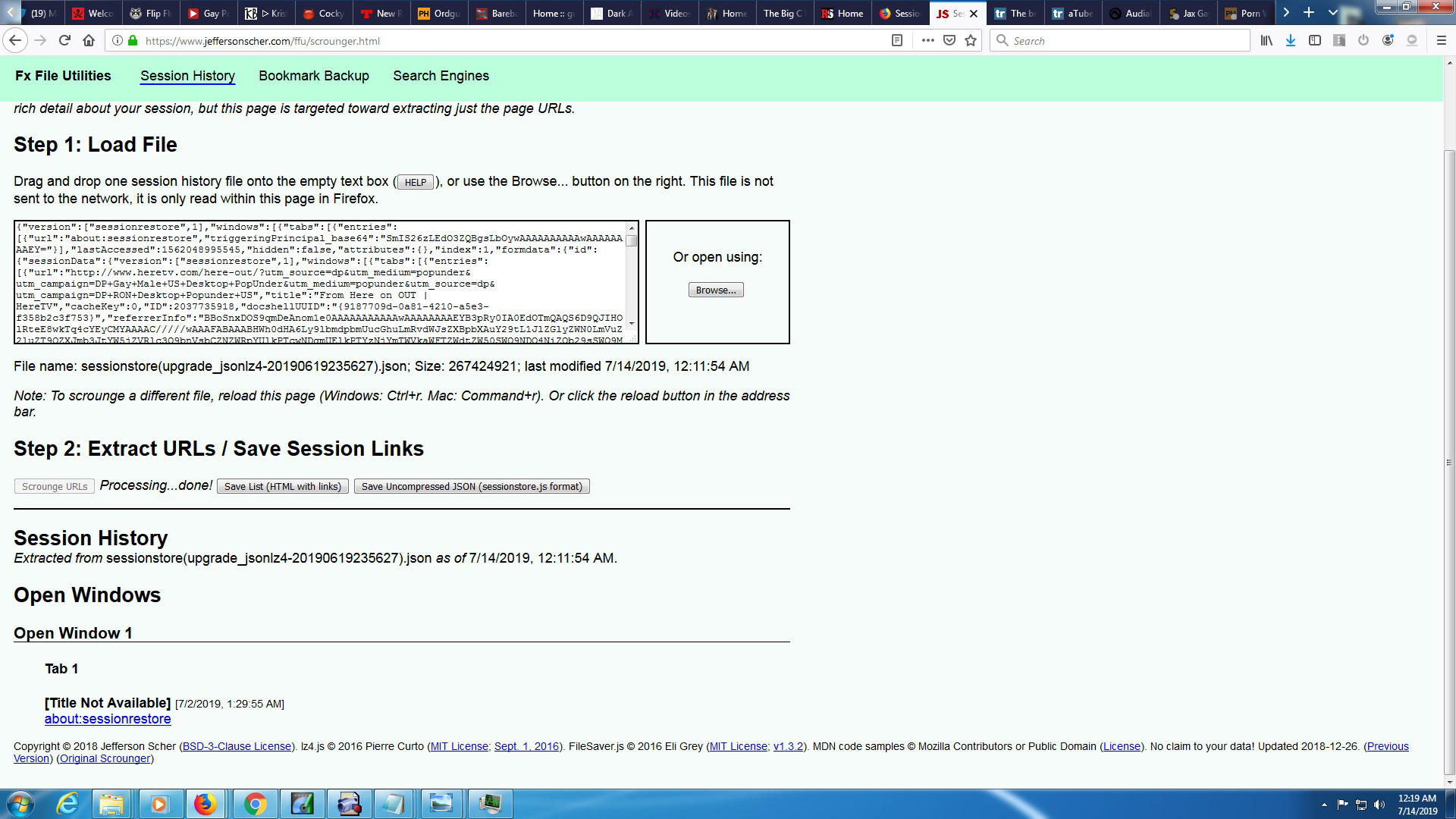
Hi Osiris3.0, thank you for the screenshot.
The file shows there is a crash recovery screen (about:sessionrestore) and the real list of windows and tabs is under "formdata". I didn't include any code in the current Scrounger to read out the formdata of a crash recovery screen. I will need to update my page.
For now, though, could you try the older version? It is less concerned with the precise structure of the JSON file: https://www.jeffersonscher.com/ffu/scrounger_20180826.html
If that doesn't see everything, perhaps we can pop out the formdata into its own file. However, I need to work with a small example to understand how to do it so I'll have to get back to you on that.
Hi Osiris3.0, have you tried using that file for recovery? Since it is decompressed, Firefox will expect it to be named sessionstore.js instead of sessionstore.jsonlz4.
To try swapping in an older session history file so Firefox will load it, the "manual swap" method is as follows (assuming Firefox is still running):
(1) From inside Firefox, open your current Firefox settings (AKA Firefox profile) folder using either
- "3-bar" menu button > "?" Help > Troubleshooting Information
- (menu bar) Help > Troubleshooting Information
- type or paste about:support in the address bar and press Enter/Return
In the first table on the page, click the "Open Folder" button. This should launch a Windows Explorer window listing the various files and folders in your profile.
(2) Leaving that window open, switch back to Firefox and Exit, either:
- "3-bar" menu button > "power" button Exit
- (menu bar) File > Exit
Pause while Firefox finishes its cleanup -- a file named sessionstore.jsonlz4 should appear in the folder.
(3) Once Firefox has stopped updating things, while viewing the main level of the profile folder, right-click > Rename sessionstore.jsonlz4 to sessionstoreOLD.jsonlz4
If you see an older sessionstore.js or sessionstore.bak file, move it somewhere else or delete it.
(4) Double-click into the sessionstore-backups folder
(5) Copy in the file you want to restore, and rename it with the name appropriate for its format:
- Compressed file such as previous.jsonlz4 => recovery.jsonlz4
- Uncompressed file such as sessionstore(recovery_jsonlz4).json => recovery.js
(6) Start Firefox and it should read the swapped in recovery file and restore whatever was in the substitute file; if you do not have Firefox set to restore your previous windows and tabs automatically, use History > Restore Previous Session
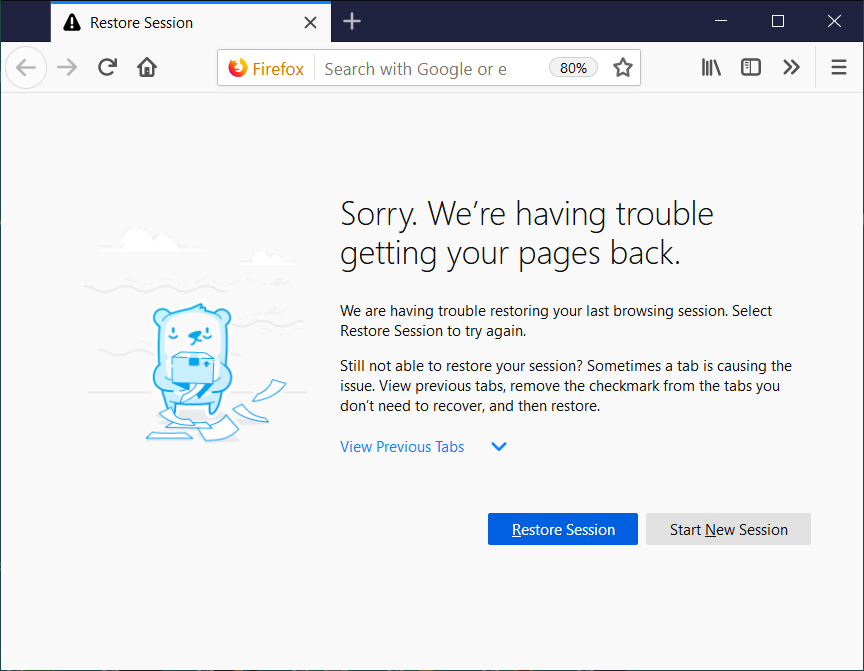
In this case, you'll also need to use the blue Restore Session button (see attached example).
Any luck?
No luck, but I loaded the recovery and previous files into the utility you linked to in your last post and links came up this time, so I guess this might be as close to a recovery as i'm going to get.Unless there's something else to try thanx for your help.