

话题已存档。
如果需要帮助请提出新问题。

Solved
已存档
Thunderbird doesn't load / "Not Responding" (with CPU usage)

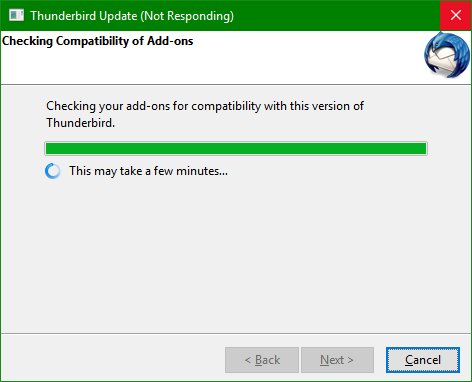
Since about two weeks, in Windows 10, Thunderbird will not even load anymore. It loads the Thunderbird window and then immediately says "Not Responding" in the Title Bar. The CPU usage is constantly about 26%, disk = 0%, Memory usage stays at about 45 MB.
I've tried starting in Safe Mode (SHIFT + launch Thunderbird ), uninstalling/reinstalling, deleting my profile, deleting all "Thunderbird" folders under c:\Users\NAME\AppData\, and disabling Windows Defender programs (App & Browser Control, Virus Protection, Firewall). None of those fixed the problem.
I just haven't been able to get my beloved Thunderbird to run again at all. Please help.
所有回复 (1)
选择的解决方案
The issue resolved "itself". Perhaps some Windows 10 update "unclogged" Thunderbid...