


Can I lock or disable the Show Password button for saved passwords?

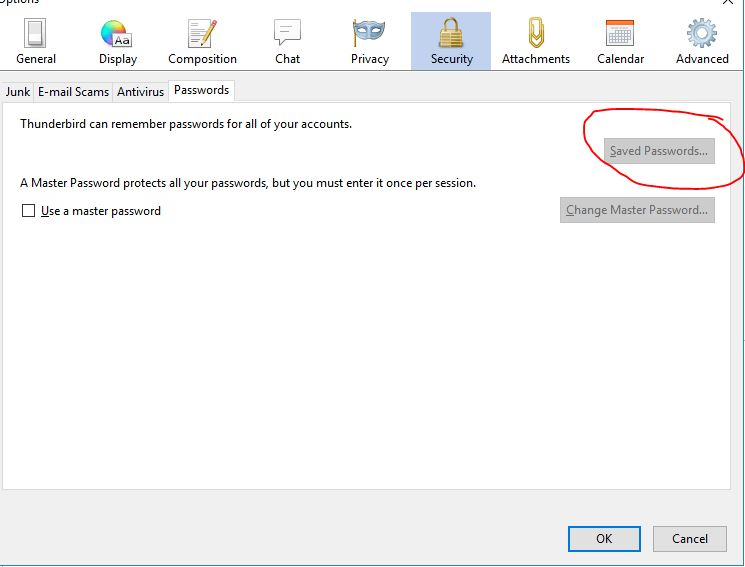
We are planning to use Mozilla Thunderbird as the email/chat application for our users, however, because our security policies we can not give the passwords to the users. If we can disable the "Saved Password" button or the "Show Passwords" button using the "mozilla.cfg" file, it will be an extraordinary solution. I tried adding some like: lockPref("signonViewerDialog.enabled", false) lockPref("signon.ViewerDialog.enabled", false) They are being shown at the config editor, but not working.
I will appreciate any help!
Thank you.
被采纳的解决方案
We found the solution, adding and locking the setting: pref.privacy.disable_button.view_passwords;0 to the configuration file will disable the "Saved Passwords..." button.
This will be useful at corporate environment.
Thank you!
定位到答案原位置 👍 1所有回复 (2)
选择的解决方案
We found the solution, adding and locking the setting: pref.privacy.disable_button.view_passwords;0 to the configuration file will disable the "Saved Passwords..." button.
This will be useful at corporate environment.
Thank you!
I hope you have disabled the users ability to do more than read the file. Otherwise they can just rename it.