


why after giving permission do I still get this response ''Camera not authorized. Please check your media permissions settings.''

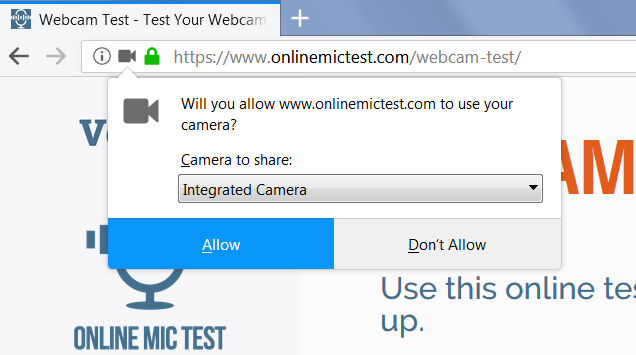
checking my webcam on a test webcam site -----https://www.onlinemictest.com/webcam-test/-----granting permission I get this-----
Camera not authorized. Please check your media permissions settings.
There have been times where it let me through and I was able to test it but more often it refuses. Also have the same problem
using Facebook. When I switch over to Chrome browser I don't have any problems which leads me to believe the problem is with
Firefox. I've seen other people mentioning this but I didn't see any resolutions
所有回复 (20)

Did you see if your webcam driver software is loading and see the webcam?
If you get the permission dialog --

-- and click Allow, then I don't think Firefox's internal settings would be blocking the access. Could it be an add-on??
You can view, disable, and often remove extensions on the Add-ons page. Either:
- Ctrl+Shift+a (Mac: Command+Shift+a)
- "3-bar" menu button (or Tools menu) > Add-ons
- type or paste about:addons in the address bar and press Enter/Return
In the left column of the Add-ons page, click Extensions. Then cast a critical eye over the list on the right side. Any extensions Firefox installs for built-in features are hidden from this page, so everything listed here is your choice (and your responsibility) to manage. Anything media or privacy-related, or that you just do not remember installing or why? If in doubt, disable (or remove).
Any improvement?
Thanks so much for your responses
I was unaware of all the settings in downloaderhelper
That may be the problem. Thank you I'll look into it.
My camera and mic work fine on Chrome so that leads me to believe
its somewhere in Firefox

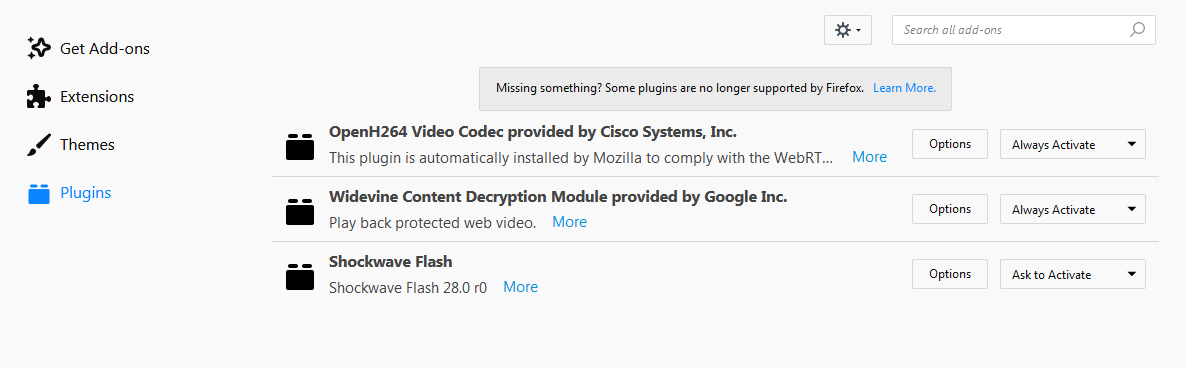
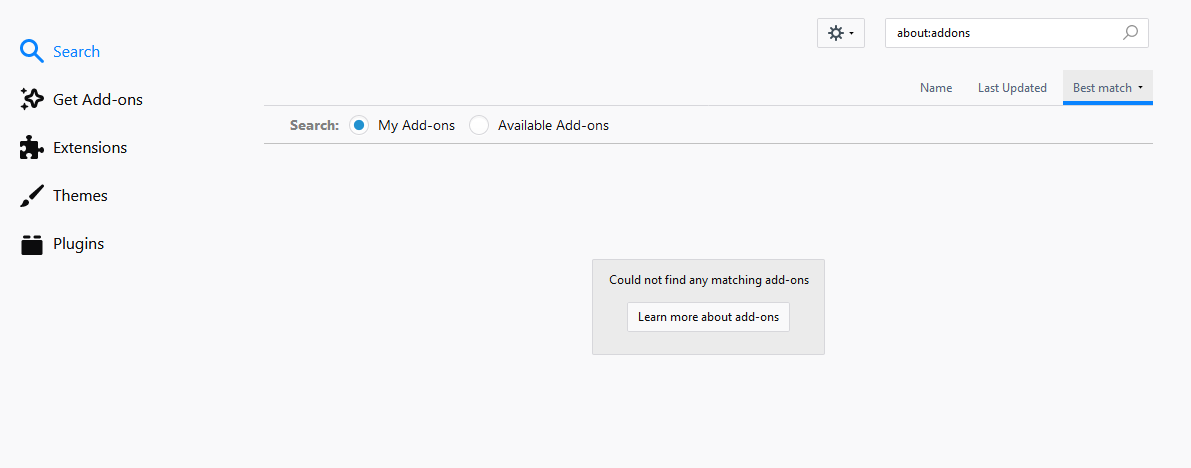
Disabled Downloadhelper yet still no go on the camera
由joseph501325于修改
Disabled Google Translator no change
Webcam visible
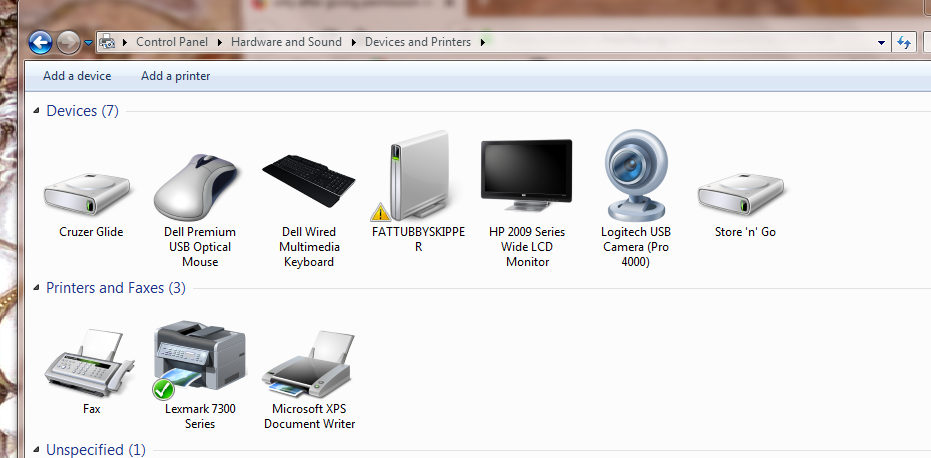
Chrome Browser same camera same PC
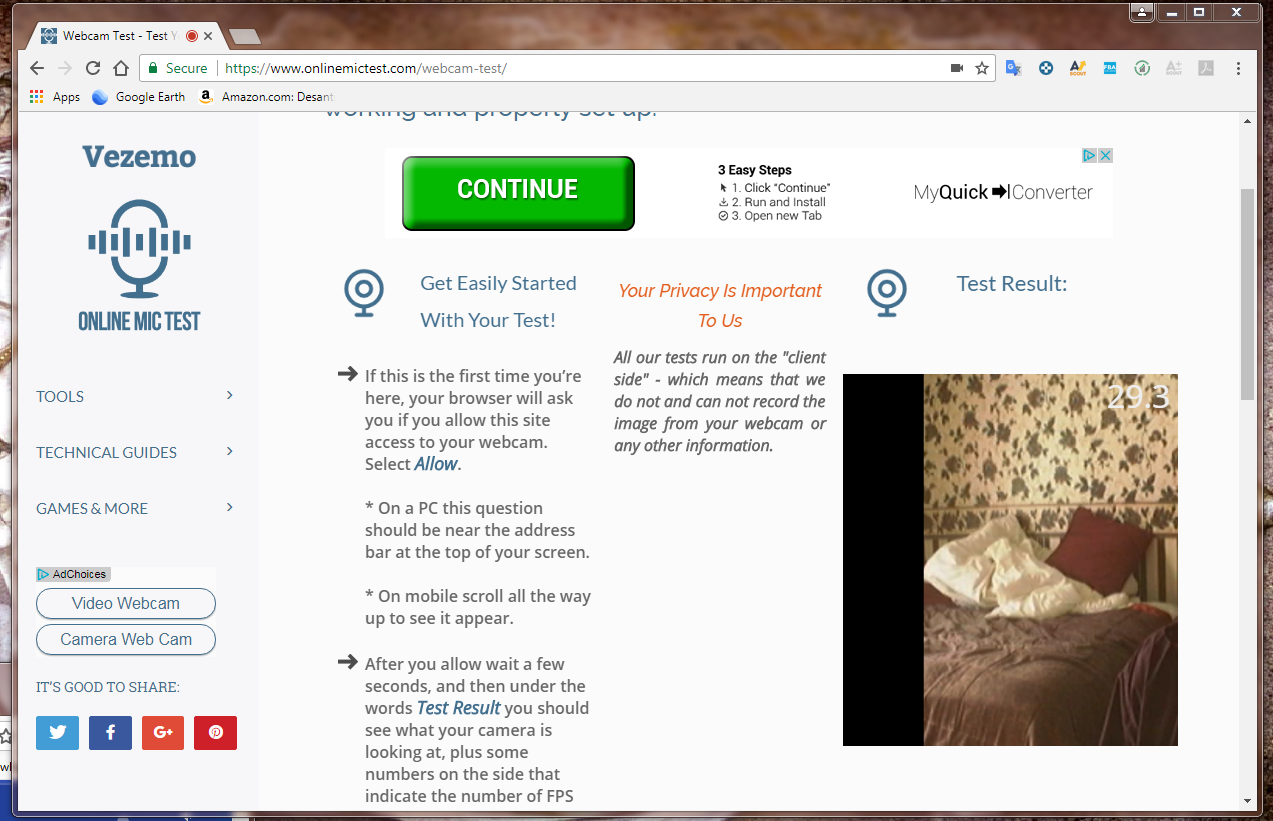
Firefox Browser same camera same PC

joseph501325 said
Firefox Browser same camera same PC
Do you get that error message after clicking "Allow" or is Firefox never showing you this prompt:
Hello,thank you.
I'm still trying to get it to work on Firefox
I get the prompt and it says that its allowed -- I wish I could show you a screen shot of that ---- you'd have to show me how you do that. It says its allowed but doesen't allow it
You can see here the permission is given
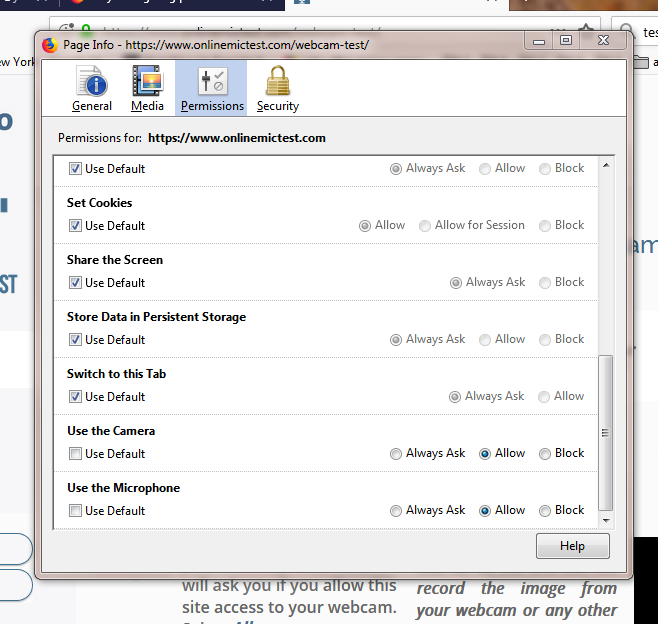
Screen shot from my phone
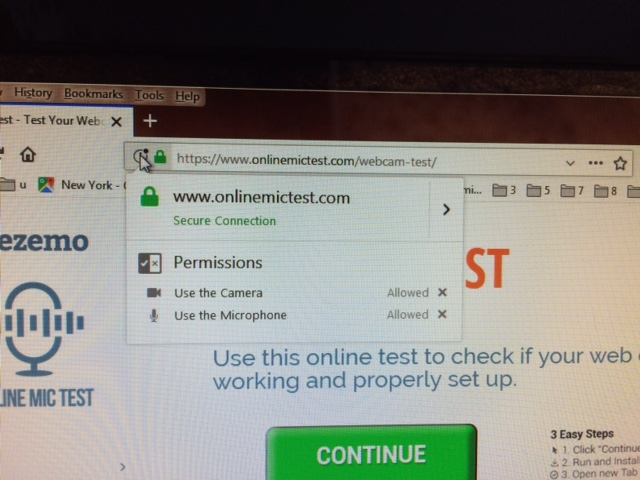
Problem not solved
Could you check whether this turns up any non-default preference settings:
(1) In a new tab, type or paste about:config in the address bar and press Enter/Return. Click the button promising to be careful or accepting the risk.
(2) In the search box above the list, type or paste media*enable and pause while the list is filtered
Normally, nothing will be bolded; all items will have "default" in the Status column. Do you have anything "modified" here?
Thanks for your help
All items are default
Nothing modified
Well looky here when I checked again!

Wow! I must have not waited long enough for it to filter
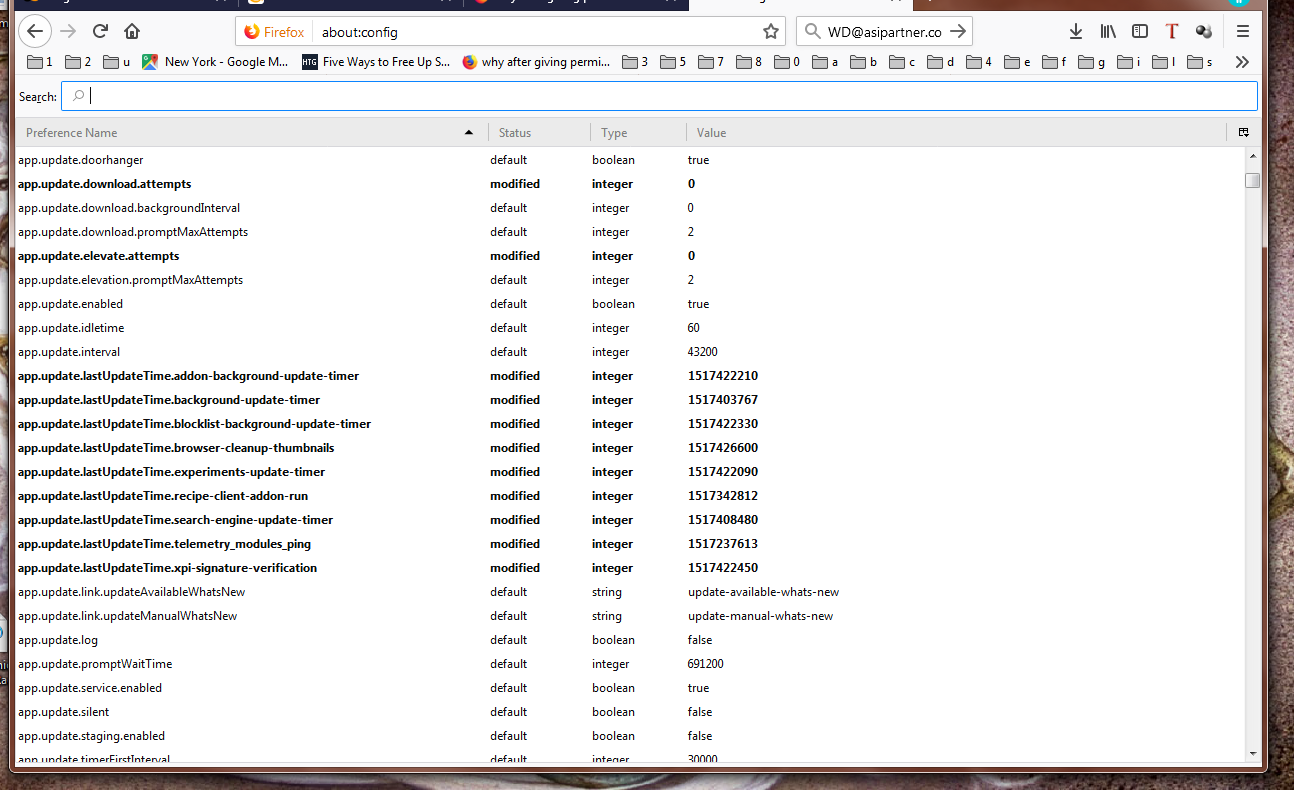
On and on it goes. Is there something specific to look for?


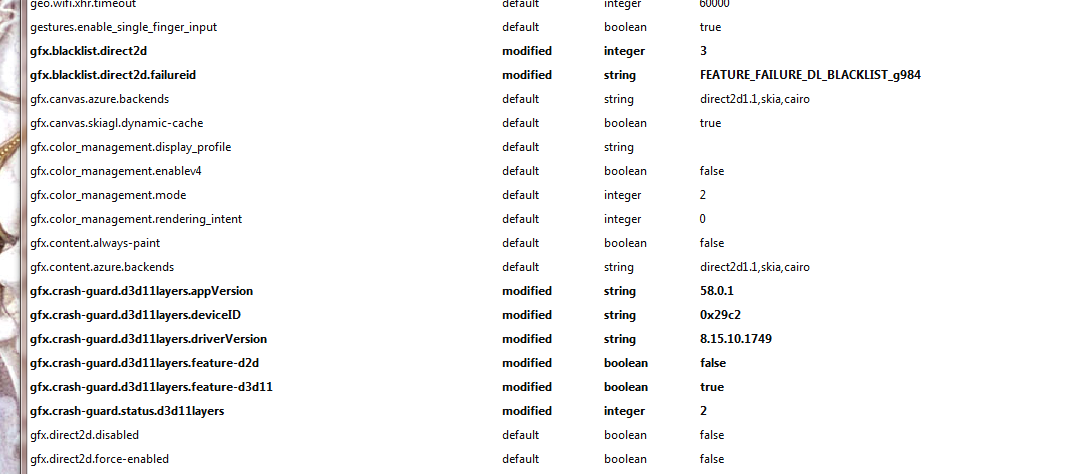

Regarding the screenshots, I think you skipped a step:
(2) In the search box above the list, type or paste media*enable and pause while the list is filtered
Or you are looking in other places that may not be relevant. ??
Anyway, I don't have any other thoughts at the moment about why it might be blocked even with "Allow" permission.