


Image mapping not working in Firefox but works in chrome

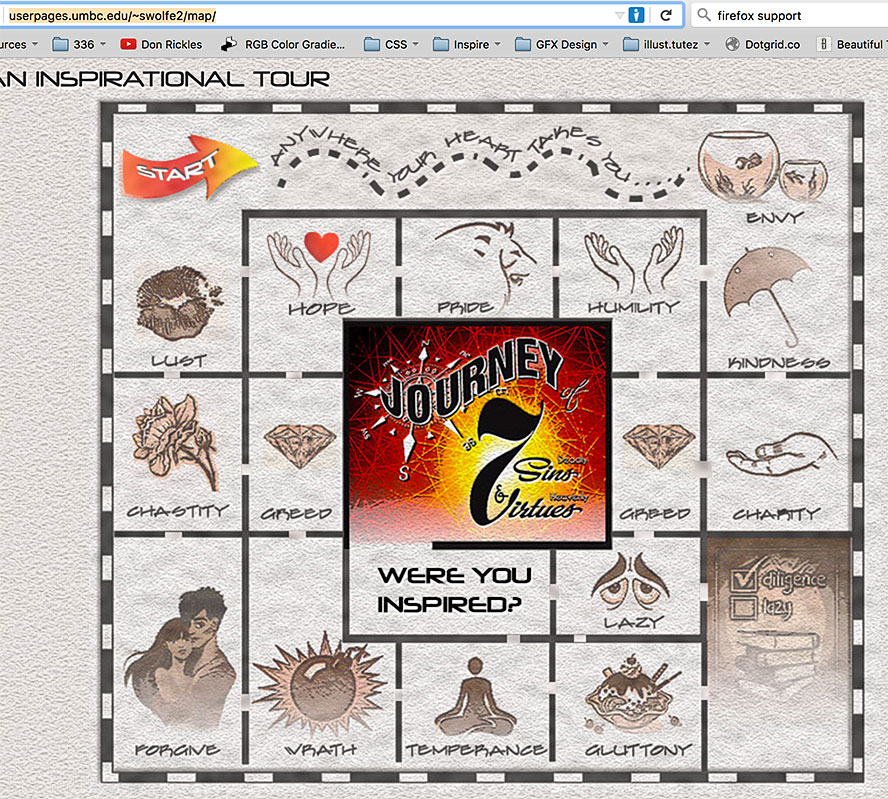
re: http://userpages.umbc.edu/~swolfe2/map/
Above is a link to a School assignment to create a working image map. However, Firefox does not recognize any of the images as links. I've added the university address http://umbc.edu and added http://userpages.umbc.edu to the "Exceptions" in Firefox preferences. I've closed Firefox and re-opened the Firefox browser but it still does not recognize any of the links. The image map works perfectly in the Chrome browser but does not work in Firefox.
Any help is greatly appreciated. Thanks!
被采纳的解决方案
Don't slap yourself in the forehead too hard, but... it's case sensitive, so:
<img src="img/main3.jpg" alt="" usemap="#map" width="792" hspace="125" height="700">
定位到答案原位置 👍 1所有回复 (2)
选择的解决方案
Don't slap yourself in the forehead too hard, but... it's case sensitive, so:
<img src="img/main3.jpg" alt="" usemap="#map" width="792" hspace="125" height="700">
OMG! It works!!! Would have never known it was only one letter messing it up! Thank you so very much!
Sign me, the girl with the glowing red forehead!! LOL!!
由bellalupo于修改