


How to sort emails grouped by date received with groups in descending order and emails within groups in descending order?

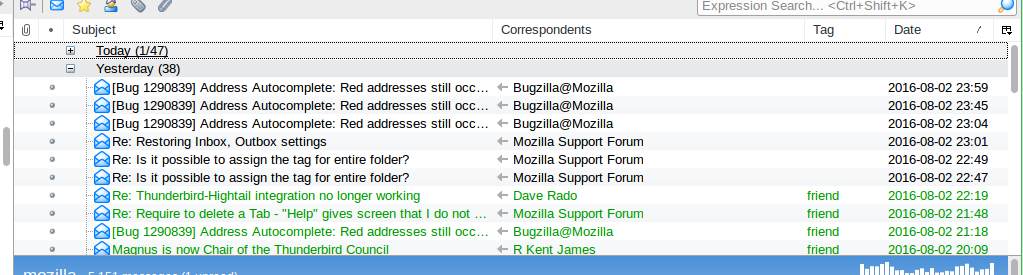
I switched from Outlook a few months ago and setup Thunderbird like I had Outlook where emails are grouped by date received in descending order so that the newest group (e.g. Today) is at the top and within the groups the emails are sorted so that the newest email is at the top. I accidentally reset the sorting options and cannot get it back. I either get the groups in descending order but the emails in the groups in ascending order, so that the newest email is at the bottom of the group, or I have the groups in ascending order and the emails in the groups in descending order.
所有回复 (2)
选择的解决方案
Try this:
View|Sort By|Date View|Sort By|Descending View|Sort|By|Grouped By Sort
If a sort setting doesn't seem to "take", it can be productive to select an alternative sort then come back to the one you want.
Thanks. It worked after changing to a different sort a few times and back and then going to another folder and back.