


Website Design Disturbed On Some Browsers

One of My Website is http://www.hotelsomnath.com
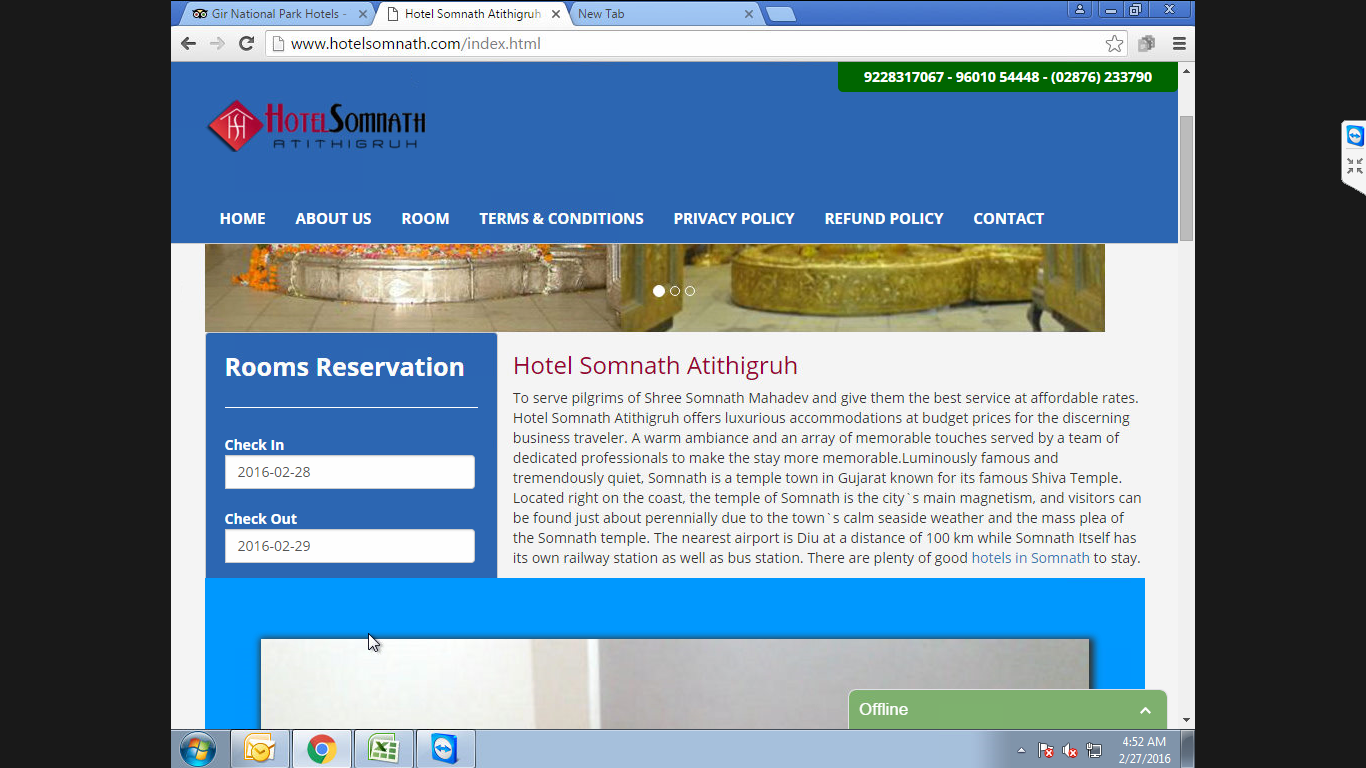
I am not able to describe the error but show you in image
Image no 1 shows is the error website
Image no 2 shows correct website
所有回复 (3)
here is the second photo of http://www.hotelsomnath.com
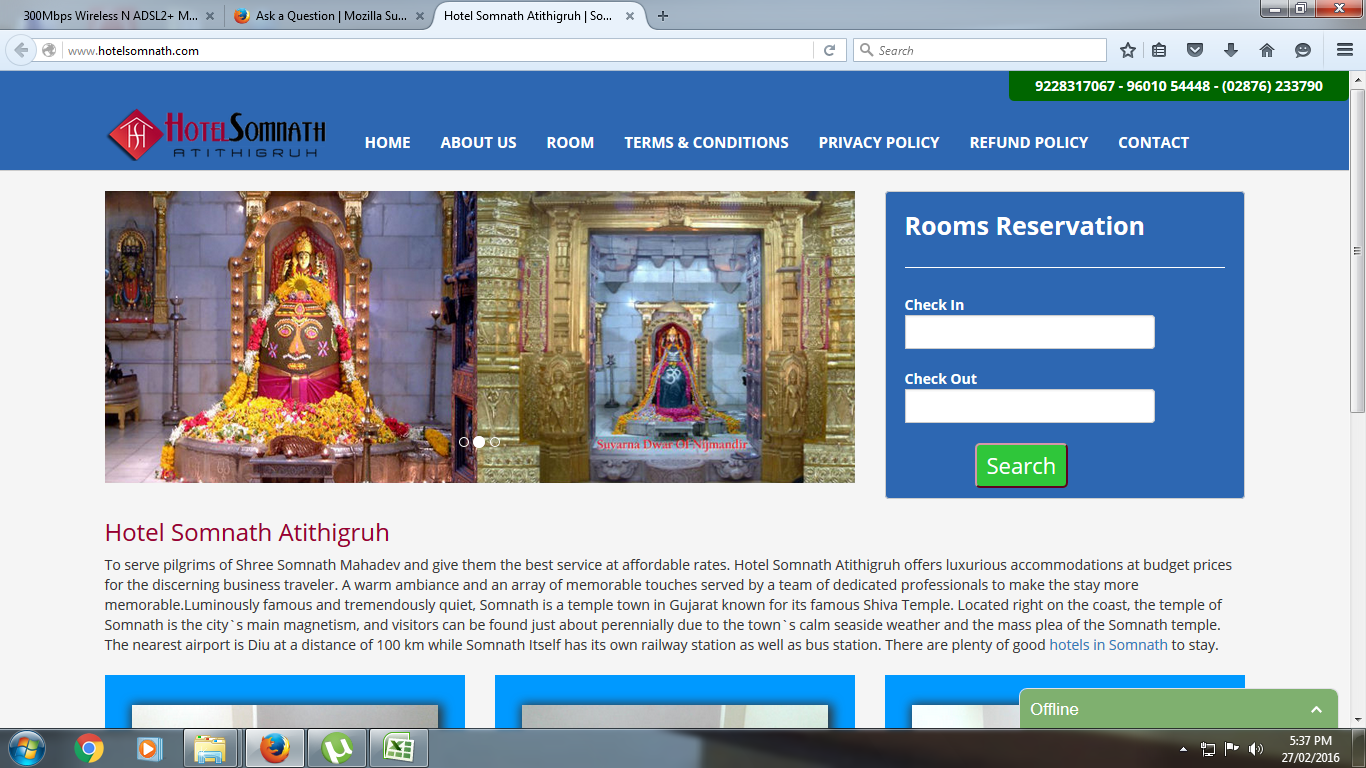
Are you referring to the Rooms Reservation box being on the left and below the 3 "carousel" sliding images when the browser window is narrower than a certain width? And the loss of the Search button when that "box" is on the left?
Not really a Firefox support issue. That has to do with the way that page is coded; the fixed width of the "images" used in the "carousel" forces the not-fixed Reservation box down as the 'viewport' gets narrower. That action accommodates various screen resolutions AND it may trigger that change at slightly different screen widths in different web browsers.
The layout seems to change when the window width is below 1200px (1199px or less). If you zoom the page then this affects the dimensions as reported via JavaScript.
You may have zoomed web page(s) by accident. Reset the page zoom on pages that cause problems.
- View > Zoom > Reset (Ctrl+0/Command+0 (zero))