Set-up custom font, font size, and color for writing new and reply e-mails in Thunderbird
I know that I can select the font, size, and color for writing each new and reply e-mails in Thunderbird, but I don't want to have to do this each time. I want to set-up the default font, size, and color for all new and reply e-mails. It already comes up with a default one, but I want to change it, but can't figure out how to do this. I'm sure it is quite simple, but I don't know how to do this. Thank you in advance for help.
所有回复 (3)
Tools > Options > Display > Formatting tab
Default font: select font Select size : eg; 14
Click on 'Advanced' button and set all the sizes to 14 Select : 'allow messages to use other fonts' click on OK
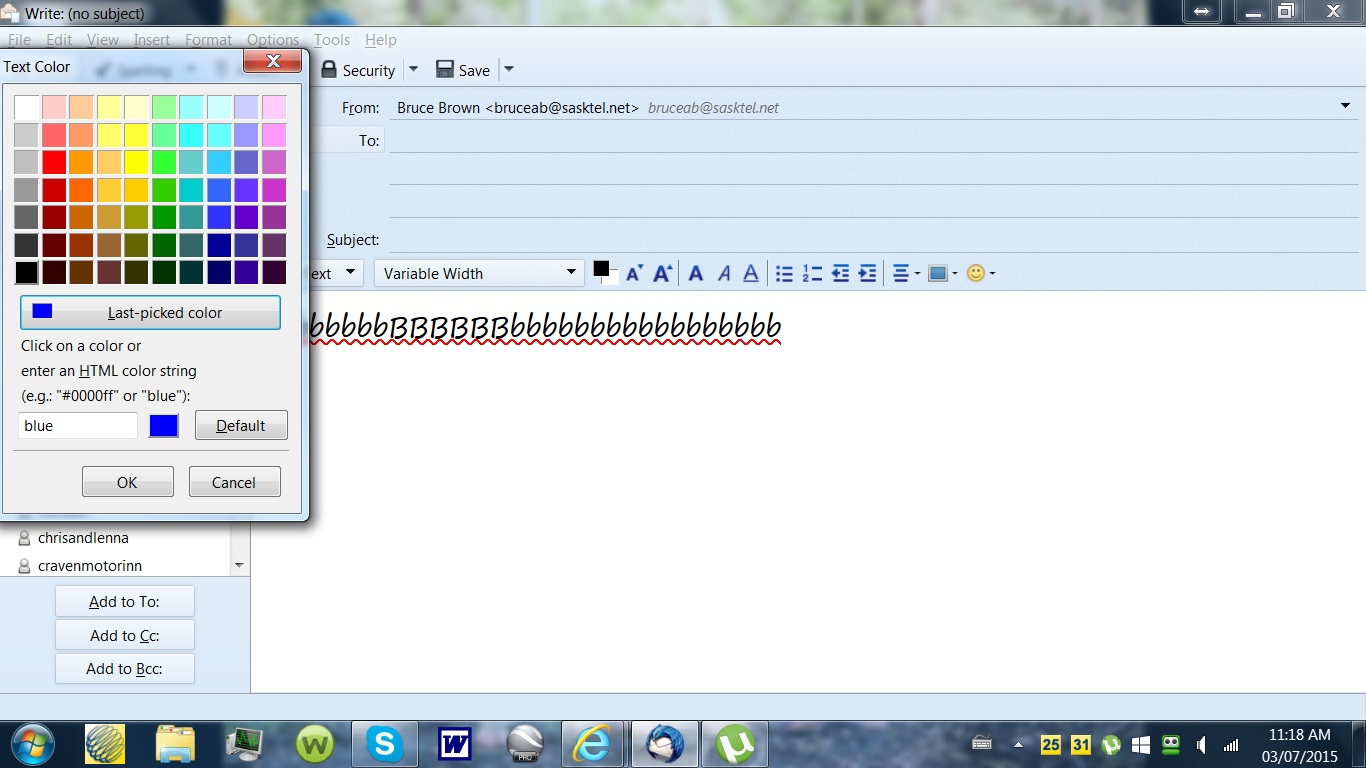
Click on 'Composition' Under the 'General' tab Suggest you set HTML font to 'Variable width' and Size : 'Medium' Select the 'Text colour' you would like to compose email using Select the 'Background colour' you would like to use when composing emails.
click on OK to save all changes.
This will set the display email list to the selected font. It will allow received emails to use the font the sender used. When you compose an email it will also use the same font settings.
The message 'Display' settings in the above section also apply to messages that you compose. The settings are not sent, so they do not affect how your messages appear to recipients.
The settings in the Composition' section can affect how messages are sent. If you make unusual choices, then people who receive messages from you might find them difficult or impossible to read. Hence, why I suggest you leave it as 'Variable width' and allow the 'Display' settings to set the default used for composing emails.
More info:
Thanks, it works. I am a senior, senior and not too computer literate but can follow instructions. These were very EZ. Amazing when you know where and how.

I can not get colour to change.