


Still wondering about "translate to Dutch" on context menu

I asked this about four months ago, and did not get any answer, so I am asking again. Sorry for the repetition.
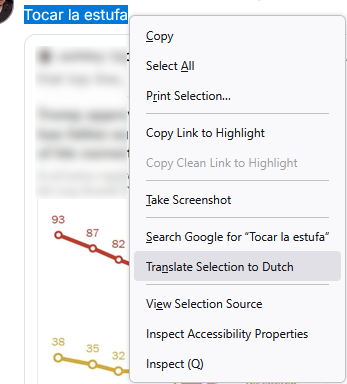
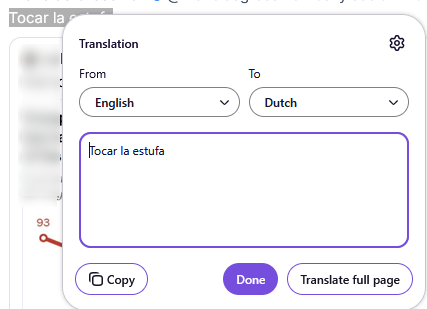
Here is the problem: when I highlight a short passage of text (~3-4 words), and right-click, the context menu always shows the translation entry as "Translate to Dutch". (See first image.) If I accept that, the input language is assumed to be English, so I actually have to change both drop-downs. (See second image.)
If the passage is long enough (> ~4-5 words), the context menu will show "Translate to English", which is what I want, and as an aside, Firefox is almost always correct in detecting the input language.
I can understand it being hard to detect the input language from a short phrase, but why does the output language default to Dutch? And is there a way to change this behavior?
Thanks.
Tüm Yanıtlar (2)
Seçilen çözüm
Bonjour
https://support.mozilla.org/en-US/questions/1535724
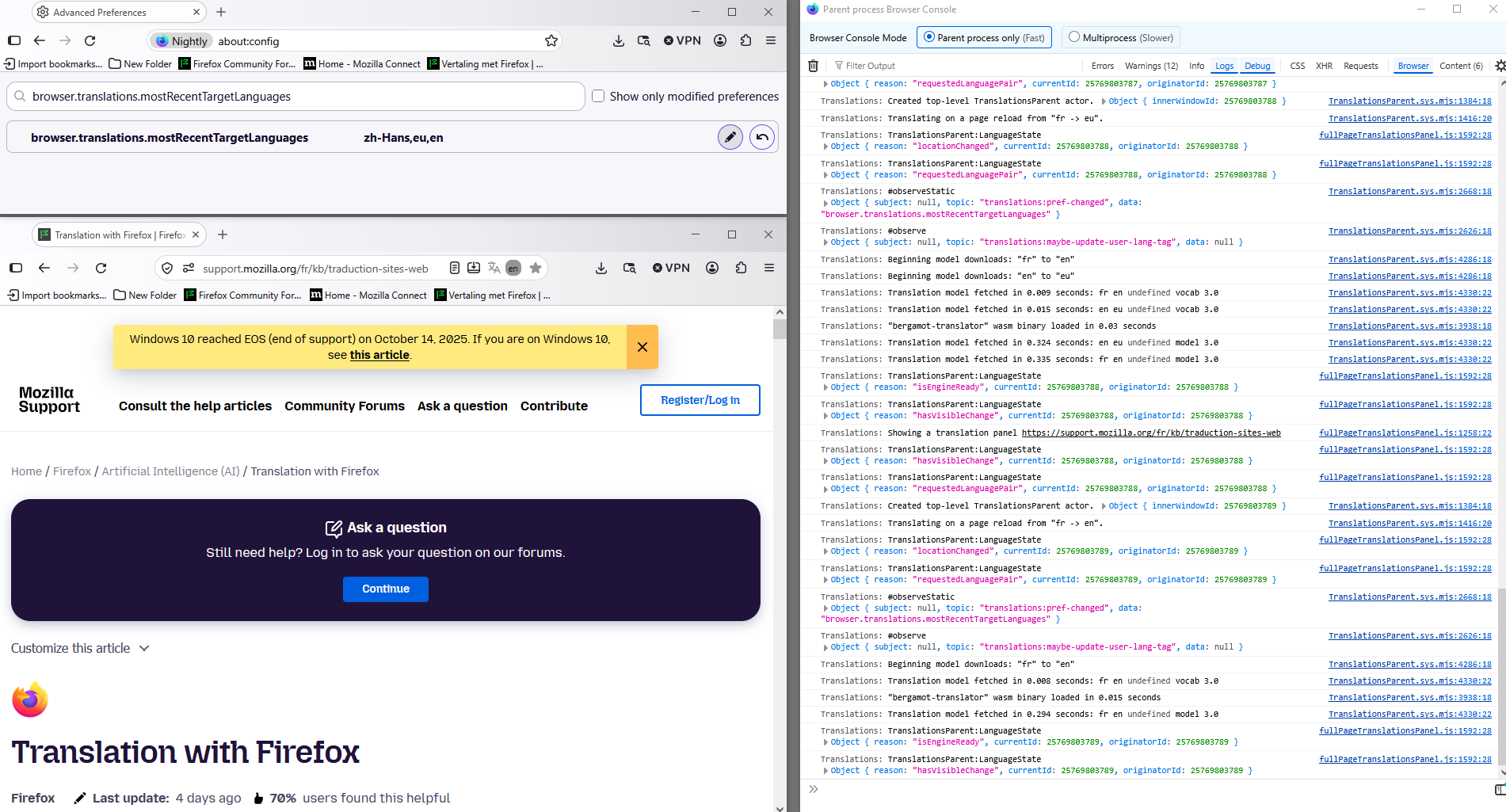
Maybe, you can try, reset the preference, browser.translations.mostRecentTargetLanguages
1 - Go to configuration editor https://support.mozilla.org/en-US/kb/about-config-editor-firefox 2 - Enter a search term browser.translations.mostRecentTargetLanguages and click on the Reset button.
Agent virtuel tarafından tarihinde düzenlendi
This seems to have had the proper effect. Thank you.
For others: After I did the reset, I highlighted the same phrase. This time there was no default output language shown in the context menu, but it was shown as English in the pop-up translation window. I selected Spanish for the input language and it worked.
I next went and found another short phrase. In Spanish, again as it happened. But the important point is that this time, when I selected, the context menu showed "Translate to English". Same with just the single "Bonjour" above.
Thanks again.