


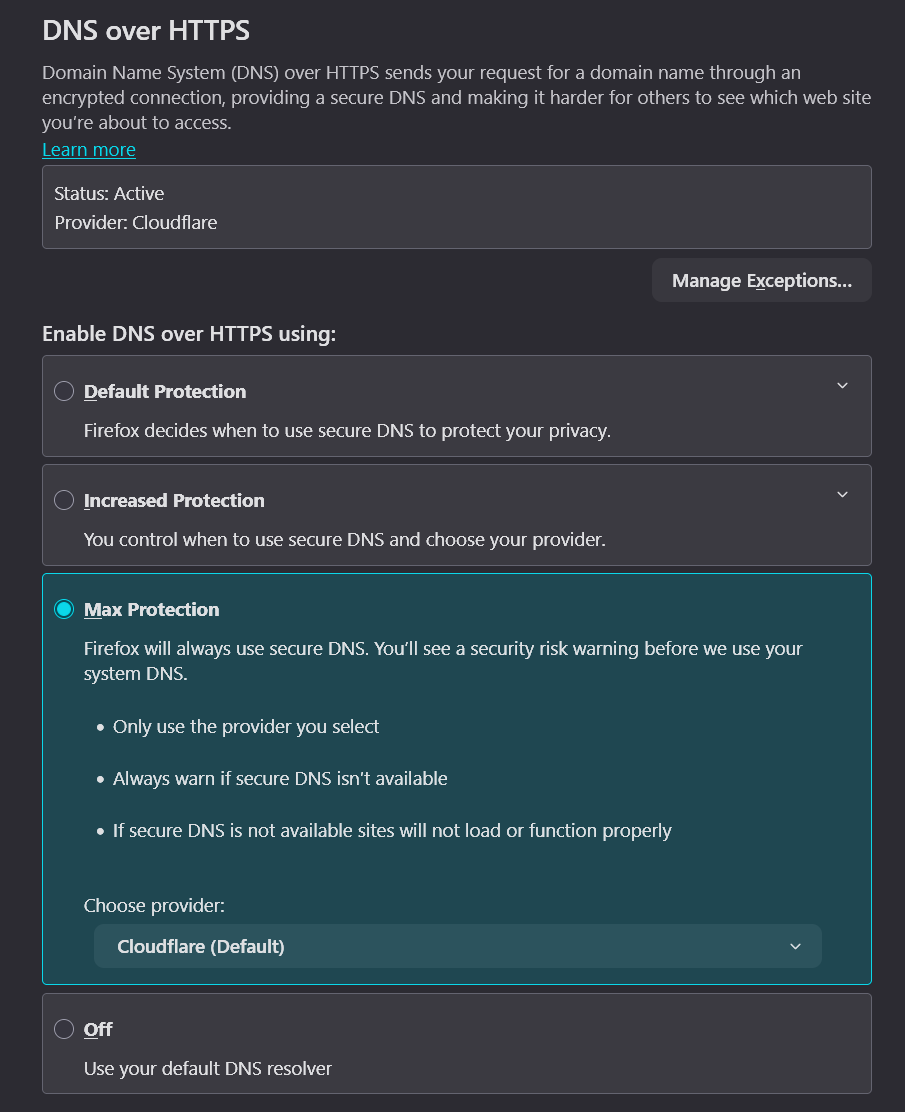
Firefox inbuilt VPN does not work with DNS over HTTPs enabled with Max Protection enabled

The VPN works if I Enable DNS over HTTPS using Default Protection, however if I select Max Protection and use Cloudflare, it does not work as it cannot resolve DNS.
If I disable the VPN or select Defualt Protection, DNS works again.
Windows 11 Pro 25H2 26200.8313 Firefox 150.0.1

Tüm Yanıtlar (2)
It looks like enabling the Firefox VPN and having DNS over HTTPs enabled could cause issues, hence why it does not work. Possibly Firefox should disable DNS over HTTPs when the VPN is active, and enable it again when the VPN is stopped.
Seçilen çözüm
Thanks for the investigations. Normally there are some exceptions so it's interesting the features don't check each other's presence or mention the mitigation options in the error message. I've seen similar feedback on Mozilla Connect but wasn't able to find any bug filed on that topic, so there's now one by another reporter: https://bugzilla.mozilla.org/show_bug.cgi?id=2037364 if you want to follow any updates.
Thanks for reporting this!