


Hiding or removing the Firefox logo on homepage.
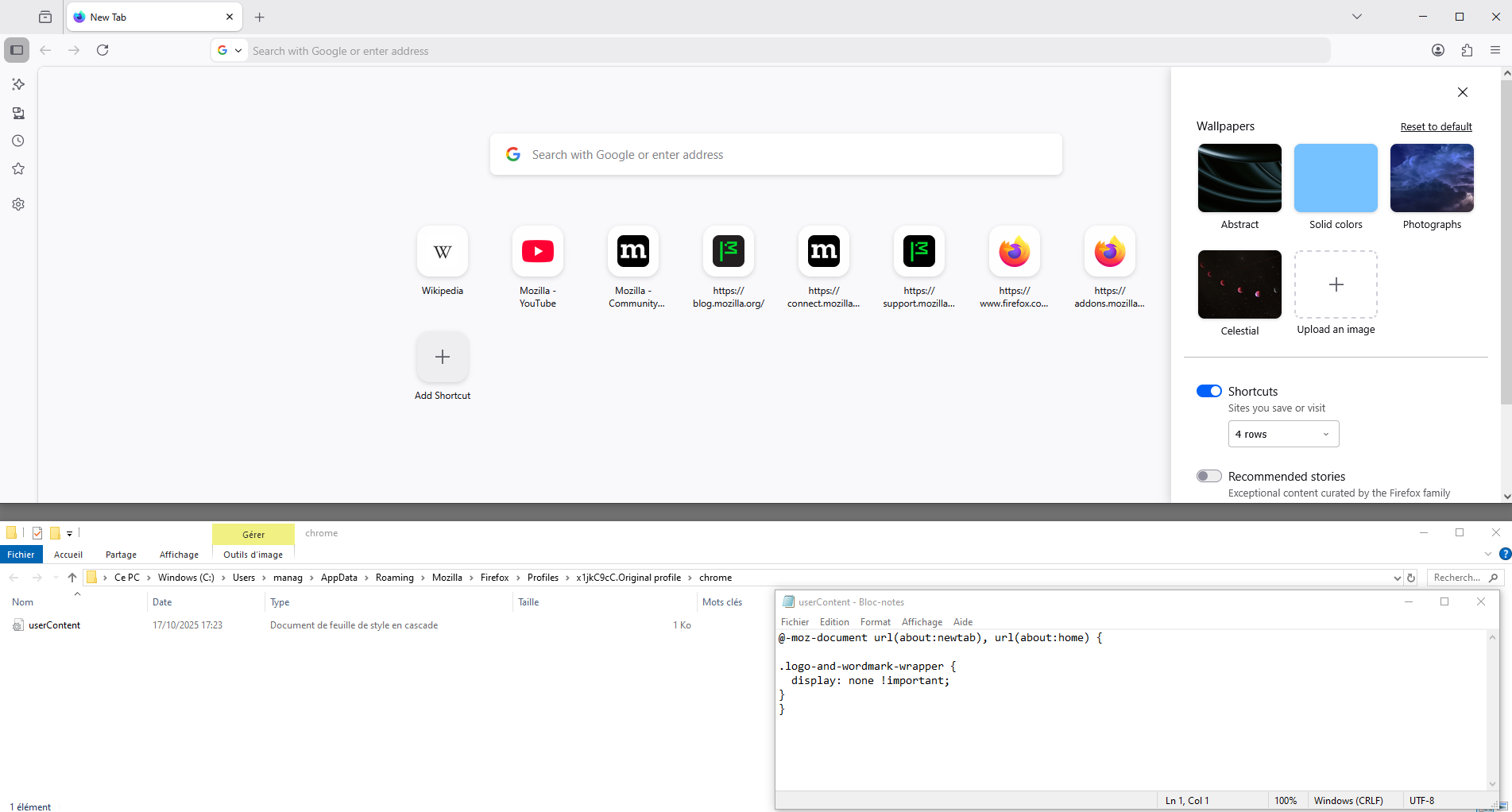
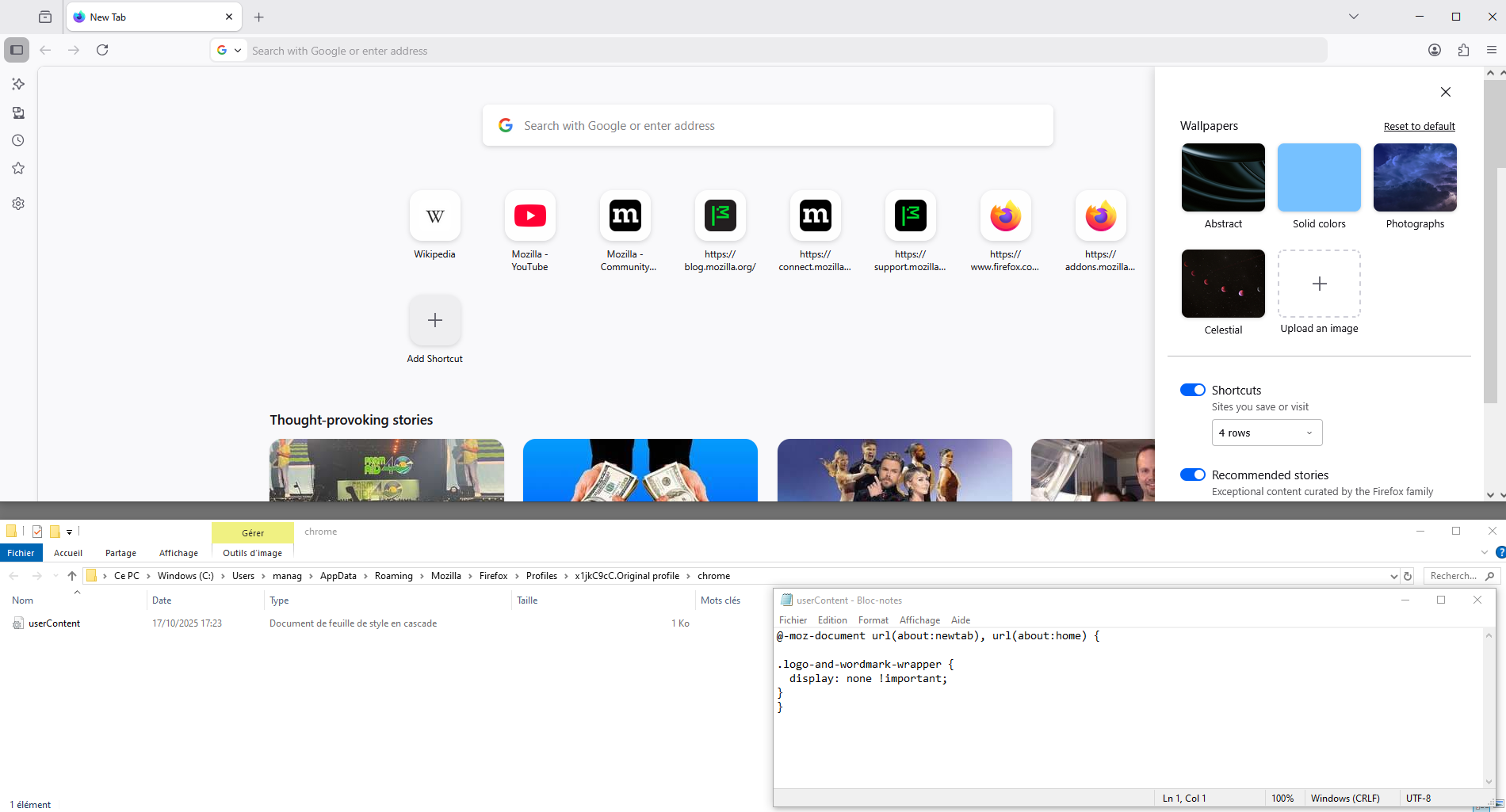
I just updated Firefox to 144.0 On the home page the Firefox logo came back. I went into about:config to check if the update changed the browser.newtabpage.activity-stream.logowordmark.alwaysVisible setting from false to true. It was still set to false so it seems setting it to False is no longer working. Has anyone else noticed this? or Does anyone know any other way to remove firefox logo?
I just updated Firefox to 144.0 On the home page the Firefox logo came back. I went into about:config to check if the update changed the browser.newtabpage.activity-stream.logowordmark.alwaysVisible setting from false to true. It was still set to false so it seems setting it to False is no longer working. Has anyone else noticed this? or Does anyone know any other way to remove firefox logo?
Tüm Yanıtlar (1)
Hello
https://connect.mozilla.org/t5/discussions/giant-logo/m-p/89729#M34734 If you wish to test, userContent.css
Agent virtuel tarafından tarihinde düzenlendi