Backup, Recovery, and Sync Issues

Respectable, I’m having trouble with Firefox Sync, particularly related to backing up and recovering my bookmarks, history, and saved data. I want to ensure that my data is properly backed up and can be recovered on a new device or after reinstalling Firefox. Please help me understand how to verify if my sync is working and how to recover synced data.
Tüm Yanıtlar (1)
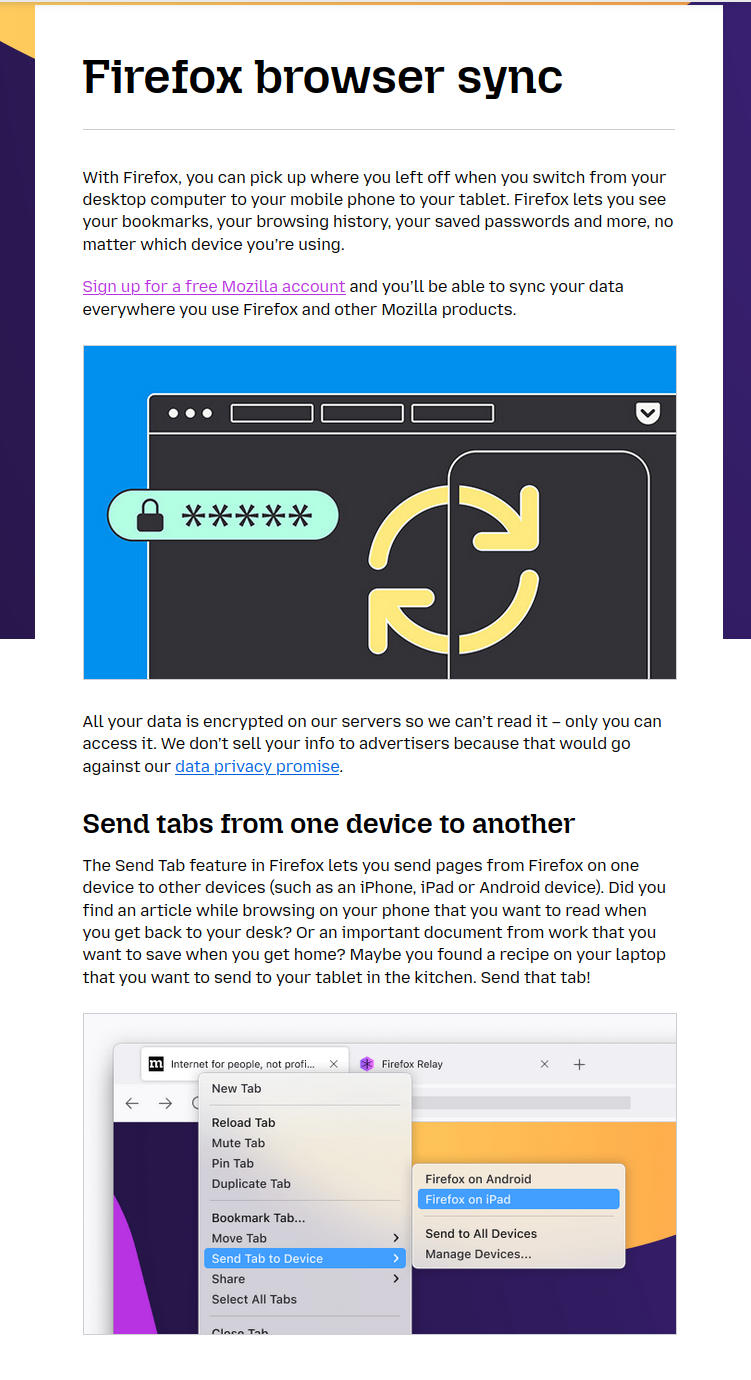
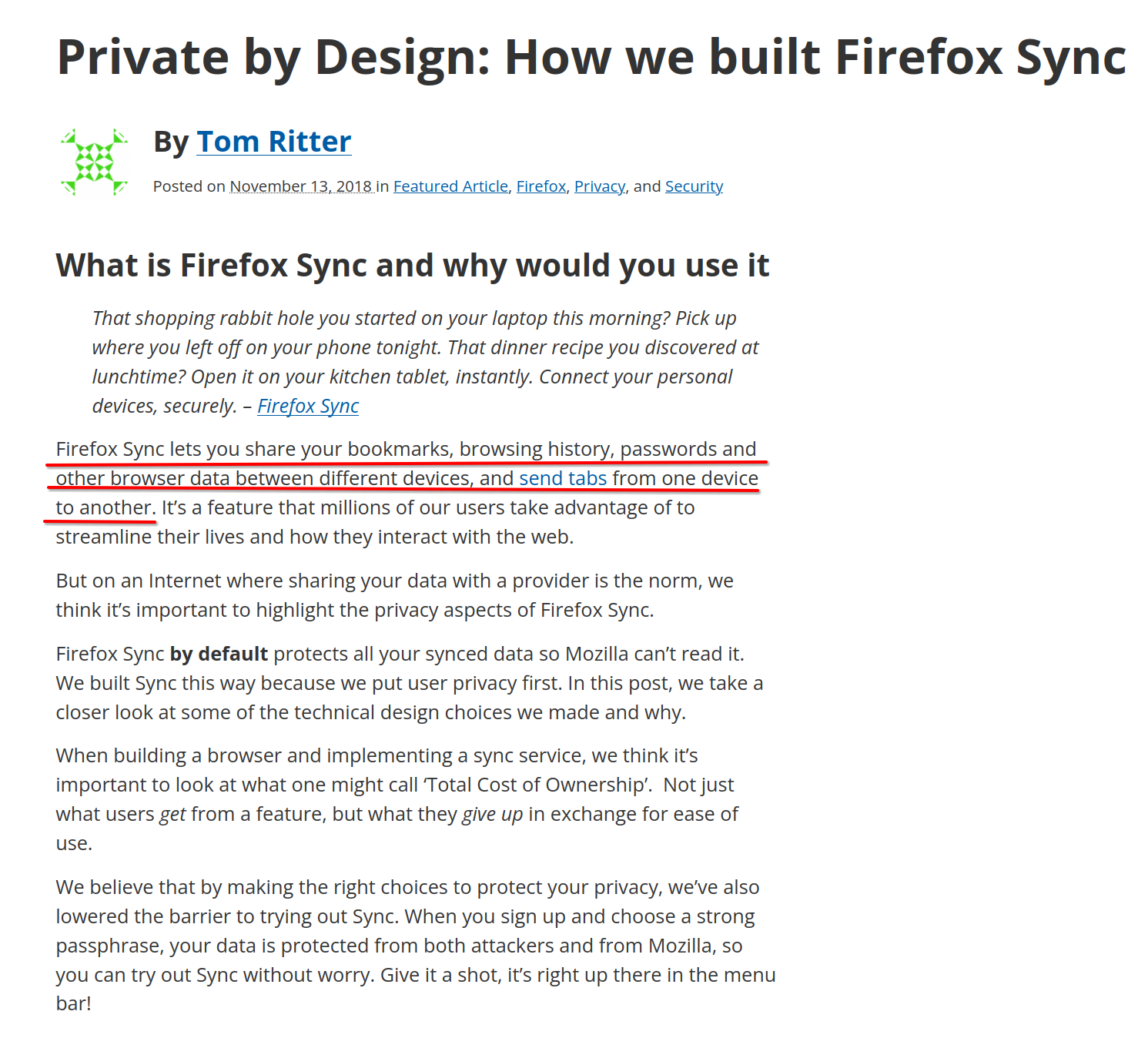
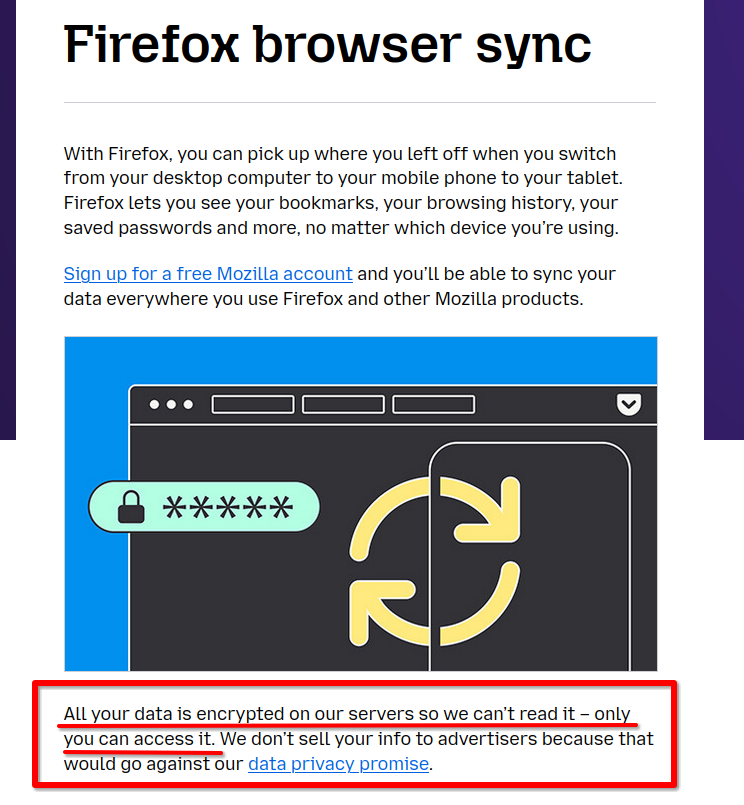
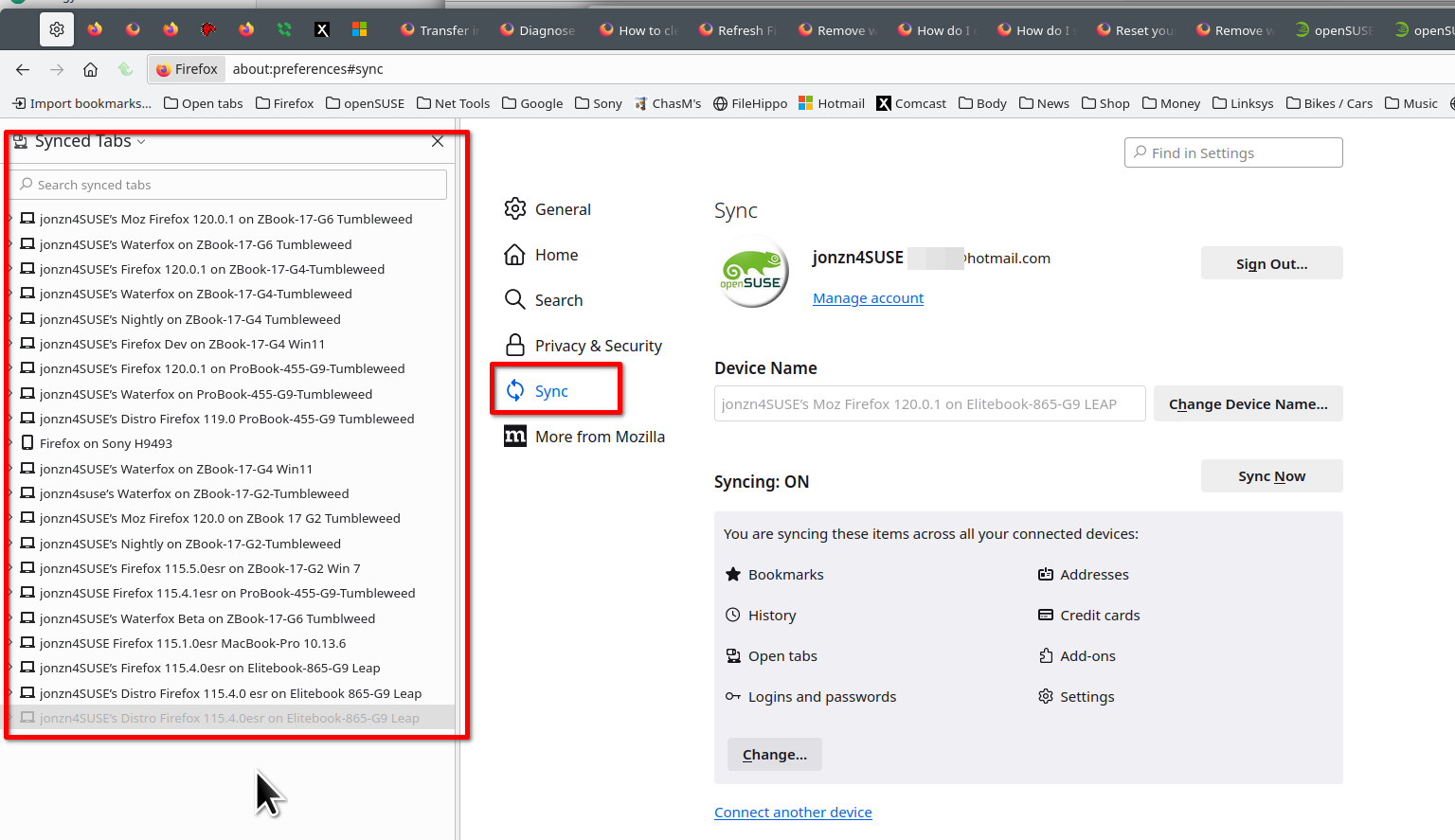
Sync info... FYI... Firefox Sync IS NOT A DATA BACKUP SERVICE https://support.mozilla.org/en-US/kb/how-do-i-set-sync-my-computer https://support.mozilla.org/en-US/kb/how-do-i-choose-what-information-sync-firefox https://www.mozilla.org/en-US/firefox/features/sync/ https://hacks.mozilla.org/2018/11/firefox-sync-privacy/ Sync is not a backup tool but it is a good sync/transfer/move tool https://support.mozilla.org/en-US/forums/contributors/707681 See the old screenshot of my synced devices and other versions of Firefox and Waterfox.