Importing a Forefox profile from 18.04 Ubuntu to a 22.04 Ubuntu PC

Years ago I imported a Firefox profile from Ubuntu 16.04 to a PC running 18.04. It wasn't very hard. View Hidden Folders, find the old FF profile, copy it. Then go to the 18.04 PC, delete or rename the existing profile, and paste in the profile from the 16.04 rig. Restart the PC, Firefox came up on the 18.04 PC just like it did on the 26.04 PC.
But Ubuntu is doing something different now. Firefox is inside the "snap" folder. Apparently snap is some sort of new package mgr. (?)
I found a firefox profile a few levels down inside the snap folder: Home/snap/firefox/common/.mozilla/firefox/xxxxxxxx.default
Does snap complicate things? Or can I replace the new profile on the 22.04 PC inside the snap folder with the profile that I want to use from the 18.04 PC? Just like in the past, but inside snap rather than the .firefox folder in Home?
Tüm Yanıtlar (1)

I would just keep it simple and use Sync to move your data. https://support.mozilla.org/en-US/kb/how-do-i-set-sync-my-computer https://support.mozilla.org/en-US/kb/how-do-i-choose-what-information-sync-firefox
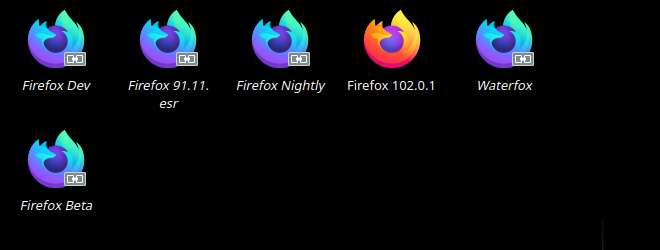
I have my data on several versions of Firefox and on several devices. see screenshot On my openSUSE laptop, I run the most versions. see screenshot