


closing tabs in the Browser

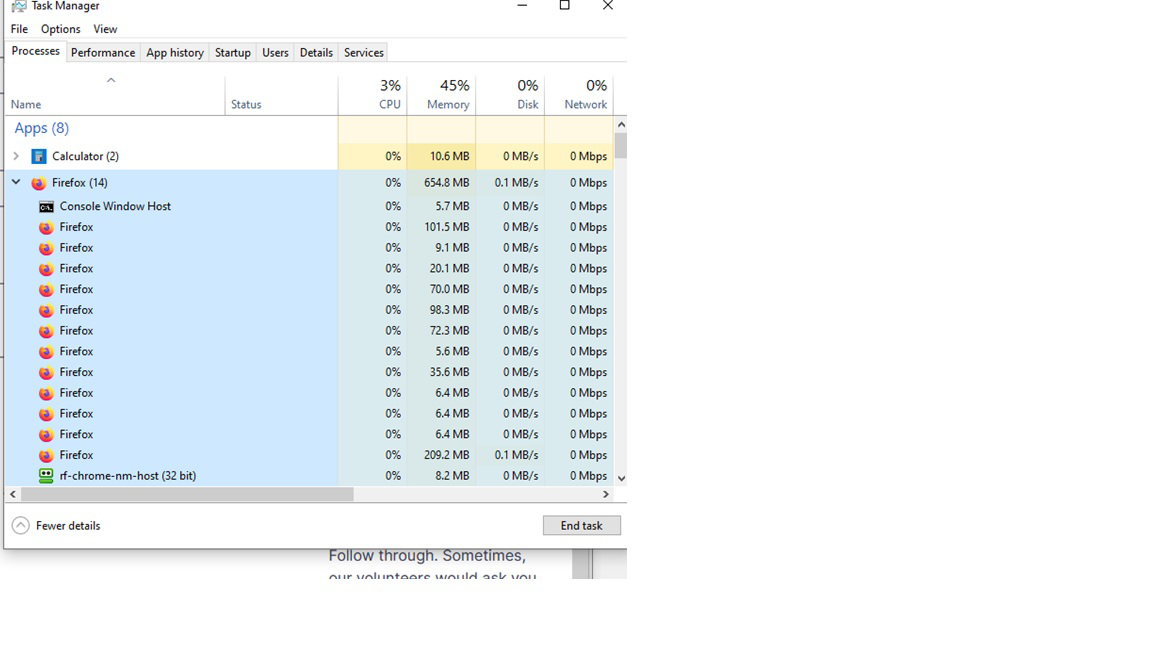
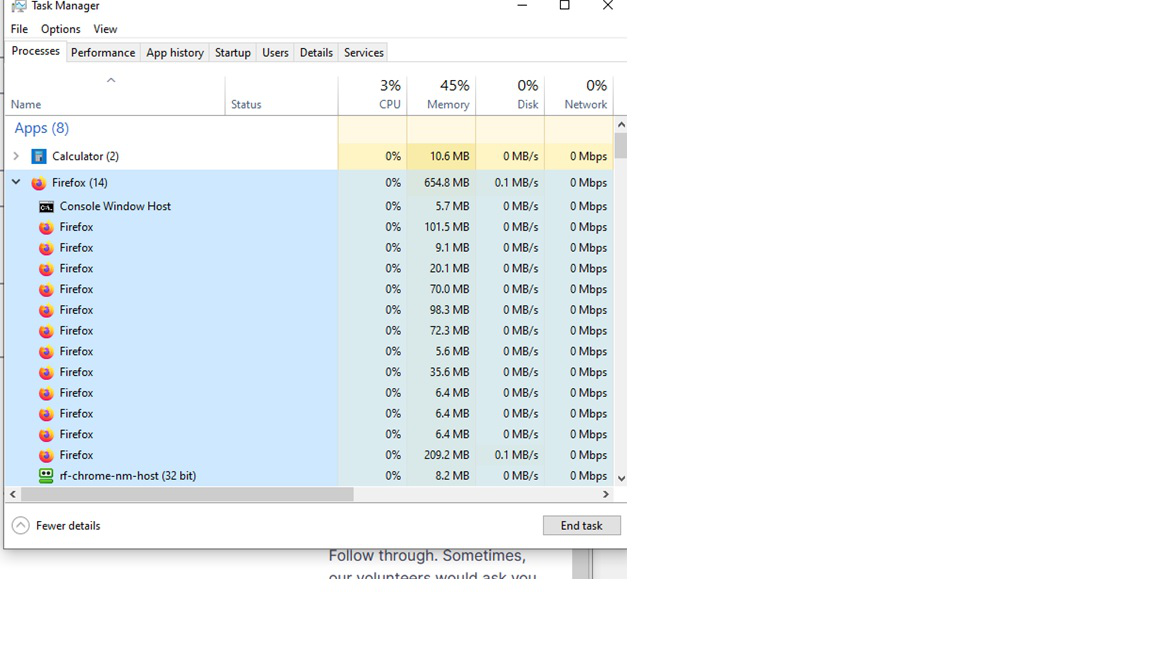
when i close a tab the app stays open in the task manager. The TM shows 14 open apps and I only have three tabs in my browser. That eats up memory for no reason.
Seçilen çözüm
The processes shown in the attachment.
And I don't want to turn them off myself, I want them to go away automatically when I close the generating tabs in the browser.
Tüm Yanıtlar (10)

More than one process is normal for the current Firefox. http://www.ghacks.net/2016/07/22/multi-process-firefox/
Multi-process Firefox is codenamed "e10s". https://wiki.mozilla.org/Firefox/multiprocess
Now I know more about 'e10s' but why don't they disappear when the tabs are closed?
If you notice you have more content processes than in the past then you may have Fission enabled. Fission is about a new site isolation architecture in Firefox and you will see more Firefox processes running than before and when Fission is enabled you can no longer limit the number of content processes in Settings or via dom.ipc.processCount on the about:config page. You can check the current Fission state on the "Help -> More Troubleshooting Information" (about:support) page (search for Fission).
You can disable Fission by setting fission.autostart = false on the about:config page. You can open the about:config page via the location/address bar. You can accept the warning and click "I accept the risk!" to continue.
No! I like the 'e10s' in my task manager! I just want them to GO AWAY when I close the tabs in firefox.
I have only 3 open tabs now, but 15 'e10s' that means a bunch stealing memory that I no longer am interested in.
These are processes, not tabs. 1 tab can use a lot of processes.
I know that. When I close a tab, I would like its associated process(es) to go away, too.
You can check the about:processes and the Firefox Task Manager (about:performance) and about:memory pages.
Do NOT take the easy way of searching for tabs/processes and shooting a couple of articles to me.
NO HELP AT ALL.
Only tell me HOW TO FIX FireFox to make the 'e10s' process(es) associated with a tab completely GO AWAY automatically when the tab is closed in in the browser.
Thank you for your time.
But what kind of processes do you want to turn off? GPU process, add-on process, network process?
Seçilen çözüm
The processes shown in the attachment.
And I don't want to turn them off myself, I want them to go away automatically when I close the generating tabs in the browser.