


Remove the two hyphens in email signature

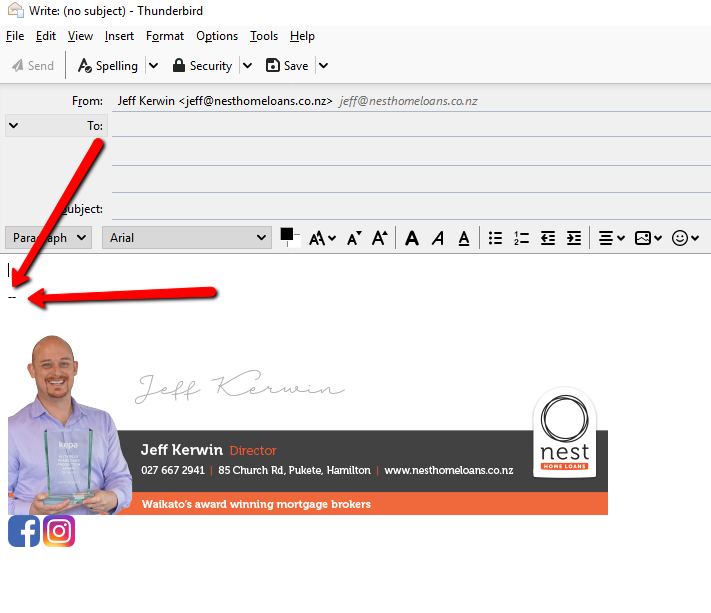
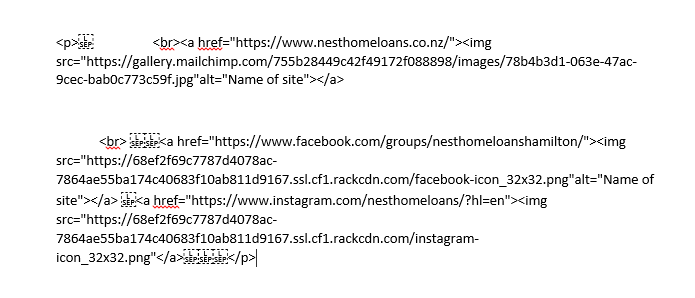
I have an HTML signature but when I create a new email there are two hyphens above my signature. Its really messing with my OCD. How can I get rid of them? Im running Windows 10 if it helps. I have attached an image of what I mean. Ive attached my HTML code. Thanks heaps
I have an HTML signature but when I create a new email there are two hyphens above my signature. Its really messing with my OCD. How can I get rid of them?
Im running Windows 10 if it helps.
I have attached an image of what I mean.
Ive attached my HTML code.
Thanks heaps
JeffKerwin tarafından tarihinde düzenlendi
Tüm Yanıtlar (1)
The delimiter is there so that when someone replies to your message, the signature is omitted from the quoted content - you don't need to see your own sig. It can be removed if you wish:
http://kb.mozillazine.org/Thunderbird_:_FAQs_:_Signatures#Removing_the_signature_separator