


Thunderbird has just updated & I've lost my night mode screen. Settings isn't coming up (on the 3 bars) as a choice

I updated then lost my night mode screen. The three bars which is supposed to have settings doesn't have settings so I can't find where chose night mode i. Thanks
Tüm Yanıtlar (3)
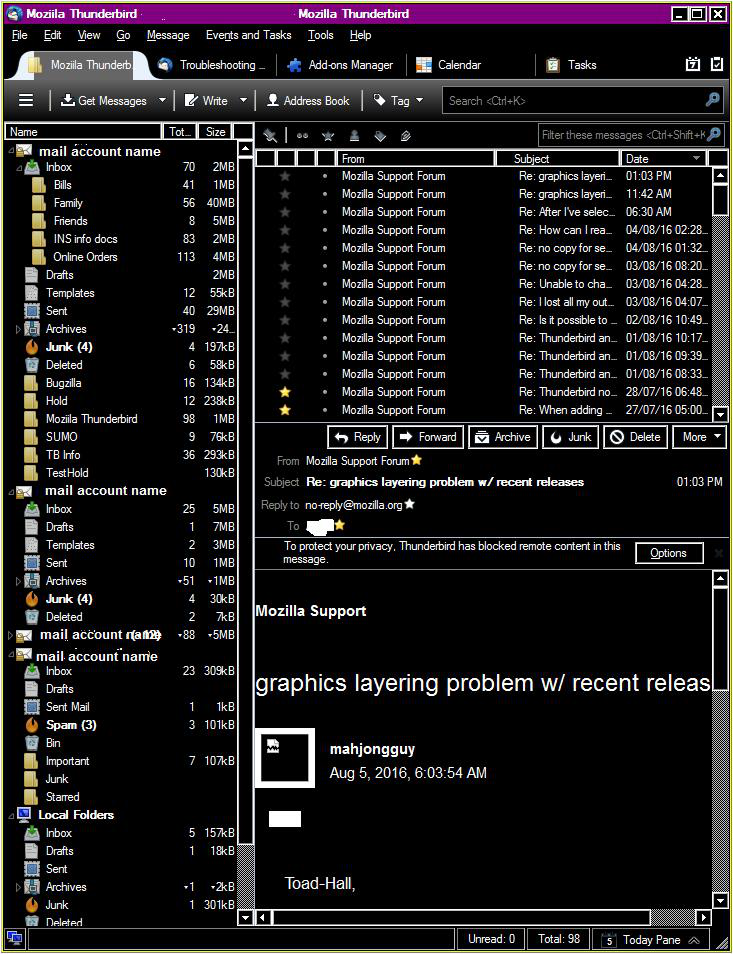
A black background with white printing if this is a 'dark' theme
If you were using a theme which you downloaded then it would be here: 'Menu icon 3 bars' > 'Addons' > Themes (icon is an artist palette) What theme were you using ? Maybe it has been disabled. you could try the default dark theme
However, if you are using Windows OS then you can change the general UI of computer by selecting to use 'High Contrast'.
eg: see image below computer 'Control Panel > Personalization' > Window colour and Appearance' select eg: 'High Contrast black' click on 'Apply' click on 'OK'
Thank you so much - all is back to order. Was helpful to look at the ideal case as well.