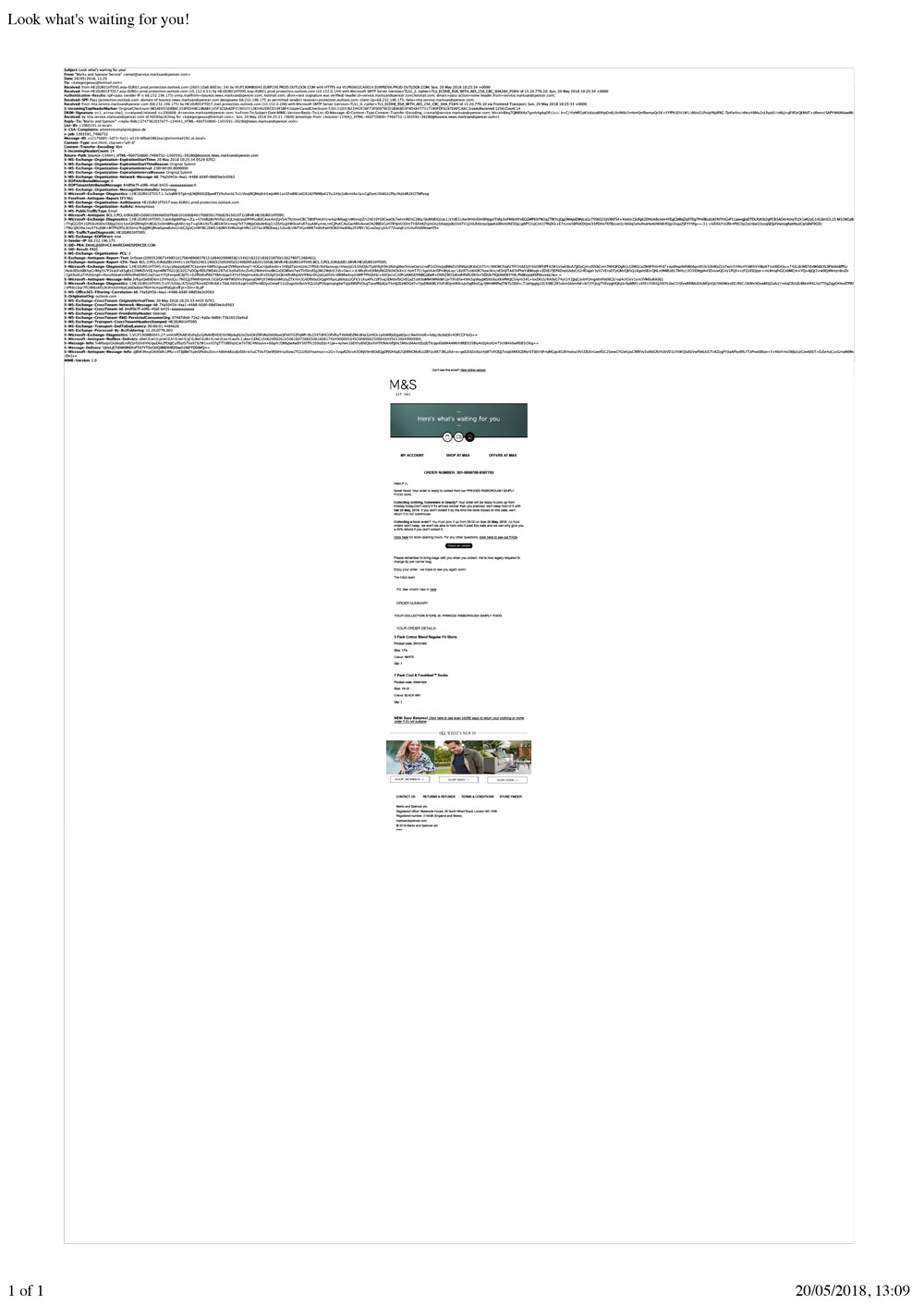
Thunderbird for MAC e-mails print too small

My e-mails print really small and unreadable. I have seen a solution on the support forum but with my Thunderbird there is no File>Print Preview - it's simply not there. I have attached an image of an example printout. I also would like to know how to remove all the blurb at the top and only have the main email details.
Thank you
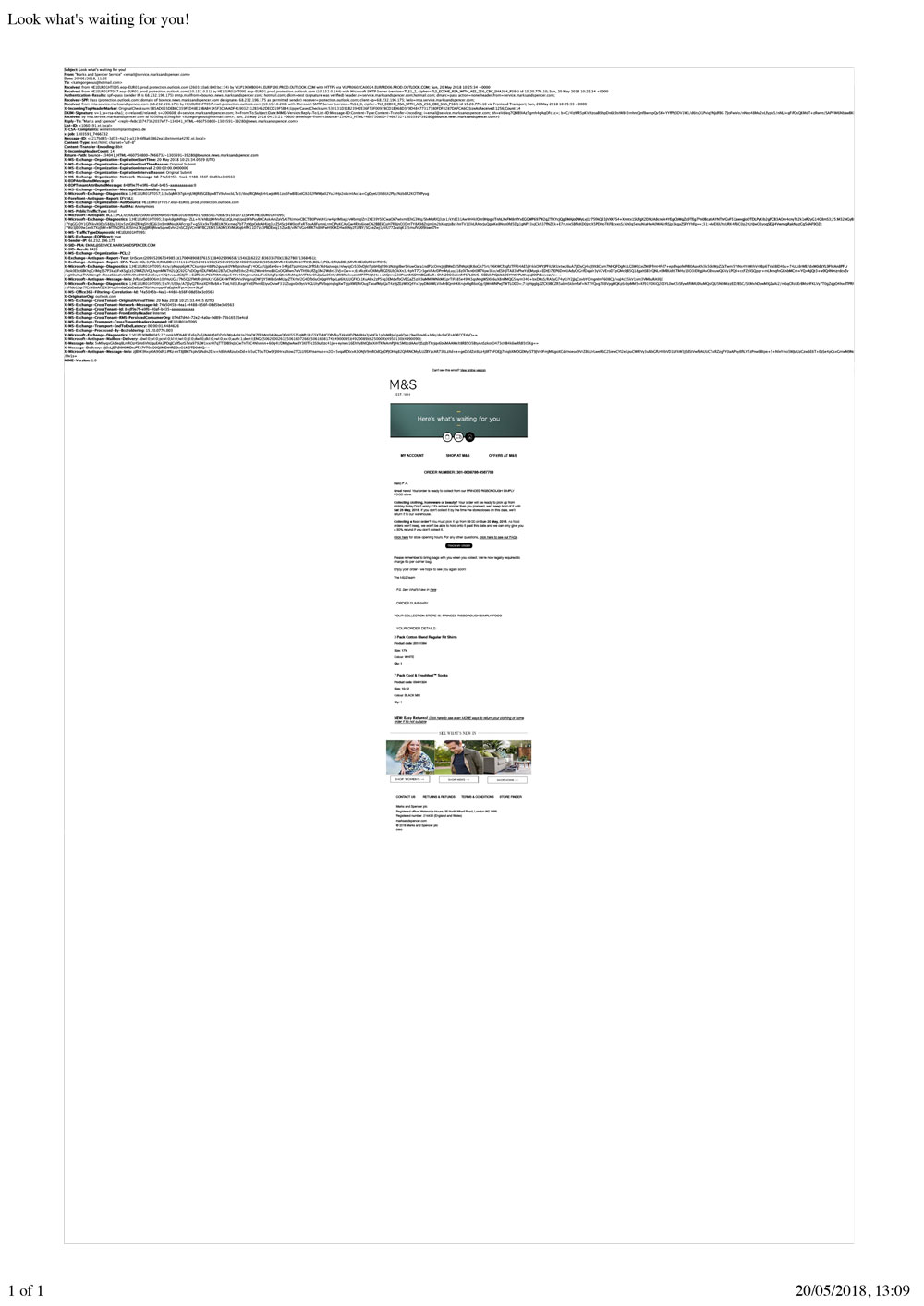
kategorgeous tarafından tarihinde düzenlendi
Tüm Yanıtlar (2)
Seçilen çözüm
View menu > header > normal. Might even fix you printouts.
Matt, you're a bloody hero!!
Not only have you solved the problem with the printing but, with that one-liner you have also fixed:
- problem with printing out loads of blurb at the top of the e-mail. - irritating problem when forwarding e-mails where it contained a heap of blurb at the top of the forwarded mail.
Made my day/week/month !!! Thank you,
Kate