


Bold Fonts Rendering with Hardware Acceleration On - how to fix? Works fine with Off.

Hi All,
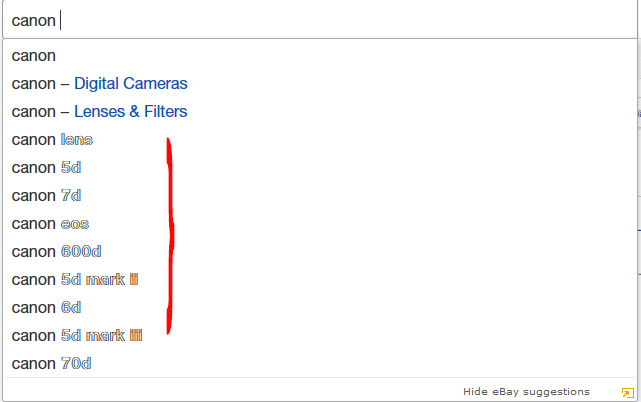
In certain pages, especially eBay and Yahoo Mail the bold font rendered with Hardware Acceleration ON looks horrible. Please see attached screenshot.
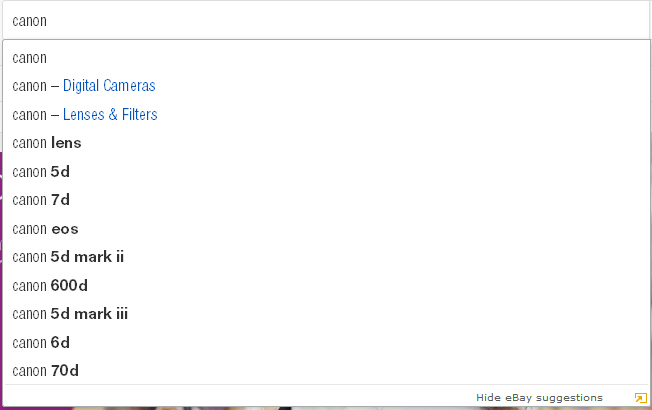
But when Hardware Acceleration is Switched Off the bold fonts are rendered nicely.
How to fix this issue without disabling Hardware Acceleration?
Cheers.
Hi All,
In certain pages, especially eBay and Yahoo Mail the bold font rendered with Hardware Acceleration ON looks horrible. Please see attached screenshot.
But when Hardware Acceleration is Switched Off the bold fonts are rendered nicely.
How to fix this issue without disabling Hardware Acceleration?
Cheers.
Tüm Yanıtlar (4)
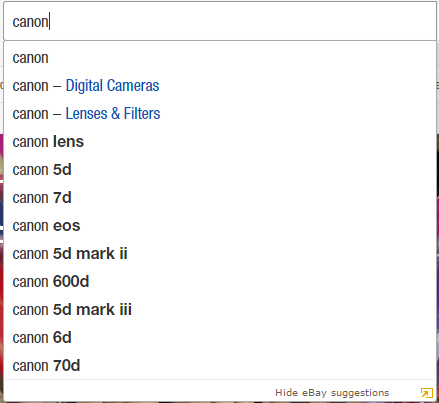
Same search in Chrome
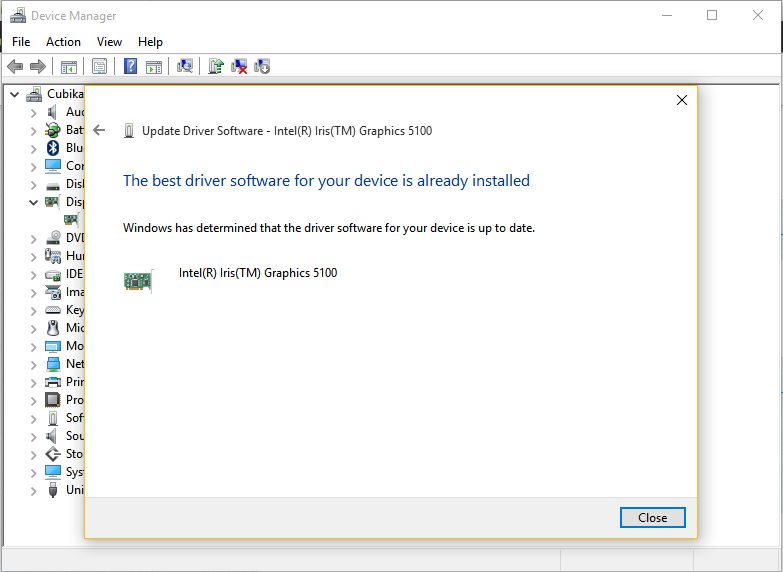
Have you tried updating your graphics drivers?
Same search with Hardware Acceleration Off.
Cubikated tarafından tarihinde düzenlendi