

Bu başlık arşivlendi.
Yardıma ihtiyacınız varsa lütfen yeni bir soru sorun.

Arşivlendi
Blank options dialogs

Firefox 36.0.1
Options dialogs display as blank when opened.
When opening options, the last displayed tab is displayed. as of 36.0.1, this tab is displaying as blank.
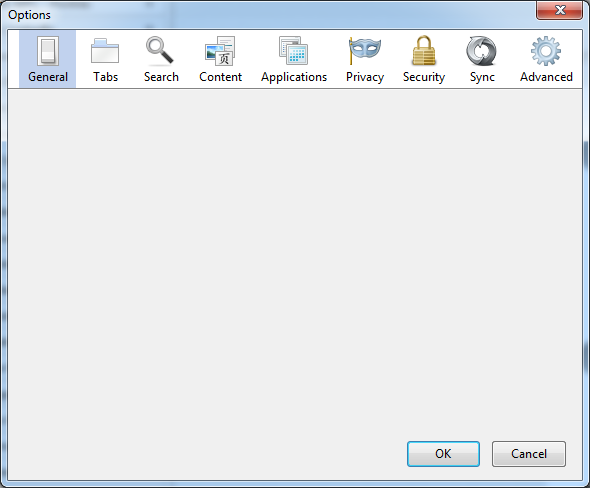
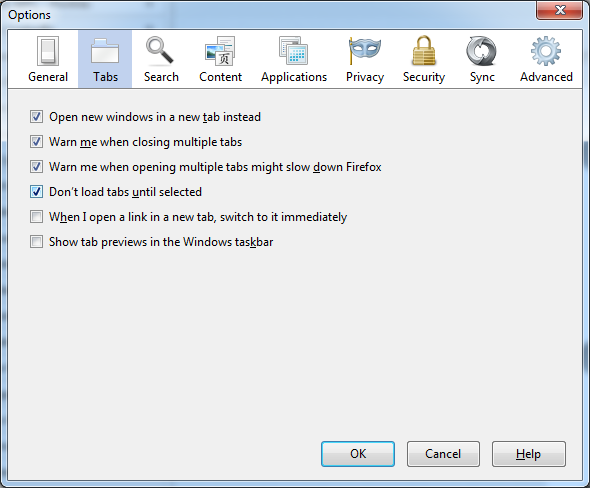
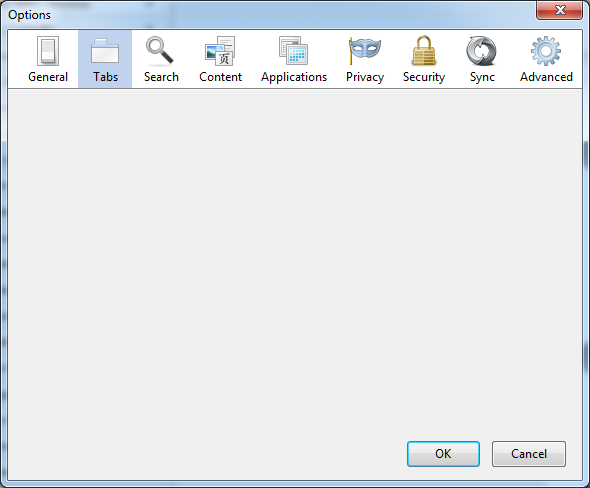
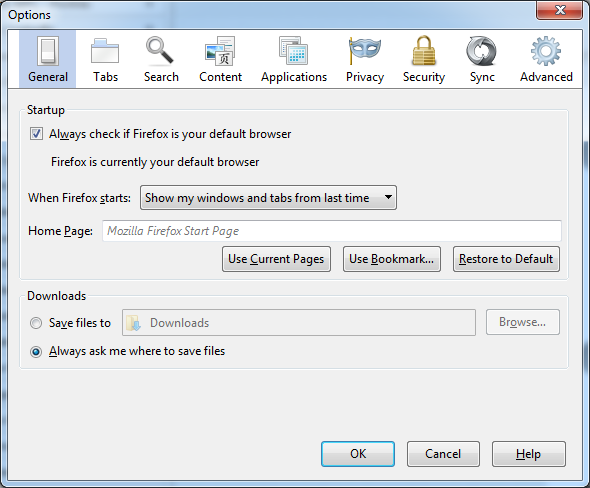
Image 1 show initially opening Options with (blank) general tab Image 2 shows after changing to Options --> Tabs Image 3 shows after closing options (OK) and reopening Options displaying a blank Tabs options Image 4 shows changing to Options --> General after blank Options --> Tabs
Firefox 36.0.1
Options dialogs display as blank when opened.
When opening options, the last displayed tab is displayed. as of 36.0.1, this tab is displaying as blank.
Image 1 show initially opening Options with (blank) general tab
Image 2 shows after changing to Options --> Tabs
Image 3 shows after closing options (OK) and reopening Options displaying a blank Tabs options
Image 4 shows changing to Options --> General after blank Options --> Tabs
Tüm Yanıtlar (2)
This can be a problem with the Ghostery extension.
- [/questions/1020685] Ghostery add-on + FF 31 and newer = Blank options window
Reverting back to 35.0.1 seems to have resolved this issue (with all settings/add-ons being the same). Seems Ghostery may not be the (primary) issue...leastwise 35 seems to play nice with Ghostery.