


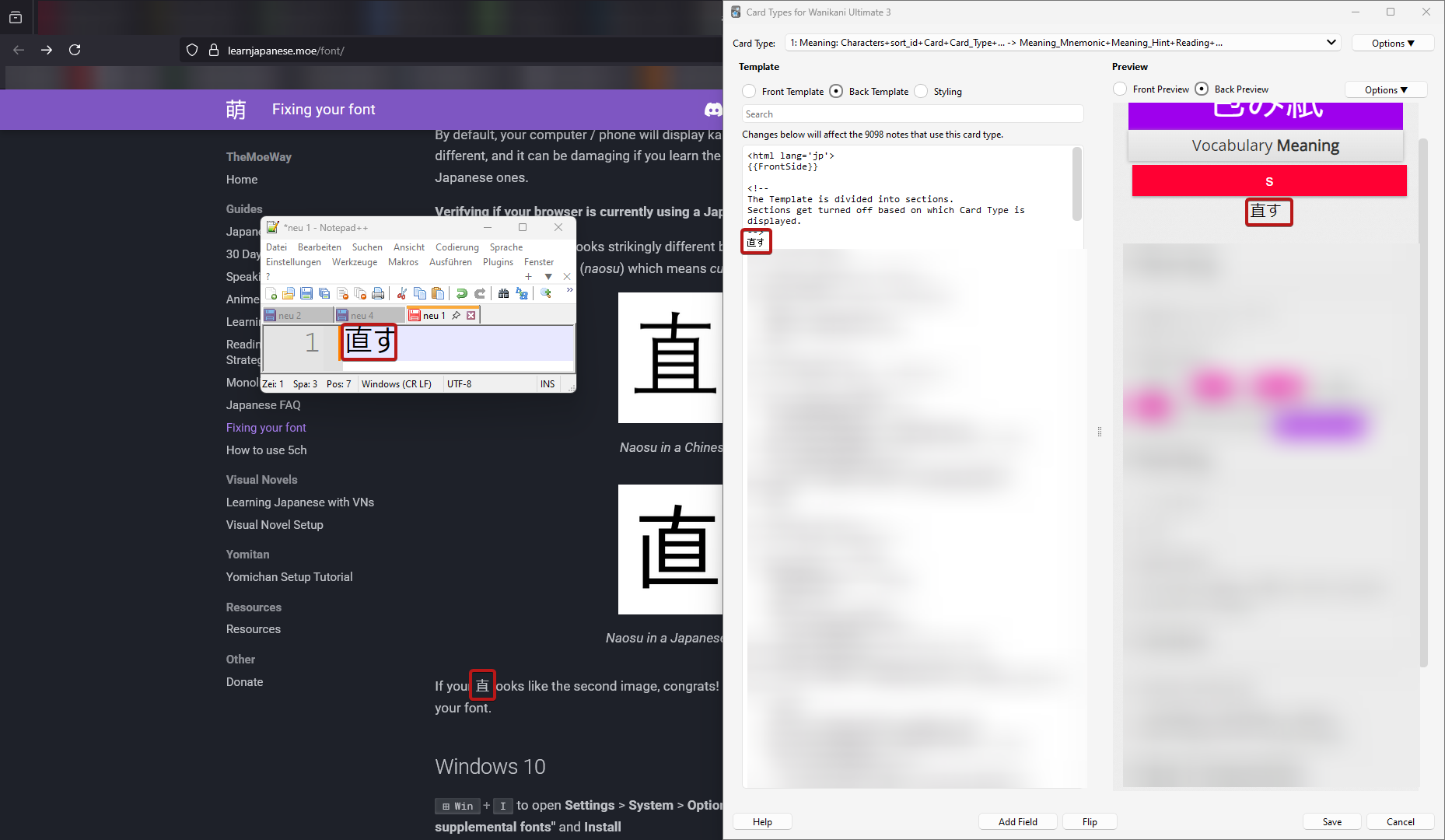
Chinese hanzi instead of Japanese kanji are rendered on websites

Hello,
I'm a bit out of ideas how I can get Firefox to display the correct characters. For reference: https://learnjapanese.moe/font/
Windows: I only have german and japanese locale installed, i even changed in intl.cpl the language to japanese. I have installed the japanese language pack / fonts and it's showing correctly in any windows editor.
Firefox: Second language set to japanese, disabled all addons, tried it on private mode to no success.
Any ideas how I get the characters to display?
Edit: I made it work by changing in about:config the font.cjk_pref_fallback_order-string to have ja as first.
Измењено од стране heunisch
Изабрано решење
After some further testing: Switching firefox into safe mode fixes the problem, so I did an uninstall and removing anything left over with Revo uninstall. After the clean install, I promptly tried again without logging in, syncing or installing any plugin, but the problem persists in the same matter.
Actually, the resolution was already on the website, I just overlooked it: https://learnjapanese.moe/font/#firefox in about:config, font.cjk_pref_fallback_order had to be changed to have ja as first value.
Прочитајте овај одговор са објашњењем 👍 1Сви одговори (1)
Одабрано решење
After some further testing: Switching firefox into safe mode fixes the problem, so I did an uninstall and removing anything left over with Revo uninstall. After the clean install, I promptly tried again without logging in, syncing or installing any plugin, but the problem persists in the same matter.
Actually, the resolution was already on the website, I just overlooked it: https://learnjapanese.moe/font/#firefox in about:config, font.cjk_pref_fallback_order had to be changed to have ja as first value.
Измењено од стране heunisch