


Add shortcut button disappeared

I added my own shortcuts and deleted all the preset ones (Wikipedia, Twitter, Amazon etc). On deleting the last one of the default ones, the 'Add a shortcut' button has completely disappeared. Is there another way to create a shortcut?
Сви одговори (7)
I have tried resetting Firefox to its default settings to try again, the same thing happened, so it's not just a once-off glitch.
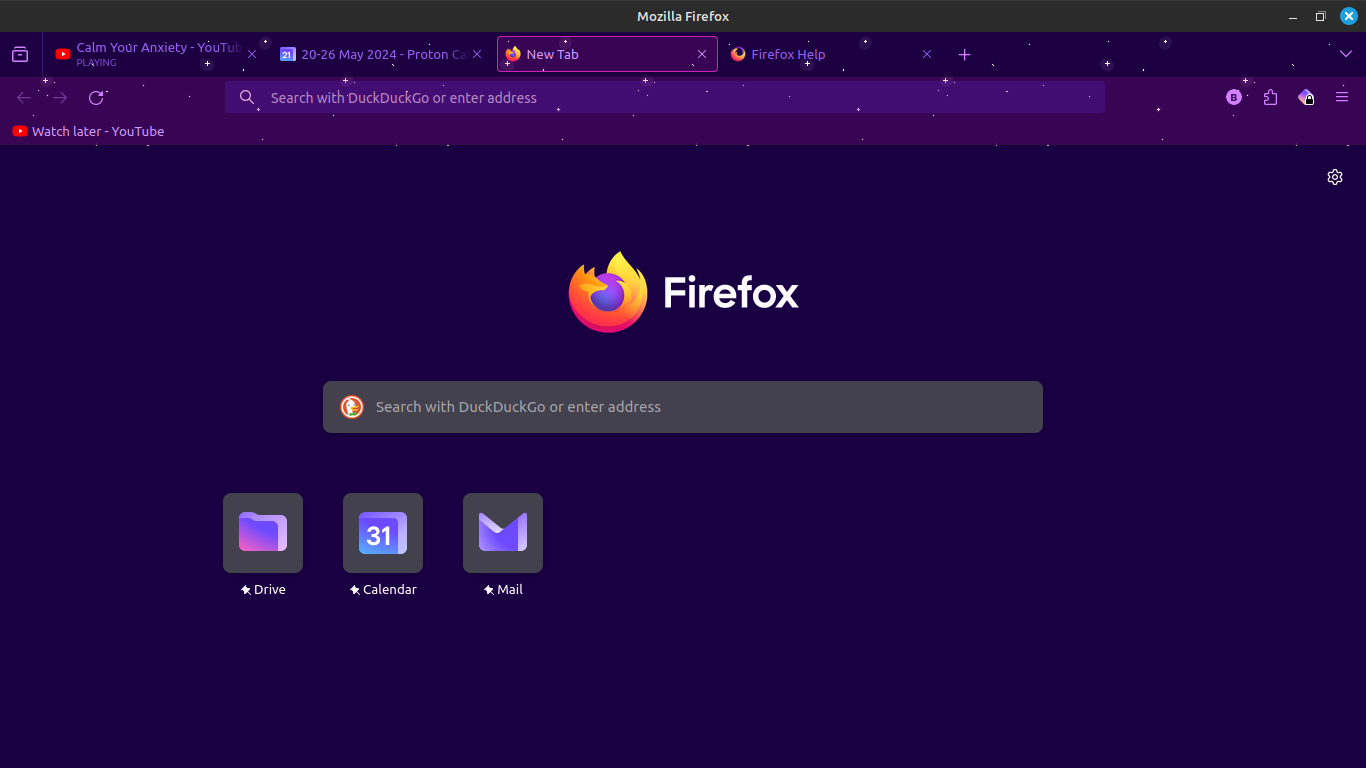
I notice that you have three pinned sites on the Firefox Home page. Did you make other customizations to this page
Does the "Add Shortcut" button appear if you resize the page or increase the number of rows via "Settings -> Home" ?
I did not make any other customizations to the homepage, just added my own shortcuts and deleted the preset ones.
Resizing the page does not help.
Increasing the number of rows has no effect.
It should propagate by itself during usage. Try to browse your popular websites for a while, then restart the browser.
I set it so that my browsing history clears upon closing firefox, so I don't think that's going to solve my problem.
Attached is a screenshot of what it looked like before I reset all settings to default, and had my browsing history on. Still no Add a Shortcut button. I dismissed the shortcut suggestions but all that did was show new ones.
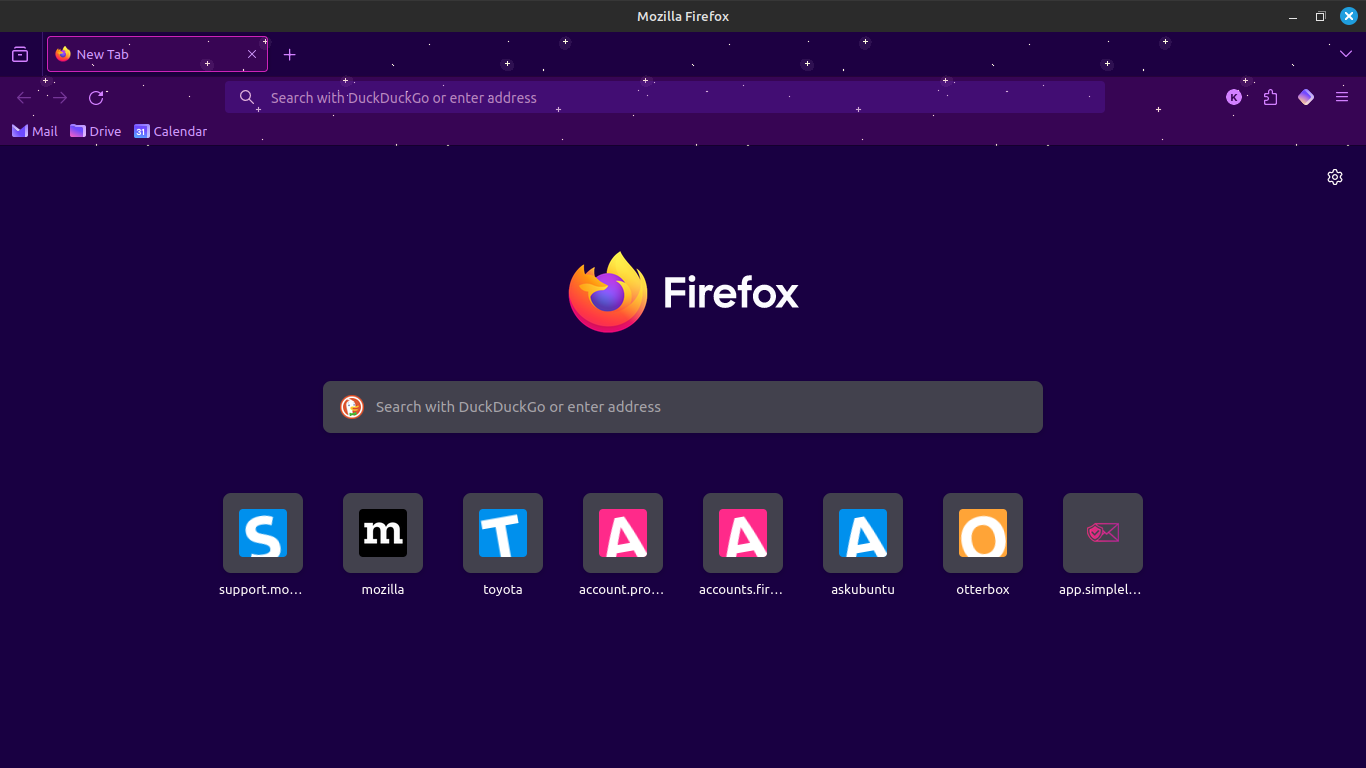

Hello I am also having the same issue, 2 days ago I accidently deleted the Google shortcut and the add button was missing. I then tryed to delete all to see if it will come up again, but now I can´t add new shortcuts anymore? I have tryed so many things and can´t find a solution for it?
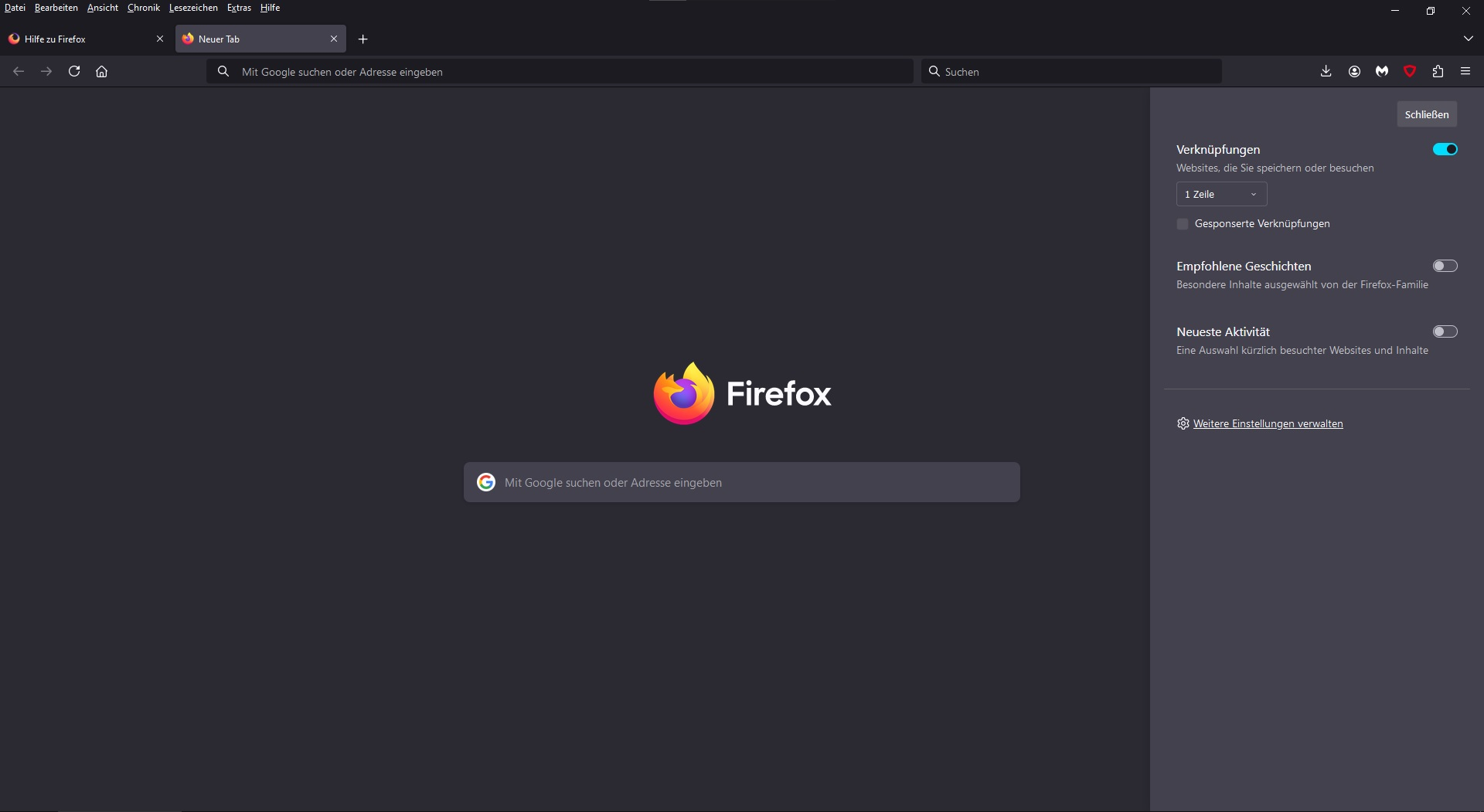
Hi Christian Rohrböck
You can try "Clear the startup cache..." in "Help -> More Troubleshooting Information" (about:support).
Cycling this pref false/true in about:config should bring back pinned search engines if that is what you did delete.
- browser.newtabpage.activity-stream.improvesearch.topSiteSearchShortcuts => cycle false/true
- https://support.mozilla.org/en-US/kb/about-config-editor-firefox