


How to import password csv?

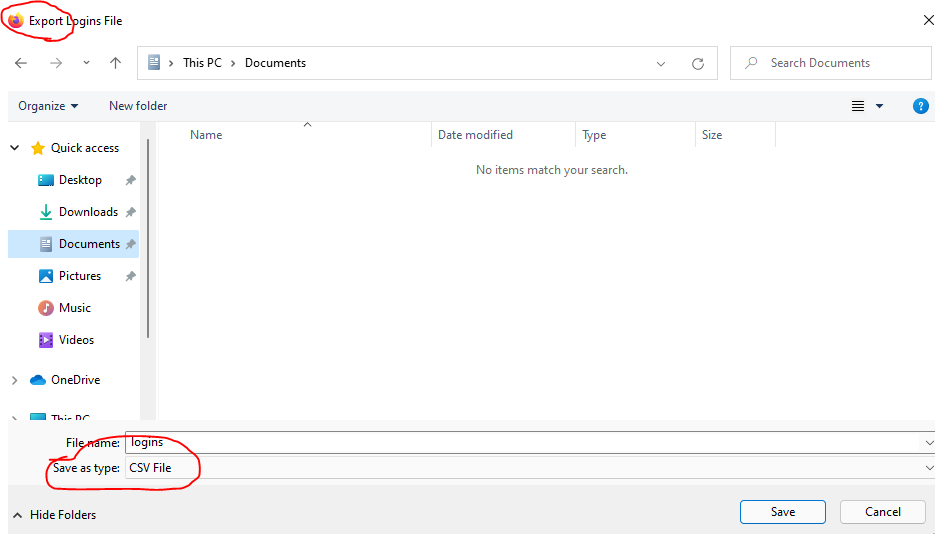
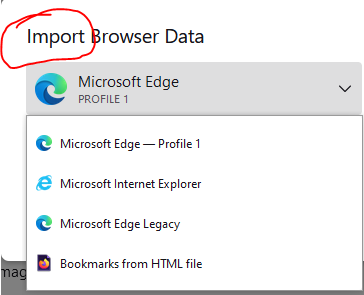
So I'm using firefox on my old PC and want to export the login data to my new PC. Firefox has export passwords to CSV but there is no import CSV in firefox on the new PC. There's import HTML but... firefox exported to CSV not HTML so I'm really confused, why would it export to a format that cannot be import?
Изабрано решење
To enable importing of passwords, enter about:config in the address bar and change the following preference to true. signon.management.page.fileImport.enabled An alternative is to copy two files from the older profile to the newer profile.
https://support.mozilla.org/en-US/kb/about-config-editor-firefox https://support.mozilla.org/en-US/kb/recovering-important-data-from-an-old-profile
Прочитајте овај одговор са објашњењем 👍 1Сви одговори (2)

Одабрано решење
To enable importing of passwords, enter about:config in the address bar and change the following preference to true. signon.management.page.fileImport.enabled An alternative is to copy two files from the older profile to the newer profile.
https://support.mozilla.org/en-US/kb/about-config-editor-firefox https://support.mozilla.org/en-US/kb/recovering-important-data-from-an-old-profile
It worked!! Thank you so much :)