


Cannot connect Youtube.com and Goole.com

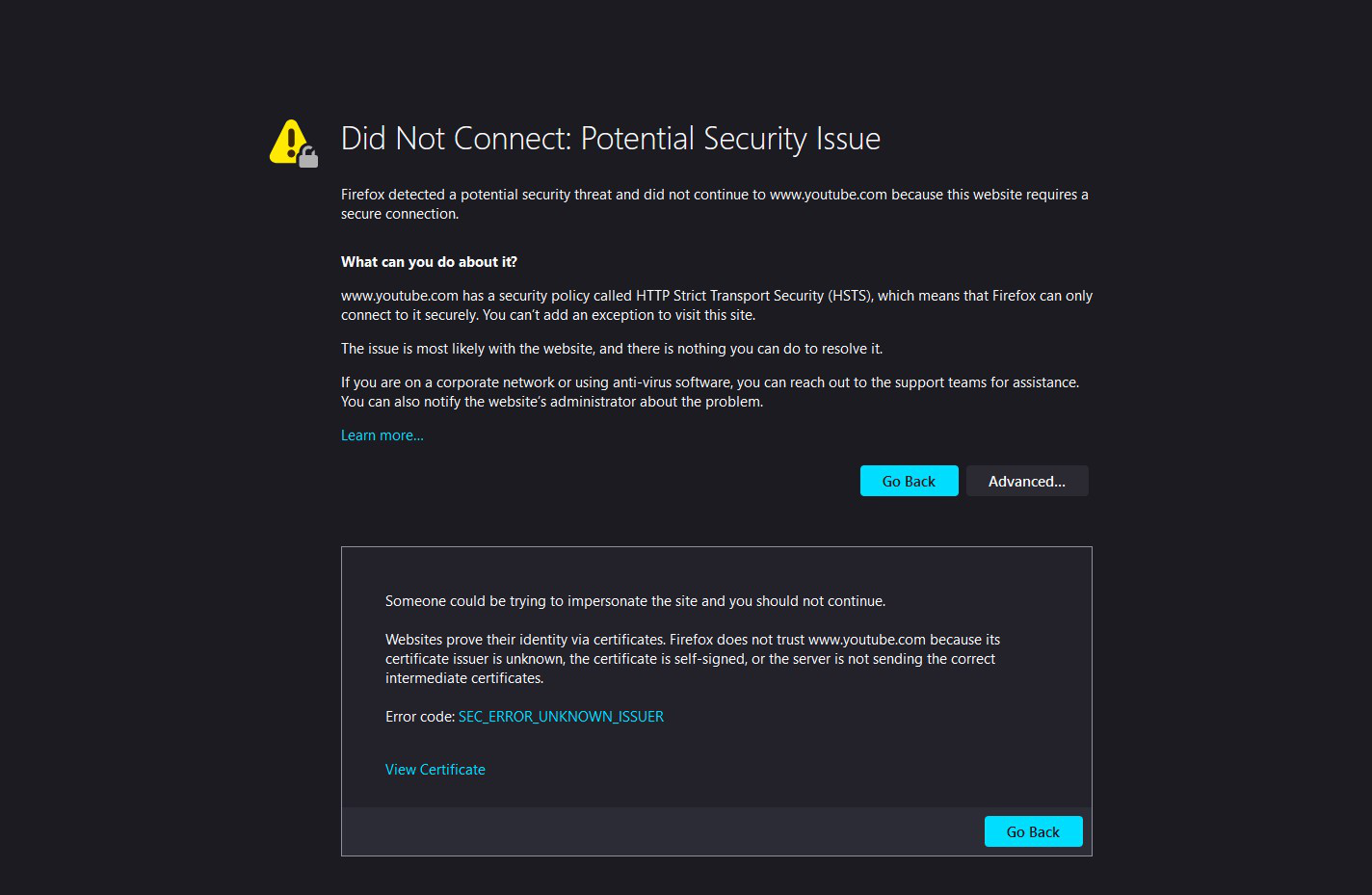
Since yesterday, When I try to connect to YouTube and google, following error is displayed.
Did Not Connect: Potential Security Issue
I did some research and changed the about:config security.enterprise_roots. setting to enabled and Issue was fixed. But YouTube freezes when the setting is in the above mentioned state. I tried refreshing, reinstalling, remove and re instilling this far. A help is much appreciated. Thanks in Advance.
Изабрано решење
Try turning off the enterprise roots setting, and doing this instead:
No Proxy
- Windows: "3-bar" menu button (or Tools menu) > Settings (previously "Options")
- Mac: "3-bar" menu button (or Firefox menu) > Preferences
- Linux: "3-bar" menu button (or Edit menu) > Preferences
- Any system: type or paste about:preferences into the address bar and press Enter/Return to load it
In the search box at the top of the page, type proxy and Firefox should filter to the "Settings" button, which you can click.
Select "No proxy" and click OK.
Any improvement?
Прочитајте овај одговор са објашњењем 👍 1Сви одговори (2)
Одабрано решење
Try turning off the enterprise roots setting, and doing this instead:
No Proxy
- Windows: "3-bar" menu button (or Tools menu) > Settings (previously "Options")
- Mac: "3-bar" menu button (or Firefox menu) > Preferences
- Linux: "3-bar" menu button (or Edit menu) > Preferences
- Any system: type or paste about:preferences into the address bar and press Enter/Return to load it
In the search box at the top of the page, type proxy and Firefox should filter to the "Settings" button, which you can click.
Select "No proxy" and click OK.
Any improvement?
The issue was resolved. Thank you very much