


On a Windows 10 startup, firefox start automaticaly loading two pages that I have never visited before.

Without starting the browser, it opens by itself, and start two pages that I have never visited before:
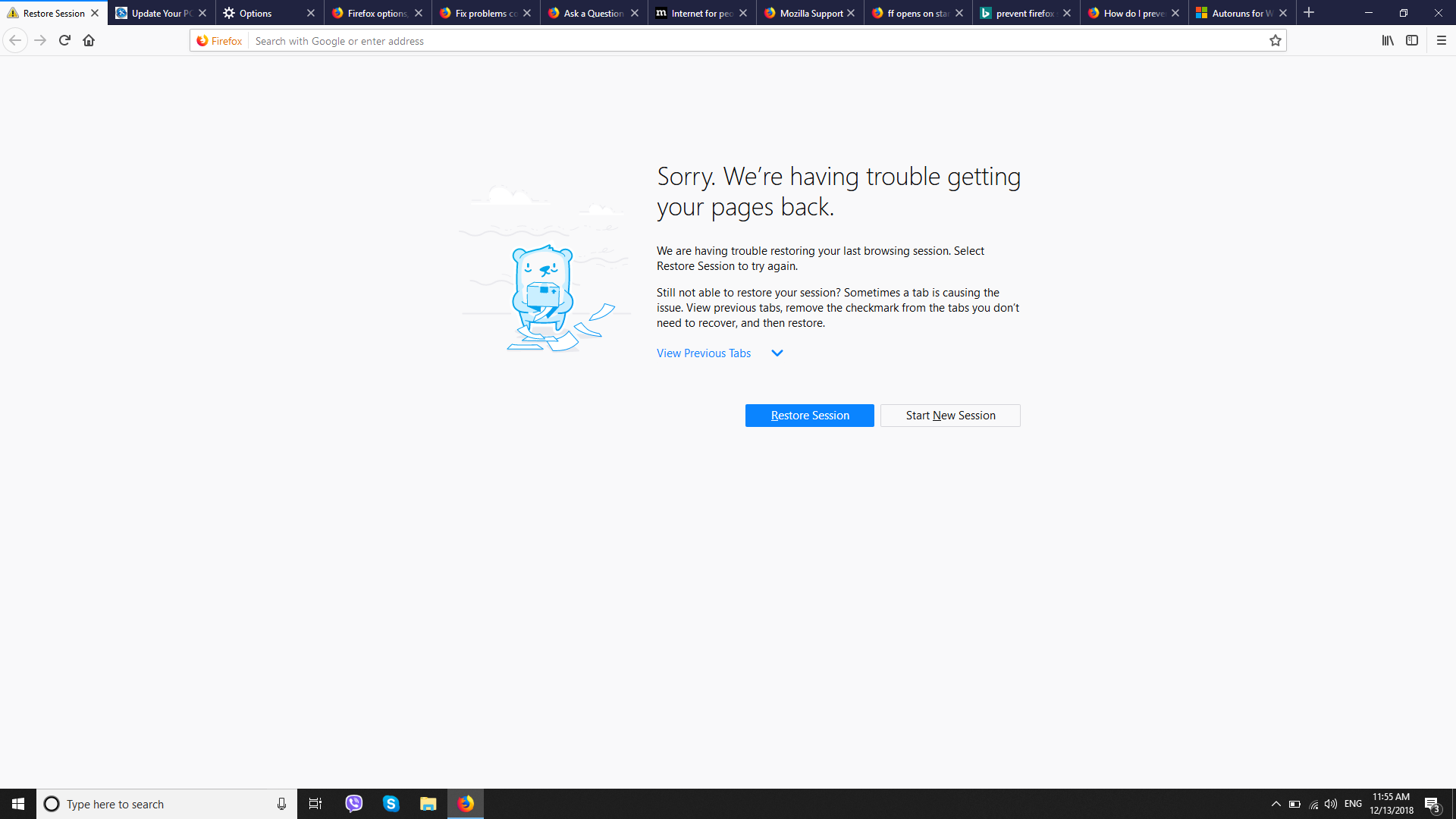
1. Restore sesion - Sorry. We’re having trouble getting your pages back. 2. http://www.141788217756483.update-your-pc.info/ - in the stated order.
Firefox is my default browser, start with windows startup is disabled, and this two pages are always the same, but i have never visited the update page and it looks like spam to me, as it shows article related to my work (always the same article), and again, I have never searched for the exact topic that is in the article ("How to draw a polygon in AutoCad", but I work as a CAD designer, so I have searched other similar topics... ).
Please see the attached images.
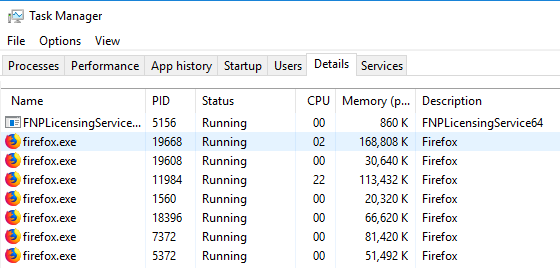
Also in Task Manager >>Details, I see this 4 processes (firefox.exe) running from the start of Windows - please see the third attached photo. Note: on the photo they are more than 4, that's because I have already opened few other tabs. From the start it was 4 of them.
Thanks for trying to help! Regards, Ivan.

Сви одговори (2)

More than one process is normal for the current Firefox. http://www.ghacks.net/2016/07/22/multi-process-firefox/
Multi-process Firefox is codenamed "e10s". https://wiki.mozilla.org/Firefox/multiprocess
Измењено од стране FredMcD
Sorry, wrong instructions :-/
You may have corrupt sessionstore [v56] sessionstore.jsonlz4 file(s). Delete all sessionstore* files and the sessionstore-backups folder.
Type about:support<enter> in the address bar.
Under the page logo on the left side, you will see Application Basics. Under this find Profile Folder. To its right press the button Show Folder. This will open your file browser to the current Firefox profile. Now Close Firefox.
Linux: Under the page logo on the left side, you will see Application Basics. Under this find Profile Directory. To its right press the button Open Directory.
Locate the above file. Then rename or delete it. Restart Firefox.