


flash player
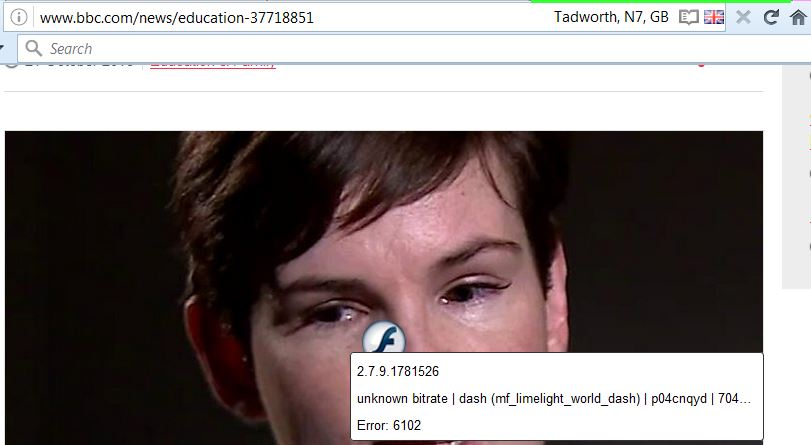
Having Flash Player problem on Firefox 49.0.2 Win 10, Flash latest version (.185) On BBC website, clicking on video link produces black hole where video should be - no error message. BBC site works perfectly on Chrome and Edge. Have 'refreshed' Firefox. No change. Please help !
Сви одговори (6)

If you have problems with current Shockwave Flash plugin versions then check this:
- see if there are updates for your graphics drivers
https://support.mozilla.org/kb/upgrade-graphics-drivers-use-hardware-acceleration
- disable protected mode in the Flash plugin (Flash 11.3+ on Windows Vista and later)
https://forums.adobe.com/message/4468493#TemporaryWorkaround
- disable hardware acceleration in the Flash plugin
https://forums.adobe.com/thread/891337 See also:
Tried most of this without success.
Have finally got the Flash movies to play by the expedient of clicking the 'back' and 'forward' arrows repeatedly until eventually it works !
I don't really think I should have to do this ????

Hi wilkofife, please provide us a flash video link so I could test it with firefox :) thanks
Any of the videos here - http://www.bbc.co.uk/news
(e.g. the Clinton jokes one)
This is what I got;
Note:I use Flash Block. When I disabled it, the clip played.
The flash videos on BBC website work fine on my pc. I'm running firefox 64 bit. 1) try to disable Hardware acceleration into options > advanced > general 2) try to watch your flash video with firefox 64 bit and a new profile. Run : "C:\Program Files\Mozilla Firefox\firefox.exe" -P to manage profiles.
https://support.mozilla.org/en-US/kb/profile-manager-create-and-remove-firefox-profiles