


fire fox keep run wen i close

fire fox keep run wen i close
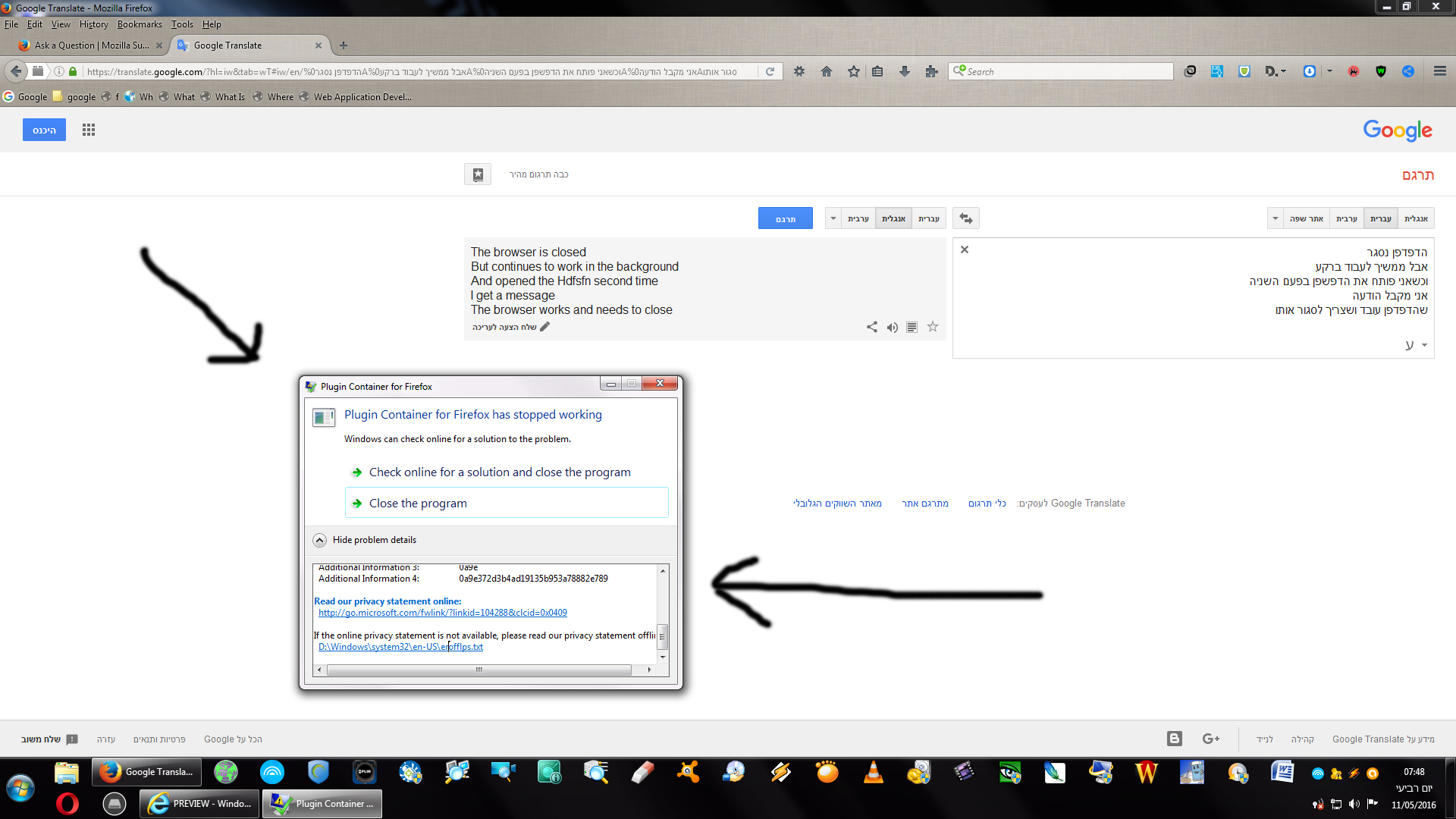
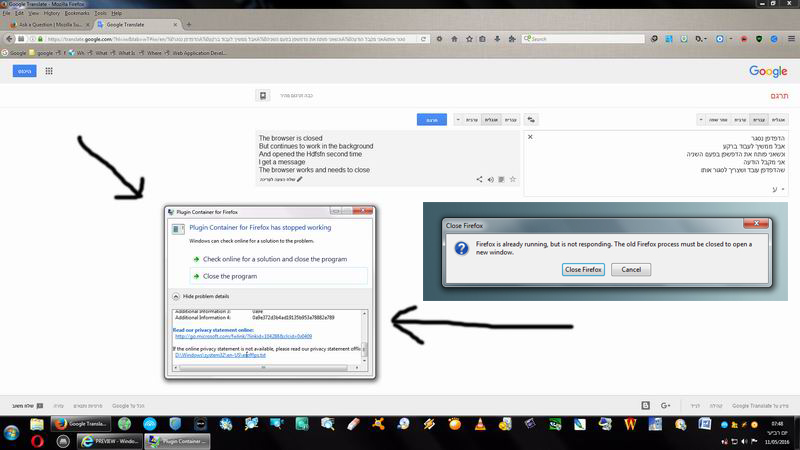
The browser is closed But continues to work in the background When I open the browser for the second time I get a message The browser works and needs to close
Одабрано решење
Are you using the "Clear history when Firefox closes" feature to clear any personal data like the cookies when you close Firefox?
- Tools > Options > Privacy > Firefox will: "Use custom settings for history": [X] "Clear history when Firefox closes" > Settings
- https://support.mozilla.org/kb/remove-recent-browsing-search-and-download-history
Using this feature to clear the cookies on exit will make Firefox create plugin-container processes to clear data stored by extensions.
Сви одговори (3)
Use one of these to close Firefox if you are currently doing that by clicking the close X on the Firefox title bar.
- "3-bar" menu button > Exit (Power button)
- Windows: File > Exit
- Mac: Firefox > Quit Firefox
- Linux: File > Quit
You can check in the Windows Task Manager to see if there are Firefox or plugin-container processes left and how long it takes Firefox to close completely.
fire fox keep run wen i close
Одабрано решење
Are you using the "Clear history when Firefox closes" feature to clear any personal data like the cookies when you close Firefox?
- Tools > Options > Privacy > Firefox will: "Use custom settings for history": [X] "Clear history when Firefox closes" > Settings
- https://support.mozilla.org/kb/remove-recent-browsing-search-and-download-history
Using this feature to clear the cookies on exit will make Firefox create plugin-container processes to clear data stored by extensions.