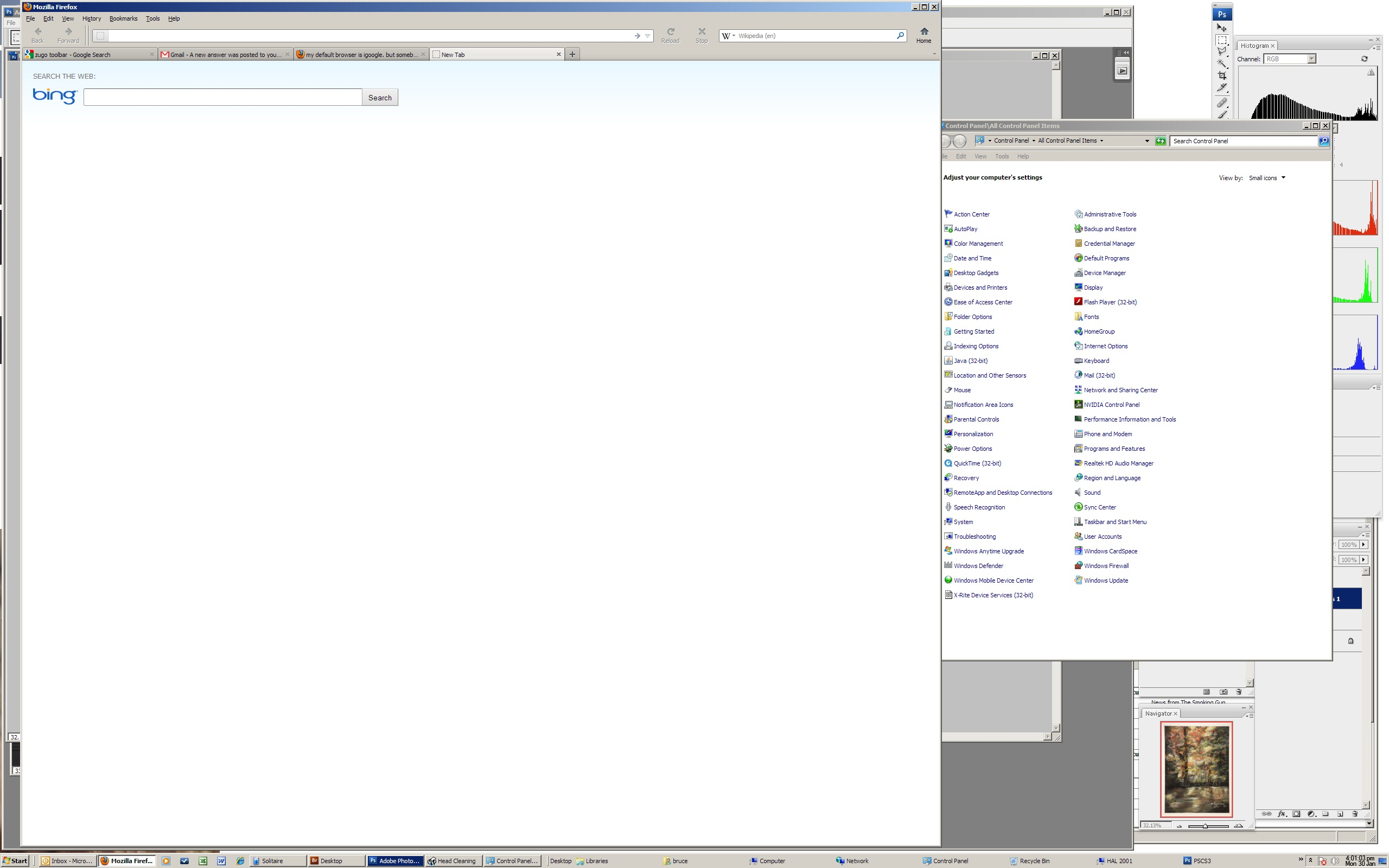
my default browser is igoogle. but somebody used my PC, and now when i open a new tab it goes to bing. which i hate. i cant find how to restore it.

while google is my default search engine, and my home page is igoogle, when i open a new tab it goes to bing. which i hate. i cant find how to set the new tab to "igoogle" - or even to "blank". just not bing! thanks
Izbrana rešitev
I will not use Bing intentionally. Yet it seems there is no choice. It keeps popping up.
Preberite ta odgovor v kontekstu 👍 0Vsi odgovori (5)
Go to Firefox <Tools> <Option> <General>: For Home Page, enter <http://www.google.com/ig?hl=en>
thank you. unfortunately, this is not helping. as mentioned, my home page was already set to igoogle - as you had suggested. but *new*tabs have *no* url and have bing as the search bar. so we haven't moved this one towards a solution, yet.
In the search field, next to the Bing icon is a small arrow down. Left click on it and it will provide a number of options. Left click on Google and it will now become your default.
Izbrana rešitev
I will not use Bing intentionally. Yet it seems there is no choice. It keeps popping up.
two things. one, the down arrow that BeeGinner cited was not where BG expected (see attached image). But, it *did* lead me to something called zugo, which installed this persistent search "partnership". i followed zugo's uninstall instructions, restarted the browser, and - voila - problem solved. thanks!