


Odprto
Site's cookies are blocking login, Manage Exceptions does not Work

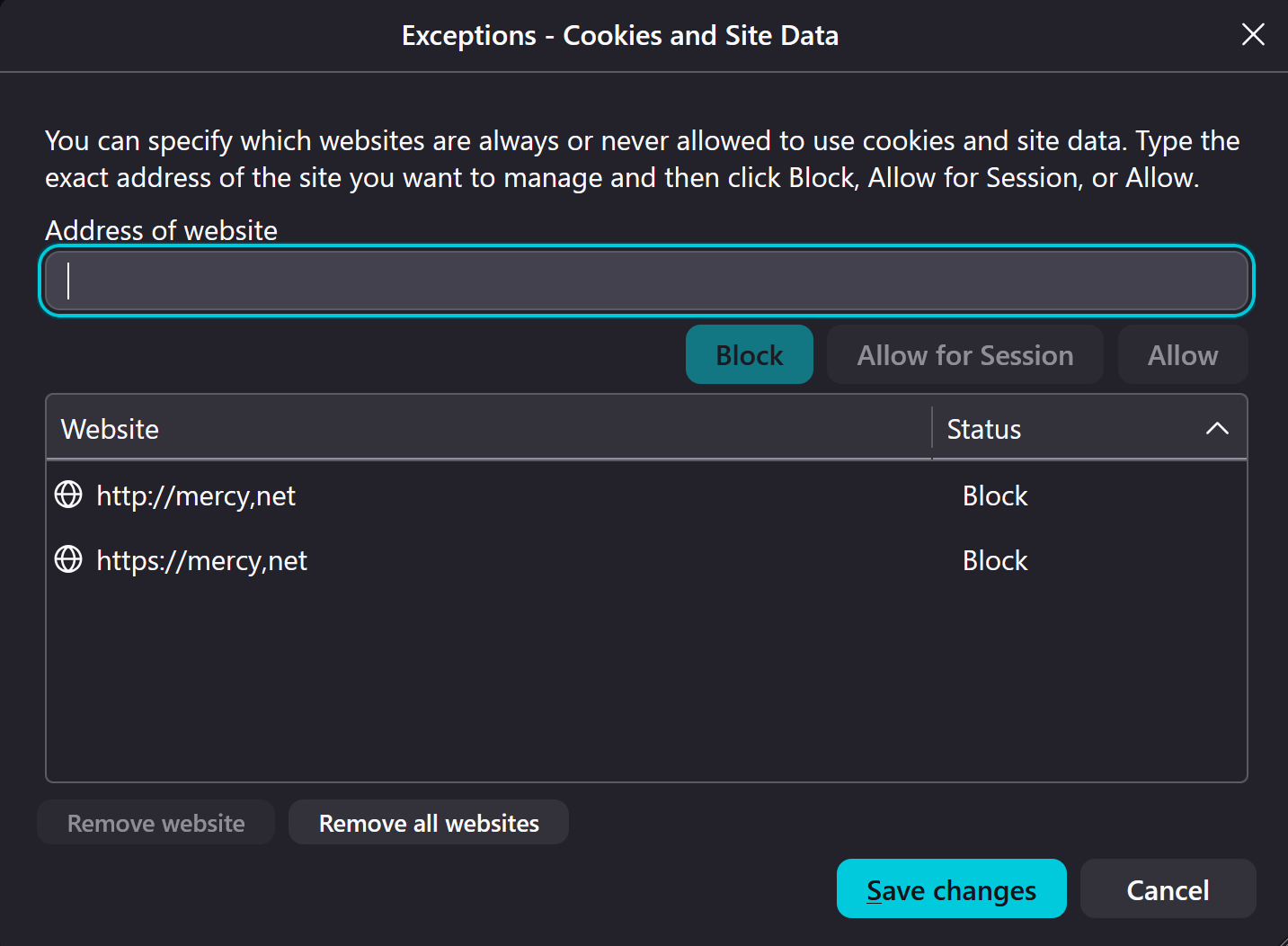
I am trying to login to my healthcare website and it will not login if the cookies from the previous login are present. Workaround is to delete the site's cookies from Settings-> Privacy and Security-> Clear data for Specific Sites. I have tried Settings-> Privacy and Security->Manage exceptions->Block but it does not work. The cookies are allowed and they again prevent Login.
I am trying to login to my healthcare website and it will not login if the cookies from the previous login are present. Workaround is to delete the site's cookies from Settings-> Privacy and Security-> Clear data for Specific Sites. I have tried Settings-> Privacy and Security->Manage exceptions->Block but it does not work. The cookies are allowed and they again prevent Login.
Vsi odgovori (1)
Yeah Mozilla is in touch with Mercy about this. For now I'd suggest using Private Window to clean up the session after use: support.mozilla.org/questions/1579680 — it's not really known why it behaves like this, the timeline is tracked in bugzilla.mozilla.org/2045229 …