


light mode / dark mode unrequested

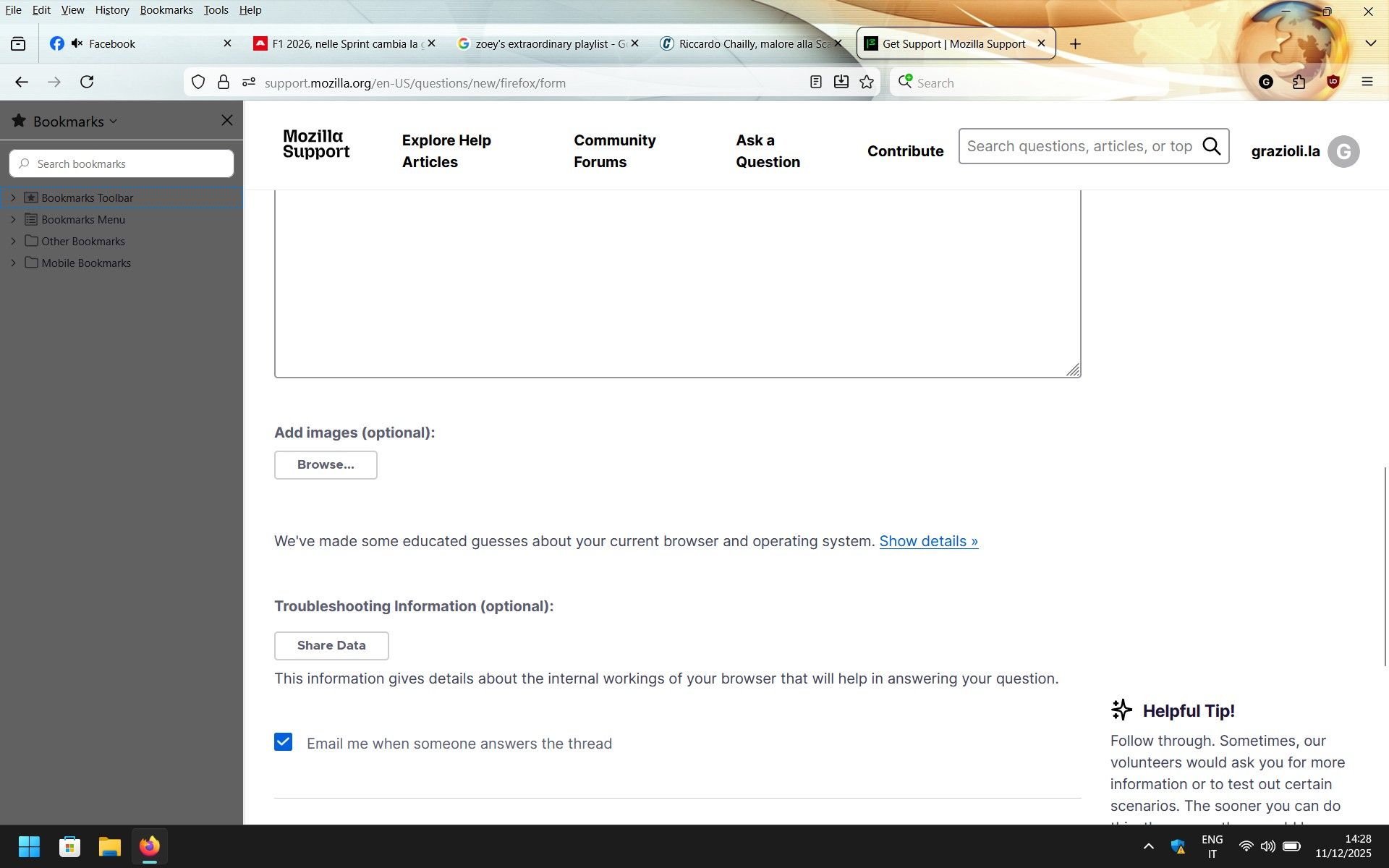
yesterday firefox has updated automatically, why has the bookmark's sidebar turned dark and how do I make it light again?
Izbrana rešitev
If the problem doesn't persist in Troubleshoot Mode, the likely cause is an extension, theme or hardware acceleration. Please see this article for further troubleshooting steps.
Preberite ta odgovor v kontekstu 👍 0Vsi odgovori (5)
Hi there,
Could you please try running Firefox in Troubleshoot Mode and see whether the problem persists?
hello Denys, if I go to troubleshoot mode the side bar goes light but when I restart it goes dark again
Is there a way to stay in troubleshoot mode or do I have to switch to it every time?
Izbrana rešitev
If the problem doesn't persist in Troubleshoot Mode, the likely cause is an extension, theme or hardware acceleration. Please see this article for further troubleshooting steps.
Problem solved. The culprit was the LiteFox theme, but it's a real bummer I've been using it since I use Firefox (probably more than 20 years) I have to find a way to contact the developer to see if he can fix the bug. Looks like he updated the version today. Thank You